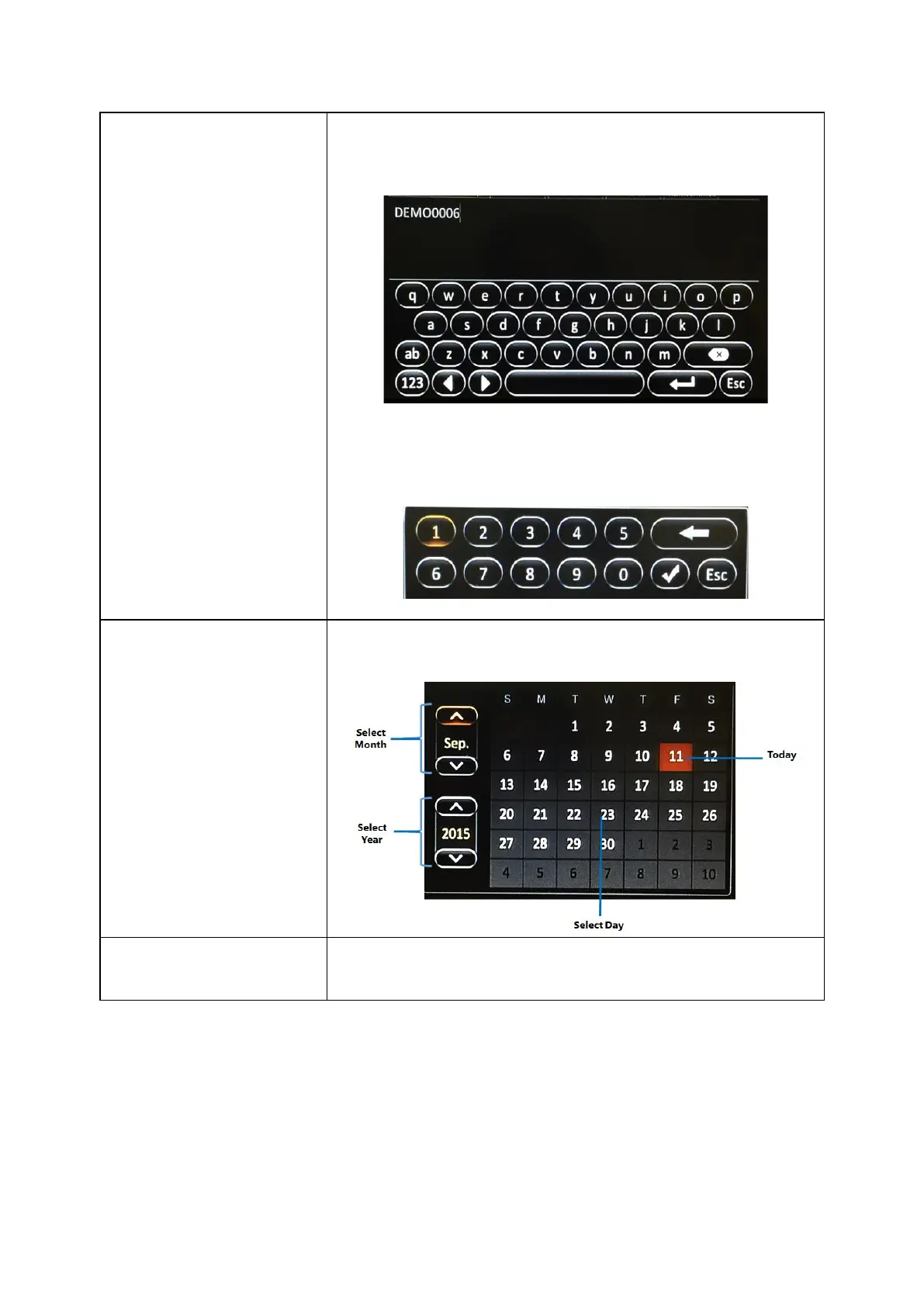
This is a general field which accepts user input. Clicking the field will
display an on-screen full qwerty keyboard for the user to key in the
text (both alphabetical and numbers).
However, if the field will only accept numeric values, clicking on the
field will display an on-screen keypad for the user to key in numeric
values.
This is an input field for dates. Clicking on this field will show a calendar
from which the user can select the desired date.
This is an input field for time. Clicking on this field will show an on-
screen keypad which the user can use to enter the time values.



 To Next Page