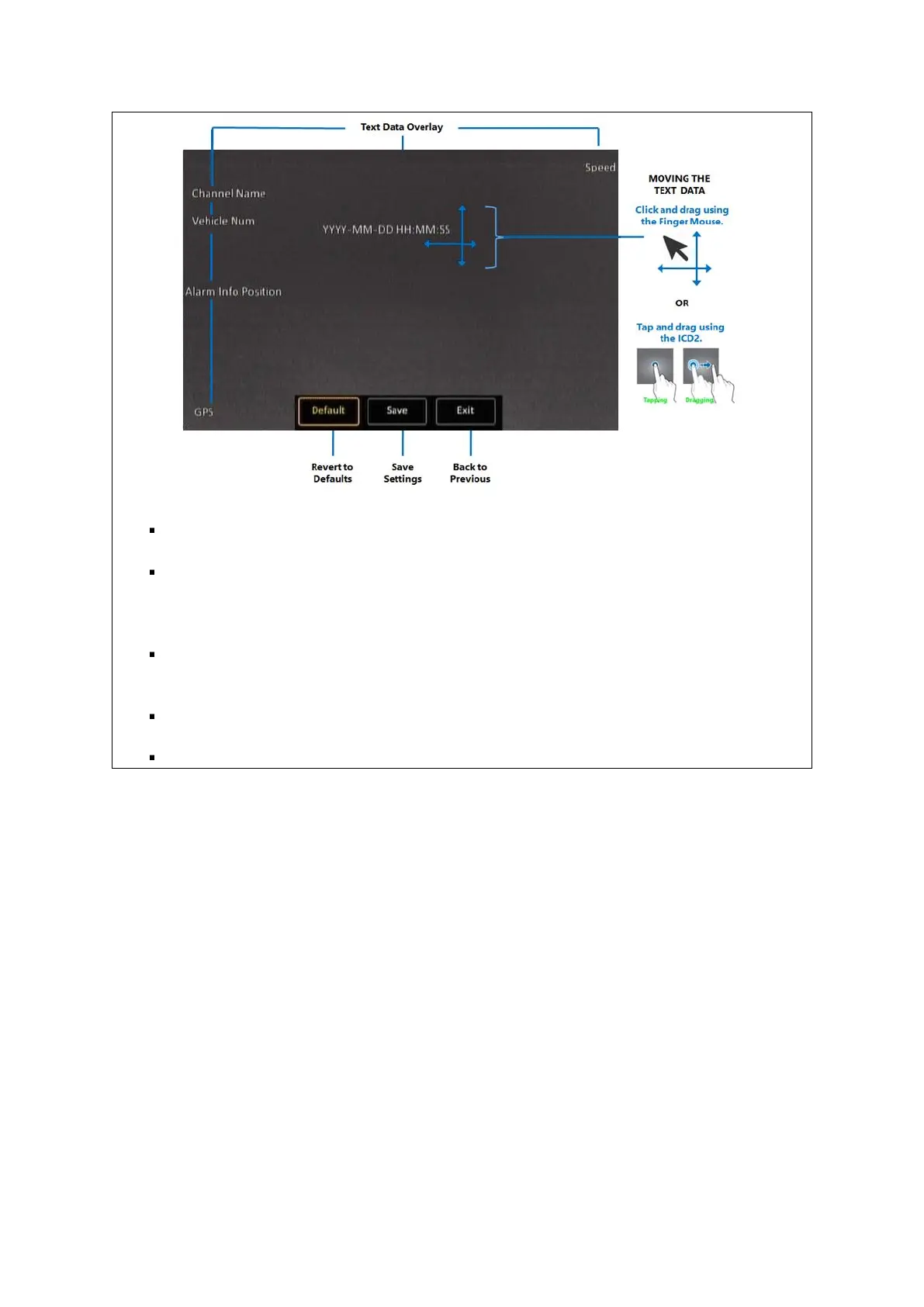
Text Data Overlay: The selected data is displayed as a text overlay on top of the video.
Moving the Text Data: The position of the text data can be easily customized by moving it to
the desired location. To move it, just tap or click on the text, and then drag it to the desired
location.
Revert to Defaults: Clicking the (Default) button will revert all the text positions to their
defaults.
Save Settings: The (Save) button allows you to save the settings for text positions.
Back to Previous: The (Exit) button allows you to return to the previous screen.



 To Next Page