CHAPTER 3: Setting Up and Getting Started
12
Working safely and
comfortably
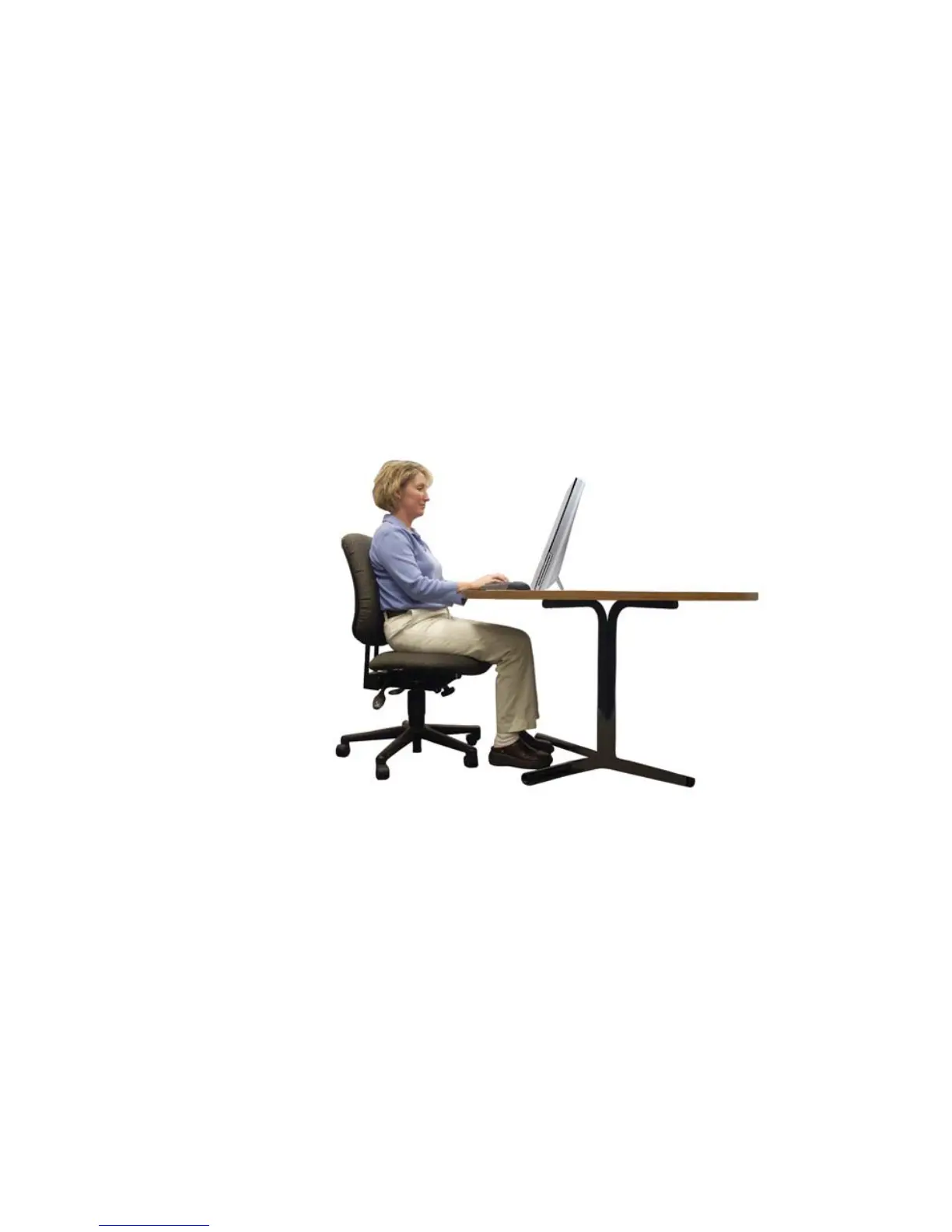
Before using your computer, follow these general guidelines
for setting up a safe and comfortable work area and avoiding
discomfort and strain:
• Keep hands and arms parallel to the floor.
• Adjust the screen so it is perpendicular to your line of
sight, and the top of the screen is no higher than eye
level.
• Place your feet flat on the floor or on a footrest.
• Keep ventilation openings clear of obstructions.
Top of screen is not
higher than eye level
Feet are flat on the floor
Hands and arms are
parallel to the floor
Screen is perpendicular to
your line of sight



 To Next Page