2–4 D485 MODBUS TO DEVICENET CONVERTER – USER GUIDE
INSTALLATION
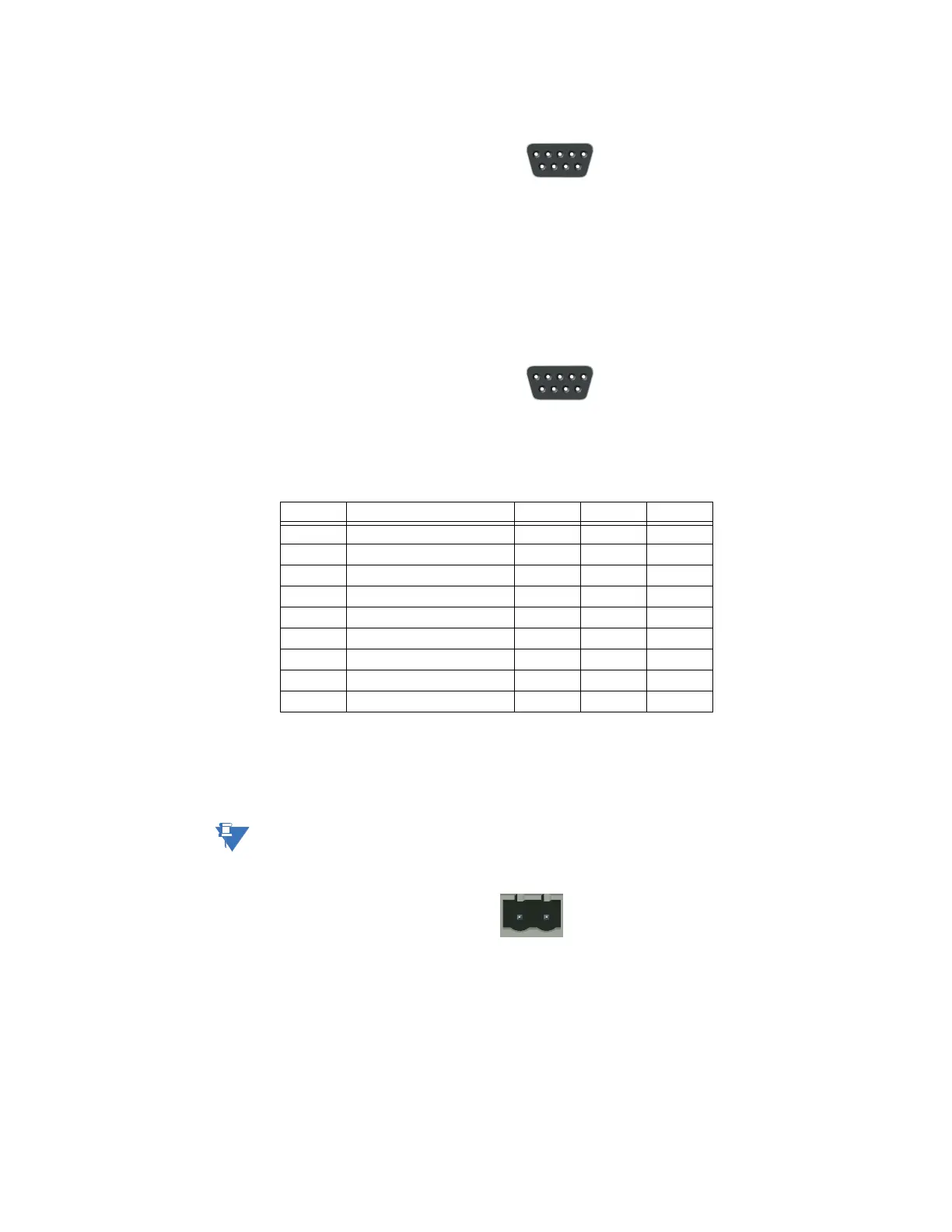
Figure 2-5: Configuration cable (PC end)
MODBUS CONNECTOR The Modbus connector is indicated as C in Figure 2-1: D485 electrical connections on page
2–2. This connector is used to connect the D485 to the serial network. Based on the
configuration selected in the EnerVista P485/D485 Setup software, the corresponding
signals are activated.
Figure 2-6: Modbus connector
POWER CONNECTOR The power connector is indicated as D in Figure 2-1: D485 electrical connections on page
2–2. Use this connector to apply power to the D485.
Pin 1: +24 V DC;
Pin 2: ground
Use 60/75 or 75°C copper (CU) wire only. The terminal tightening torque must be between
5 to 7 lbs-in (0.5 to 0.8 nm).
Figure 2-7: Power connector
Table 2–4: Modbus connector pin assignments
Pin Description RS232 RS422 RS485
1 +5V output (50mA max)
2 RS232 Rx
3 RS232 Tx
4 Not connected
5 Ground
6 RS422 Rx +
7 RS422 Rx –
8 RS485 + / RS422 Tx+
9 RS485 – / RS422 Tx–



 To Next Page