9–12 D485 MODBUS TO DEVICENET CONVERTER – USER GUIDE
APPLICATION EXAMPLE
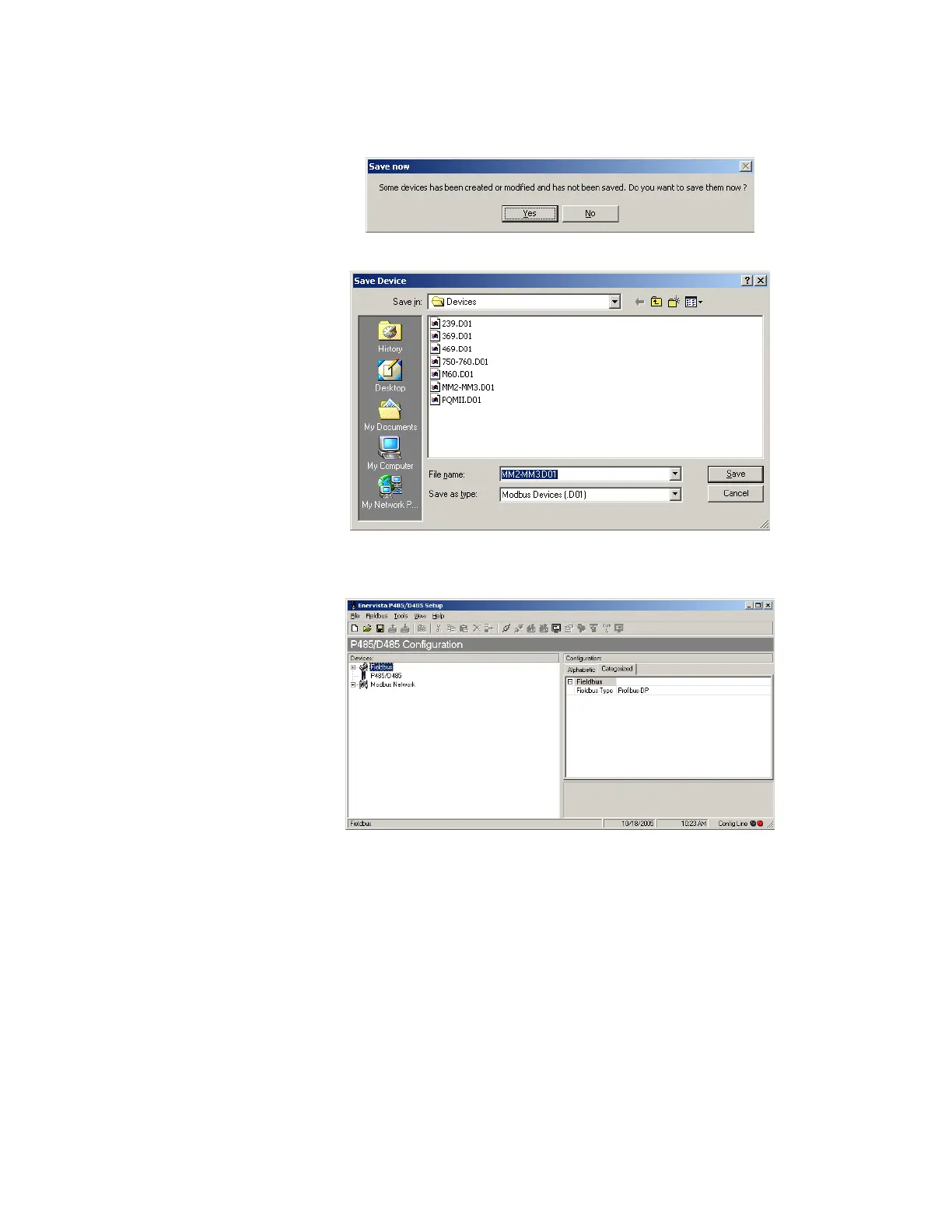
SAVING DEVICE DATA After the configuration wizard is complete, the software will prompt to save the device
data (if necessary).
Click on Yes to save the device. The data can be saved in the same or different device files.
Figure 9-20: Save device file
CONFIGURING THE
QUERIES
The main screen will appear after the wizard is closed.



 To Next Page