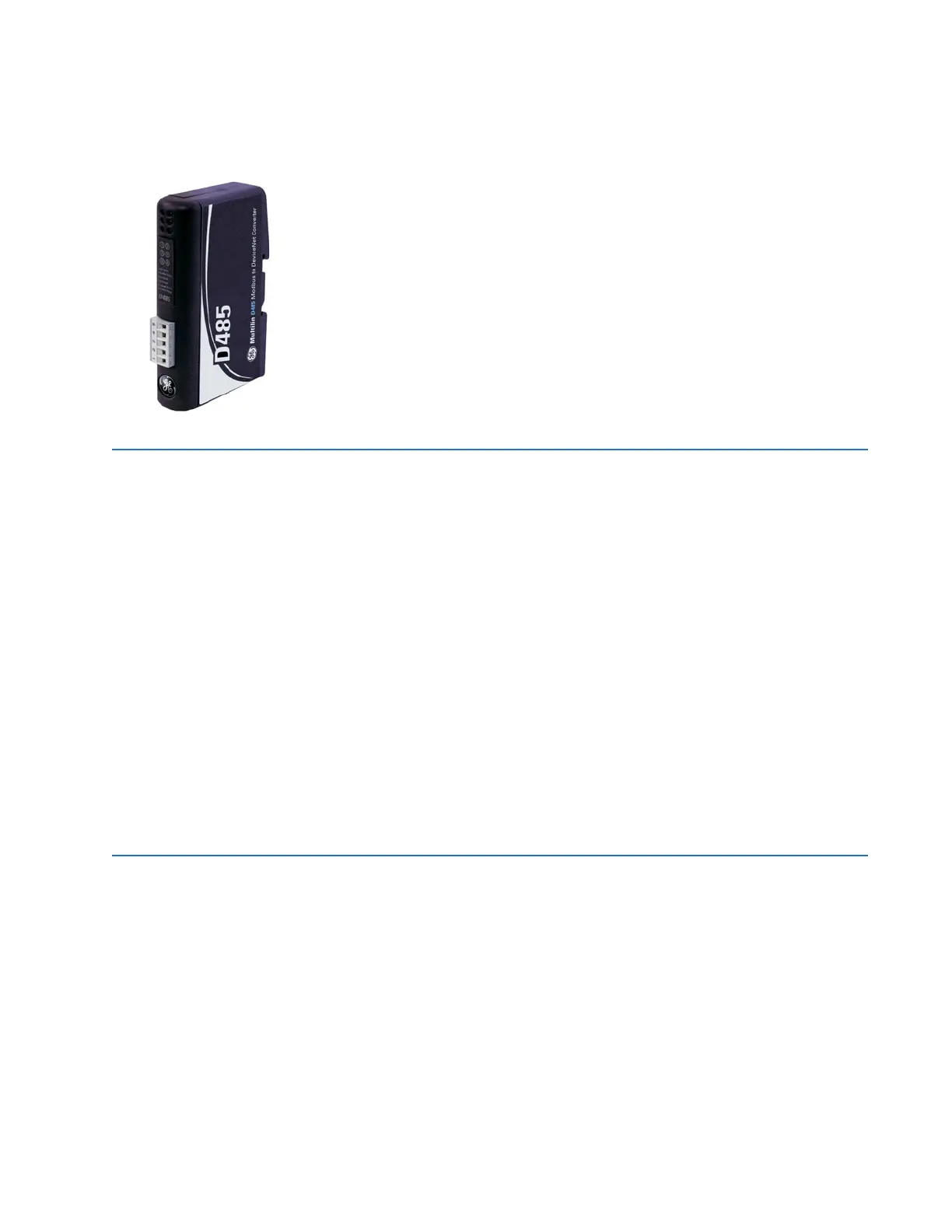
D485 MODBUS TO DEVICENET CONVERTER – USER GUIDE i
D485 Modbus to DeviceNet
Converter
Table of contents
GE
Grid Solutions
INTRODUCTION Getting started........................................................................................................1–1
Inspecting the package and product.................................................................................................1–1
Contact information...................................................................................................................................1–1
Document conventions..........................................................................................1–2
Description .....................................................................................................................................................1–2
Glossary...........................................................................................................................................................1–2
About the D485 Modbus to DeviceNet Converter.............................................1–3
Application......................................................................................................................................................1–3
Features....................................................................................................................1–3
General features..........................................................................................................................................1–3
Modbus network..........................................................................................................................................1–3
DeviceNet interface features.................................................................................................................1–3
Ordering ...................................................................................................................1–4
Order codes....................................................................................................................................................1–4
Specifications ..........................................................................................................1–4
Mechanical .....................................................................................................................................................1–4
Electrical characteristics..........................................................................................................................1–4
Communications .........................................................................................................................................1–4
Environmental...............................................................................................................................................1–4
EMC compliance ..........................................................................................................................................1–4
INSTALLATION Quick install .............................................................................................................2–1
Procedure........................................................................................................................................................2–1
Electrical installation .............................................................................................2–1
Overview..........................................................................................................................................................2–1
DeviceNet connector.................................................................................................................................2–2
Configuration cable....................................................................................................................................2–3
Modbus connector......................................................................................................................................2–4
Power connector .........................................................................................................................................2–4
Mechanical installation .........................................................................................2–5
DIN-rail mounting........................................................................................................................................2–5
Indicators and switches ........................................................................................2–5
Status indicators..........................................................................................................................................2–5
Configuration switches.............................................................................................................................2–6



 To Next Page