INSTALLATION
D485 MODBUS TO DEVICENET CONVERTER – USER GUIDE 2–7
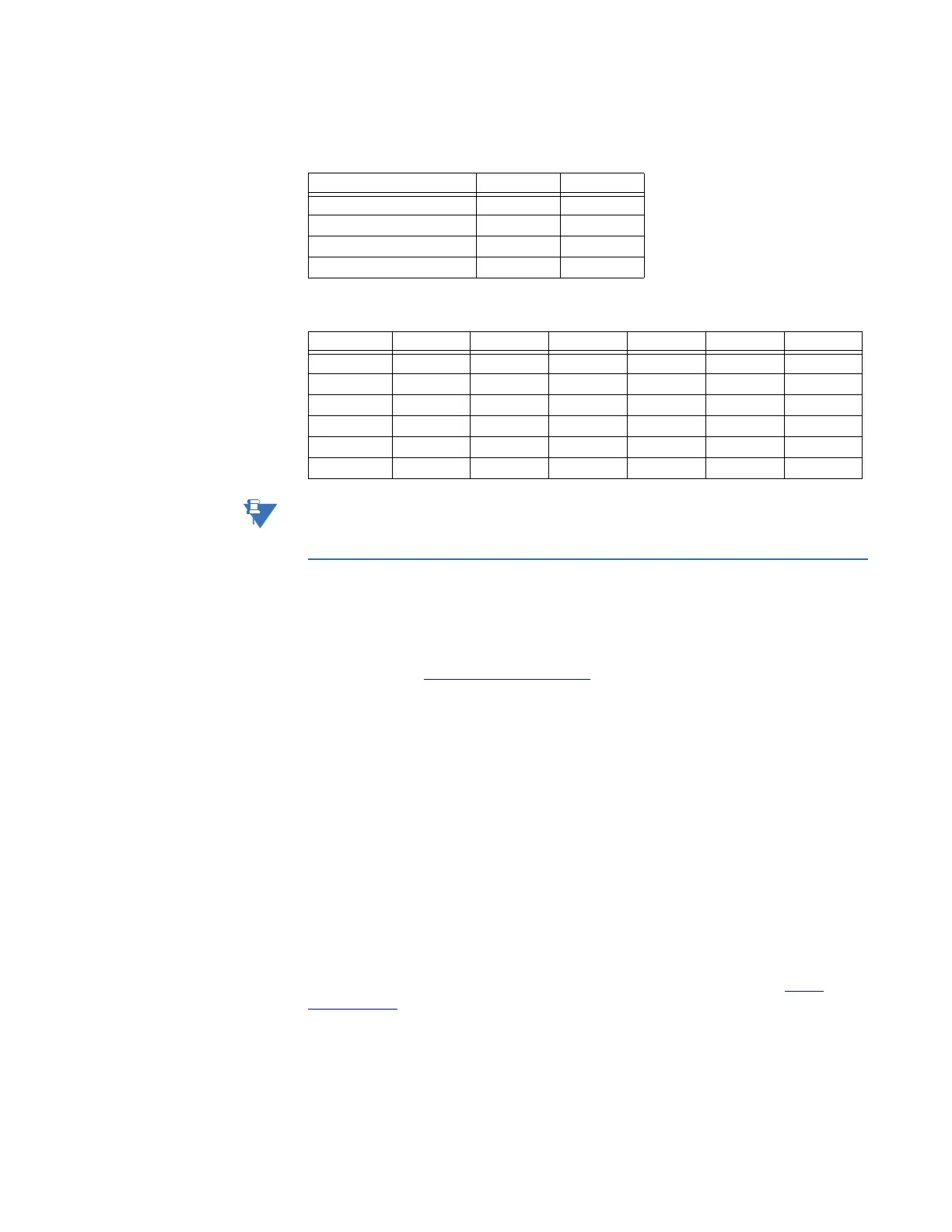
The DeviceNet MAC ID and baud rate switches are set according to the following tables.
When removing the hatch, avoid touching the circuit boards and components. Exercise
caution when using tools to open the hatch.
DeviceNet installation procedure
DEVICENET
CONFIGURATION TOOL
Each device on a DeviceNet network is associated with a ESD file, which contains all
necessary information about the device. This file is used by the DeviceNet configuration
tool during configuration of the network. The file is available for download at the GE
Multilin website at http://www.GEmultilin.com
(the ESD file is named ‘D485.ESD’).
It is necessary to import the ESD file in the DeviceNet configuration tool in order to
incorporate the D485 as a slave in the DeviceNet network. The properties for the D485
must then be configured from the DeviceNet configuration tool. This includes setting up
the node address, input/output data areas and DeviceNet baud rate.
• Node address: The node address in the DeviceNet configuration tool should be set to
match the one selected using the on board configuration switches of the D485 (see
Configuration switches on page 2–6).
• Setting up input/output data areas: To establish the connection with the master, the
D485 mus be configured for correct I/O sizes.
• Baud rate: The DeviceNet network baud rate should match the D485 baud rate
setting.
DEVICENET NETWORK
TERMINATION
If the D485 is the last node on a DeviceNet network, it is necessary to use a DeviceNet
network termination resistor of 120 ohms between the CAN L and CAN H terminals.
LINKS Additional information about the DeviceNet fieldbus system can be found at http://
www.odva.org.
Table 2–6: Baud rate settings
Baud rate Switch 1 Switch 2
125 kbps OFF OFF
250 kbps OFF ON
500 kbps ON OFF
Reserved ON ON
Table 2–7: MAC ID settings
MAC ID Switch 3 Switch 4 Switch 5 Switch 6 Switch 7 Switch 8
0 OFF OFF OFF OFF OFF OFF
1 OFF OFF OFF OFF OFF ON
2 OFF OFF OFF OFF ON OFF
3 OFF OFF OFF OFF ON ON
↓ ↓↓↓↓↓↓
63 ON ON ON ON ON ON



 To Next Page