APPLICATION EXAMPLE
D485 MODBUS TO DEVICENET CONVERTER – USER GUIDE 9–9
STEP 4: CONNECT
DEVICES TO THE SUB-
NETWORK
The fourth step in the configuration wizard is to connect the configured device types to the
sub-network. The PQMII and MM2 devices are connected in this step.
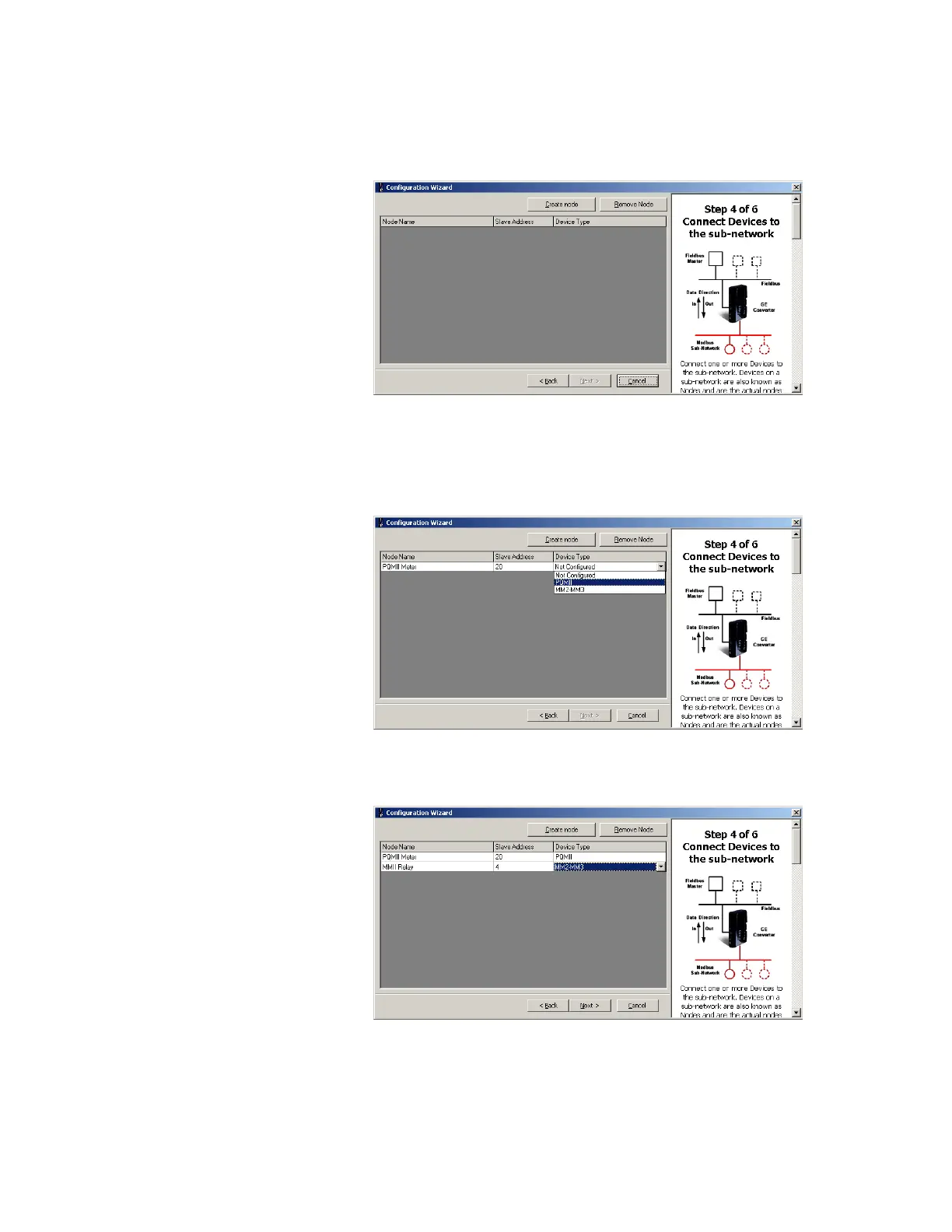
1. Click Next to proceed to create nodes on Modbus network as shown below.
Figure 9-11: Connect devices to sub-network
2. There are two nodes on the Modbus network: the PQMII meter and the MM2 relay. To
insert a node, click the Create Node button.
3. Set the Node Name as “PQMII Meter”, the Slave Address to “20”, and the Device Type
to “PQMII”.
Figure 9-12: Node for PQMII meter
4. Similarly create another node for the MM2. Set the Node Name as “MMII Relay”, the
Slave Address to “4”, and the Device Type as “MM2-MM3”.
Figure 9-13: Node for MM2 relay
5. Click Next to proceed to step 5 of the configuration wizard.



 To Next Page