9–8 D485 MODBUS TO DEVICENET CONVERTER – USER GUIDE
APPLICATION EXAMPLE
3. Select the PQMII.D01 file from the list and click on Open.
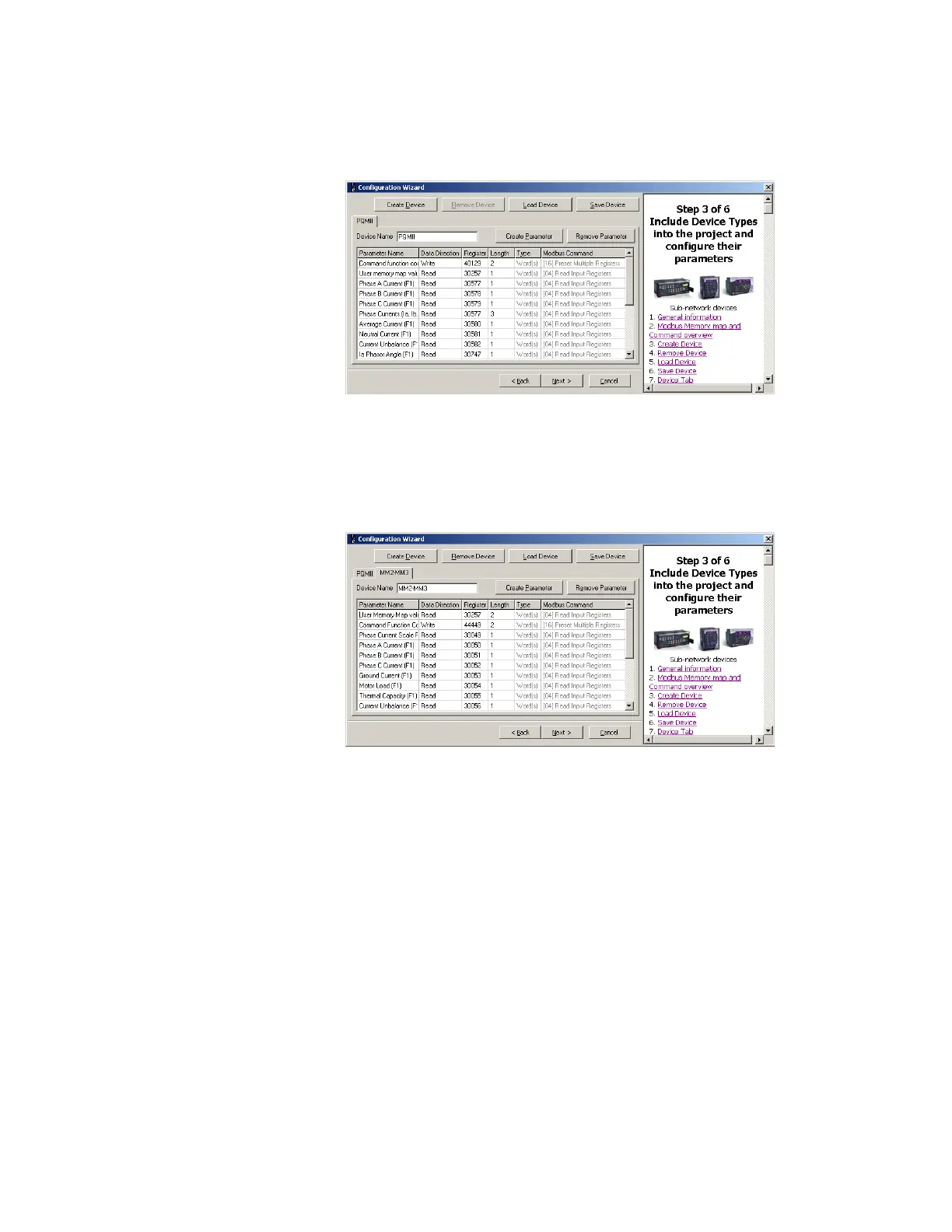
4. The software will display a list of the most commonly used parameters configured for
the PQMII.
Figure 9-9: Parameters configured for PQMII
5. The Modbus User Map values are already present in the configuration file; as such, it is
not required to create the new parameters. However, it is necessary to save number
of registers to be read. Change the data length to 7 words as required.
6. Similarly, load the configuration file for MM2 by clicking the Load Device button and
selecting the
MM2-MM3.DO1 file.
Figure 9-10: Parameters configured for the MM2
7. The software will display a list of the most commonly used parameters configured for
the MM2. The Modbus User Map values are already present in the configuration file; as
such, it is not required to create the new parameters. However, it is necessary to save
number of registers to be read. Change the data length to 5 words as required.
8. The Motor Start A command and Motor Stop command can be executed using
command function + operation code.
9. Save this device configuration by clicking the Save Device button.
10. Click Next to proceed to step 4 of the configuration wizard.



 To Next Page