7
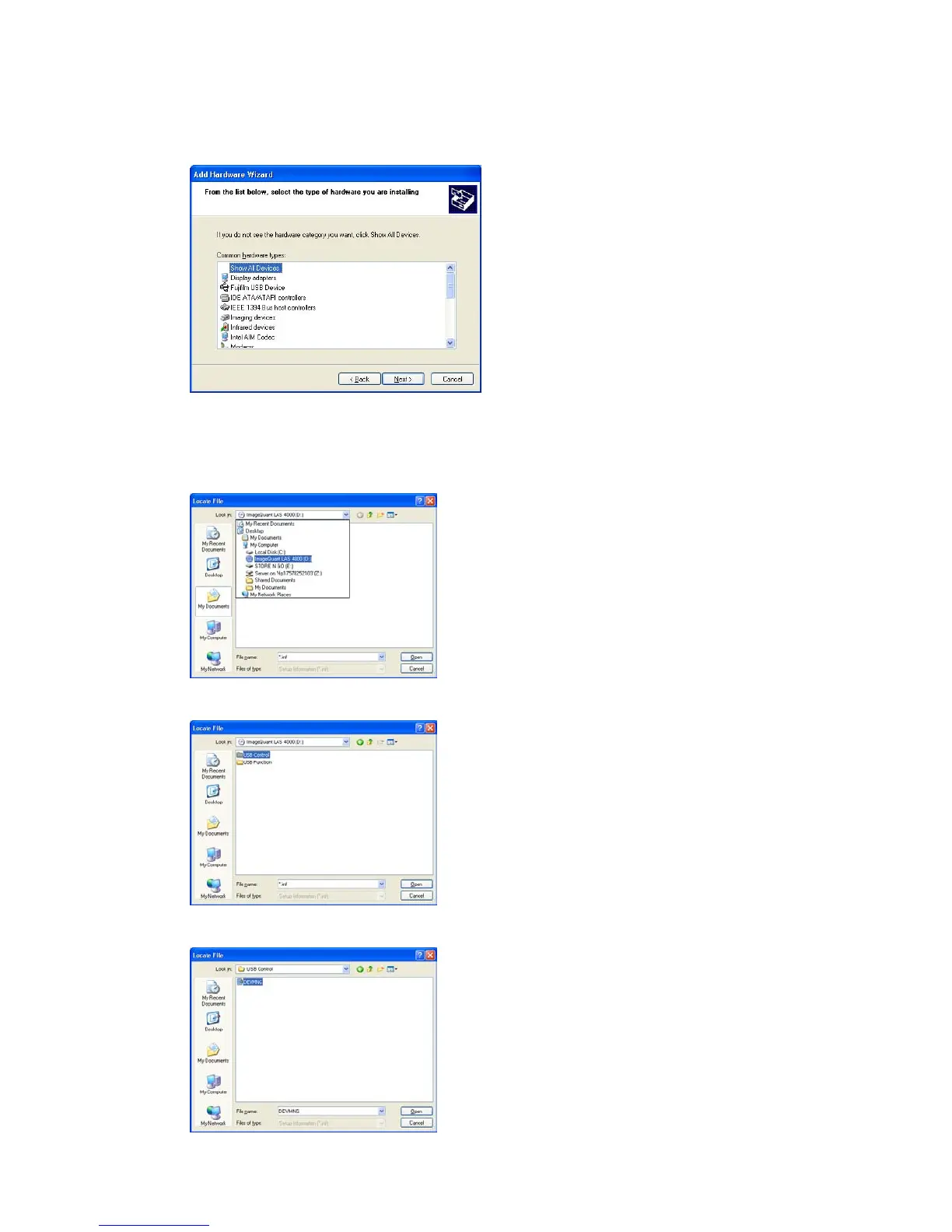
Select Show All Devices and click the Next button.
8
Click the Have Disk button.
9
Insert the ImageQuant LAS 4000 CD and click the Browse button.
10
Select to install the driver from the ImageQuant LAS 4000 CD.
11
Open the USB Control folder.
12
Select the DevMng.inf file and click the Open button.
28 Getting Started with ImageQuant LAS 4000 28-9607-59 AB
3 Installation
3.4 Installation of the software
3.4.1 Installation (Windows XP)



 To Next Page
 Loading...











