Work with Orders
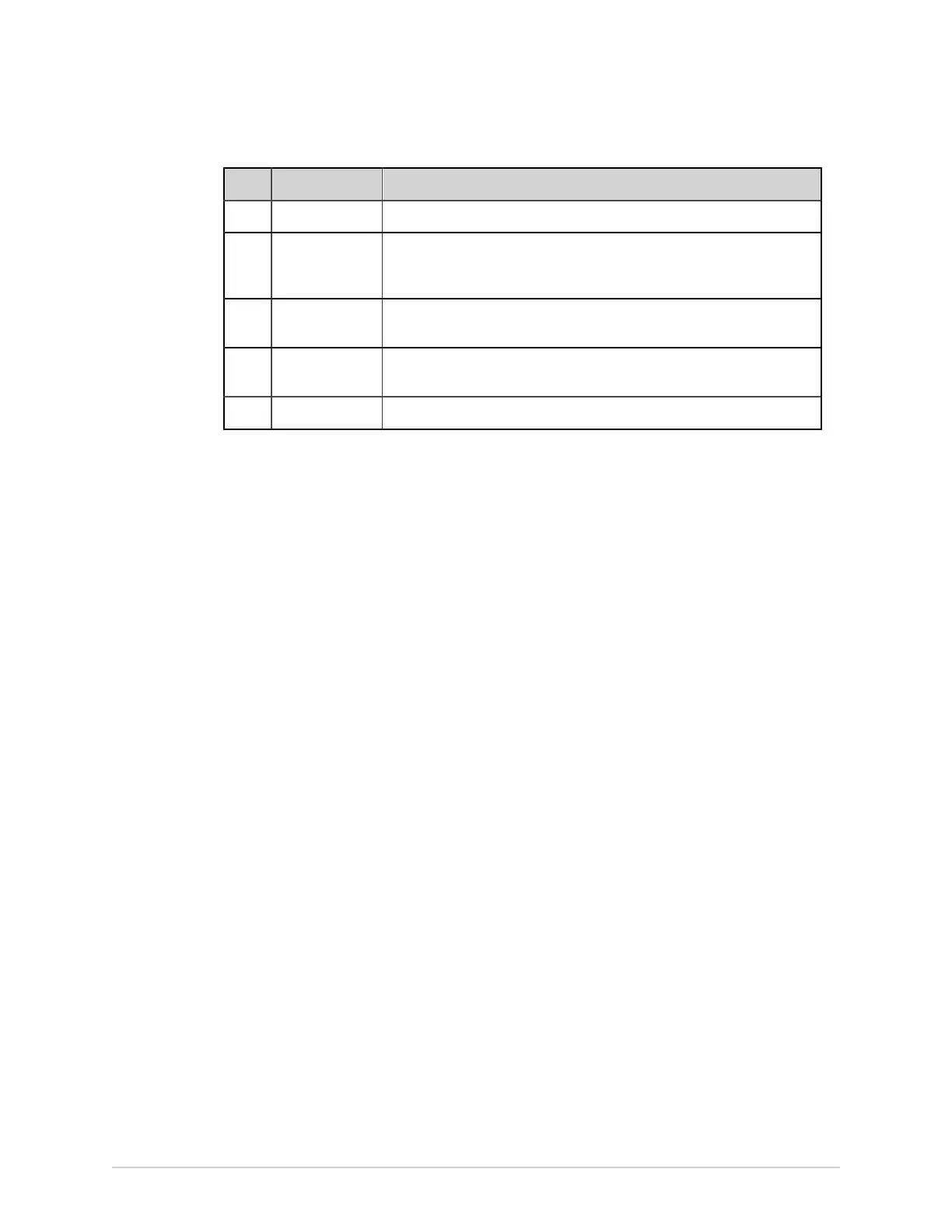
Item Name Description
3 Collapse icon Collapses the Orders list.
4 Orders
expanded list
columns
Displays up to eleven configurable columns that provide information
about the orders.
5 Navigation
arrows
Navigates to the previous and next pages in the Orders list.
6 Last Updated
date and time
Displays the date and time the order list was last updated.
7 Refresh icon Downloads the list of orders.
Only one order can be associated with a patient test at any given time.
Orders cannot be attached to:
• Transmitted patient reports, or
• Digital Rhythm patient reports.
If you do not have permissions to edit patient reports, you cannot attach an order to
the patient report.
When an order is attached to a patient test, all fields are read-only except for which
can be edited below:
• Blood Pressure
• Room Number
• Bed Number
• Test Indication
• Priority
• Comments
• Technician
• Patient History
• Location
• <Question>
• Attending MD ID
• Attending MD First Name
• Attending MD Last Name
74 MAC VU360
™
Resting ECG Analysis System 2088531-370-2



 To Next Page