Using the On-Screen Guide
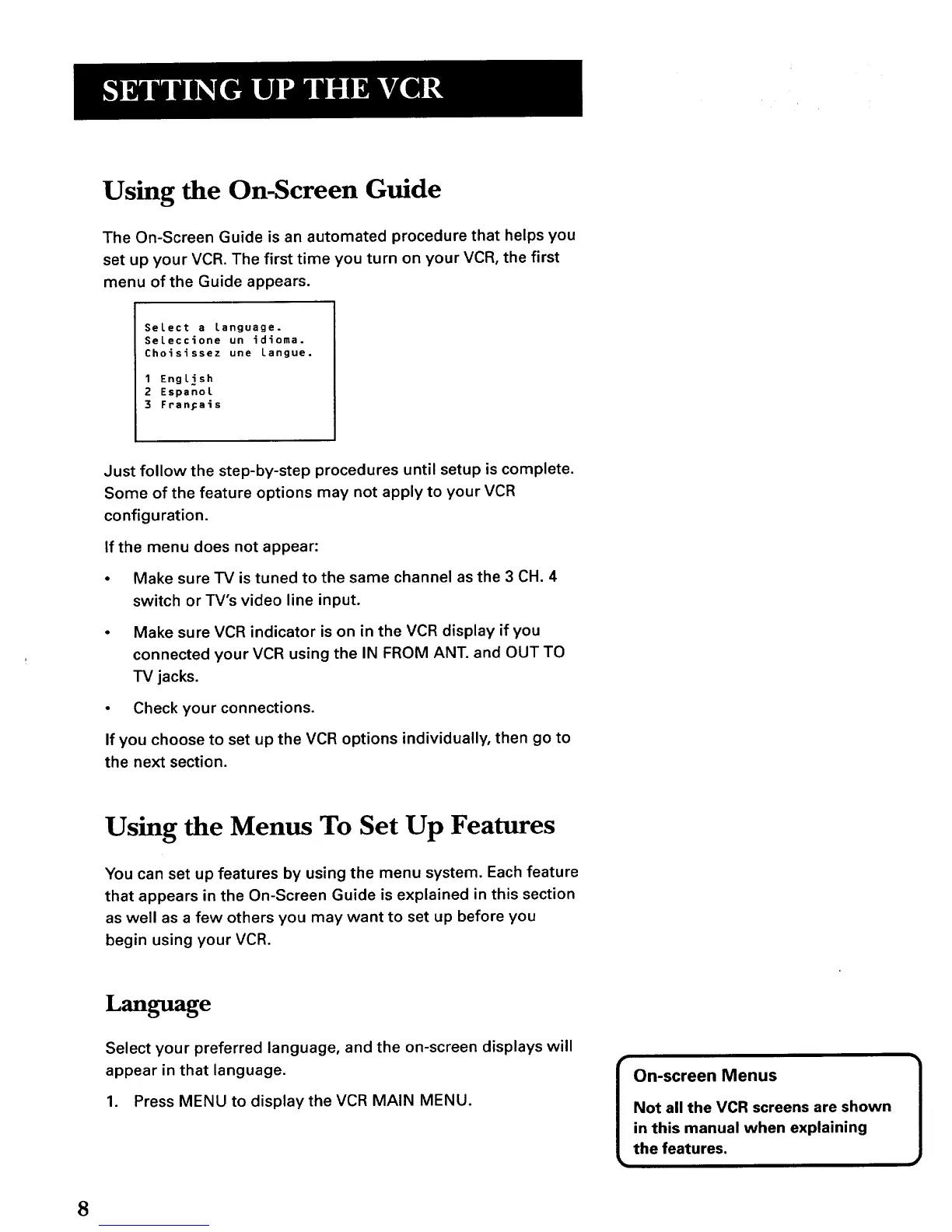
The On-Screen Guide is an automated procedure that helps you
set up your VCR. The first time you turn on your VCR, the first
menu of the Guide appears.
Select a language.
Seleccione un idioms.
Choisissez une Langue.
1 English
2 EspanoL
3 FranFais
Just follow the step-by-step procedures until setup is complete.
Some of the feature options may not apply to your VCR
configuration.
If the menu does not appear:
• Make sure TV is tuned to the same channel as the 3 CH. 4
switch or TV's video line input.
• Make sure VCR indicator is on in the VCR display if you
connected your VCR using the IN FROM ANT. and OUT TO
TV jacks.
• Check your connections.
If you choose to set up the VCR options individually, then go to
the next section.
Using the Menus To Set Up Features
You can set up features by using the menu system. Each feature
that appears in the On-Screen Guide is explained in this section
as well as a few others you may want to set up before you
begin using your VCR.
Language
Select your preferred language, and the on-screen displays will
appear in that language.
1. Press MENU to display the VCR MAIN MENU.
On-screen Menus
Not all the VCR screens are shown
in this manual when explaining
the features.
]
8



 To Next Page