Connecting Your VCR
Refer to these pages to help you connect your VCR.
Jacks and Cables
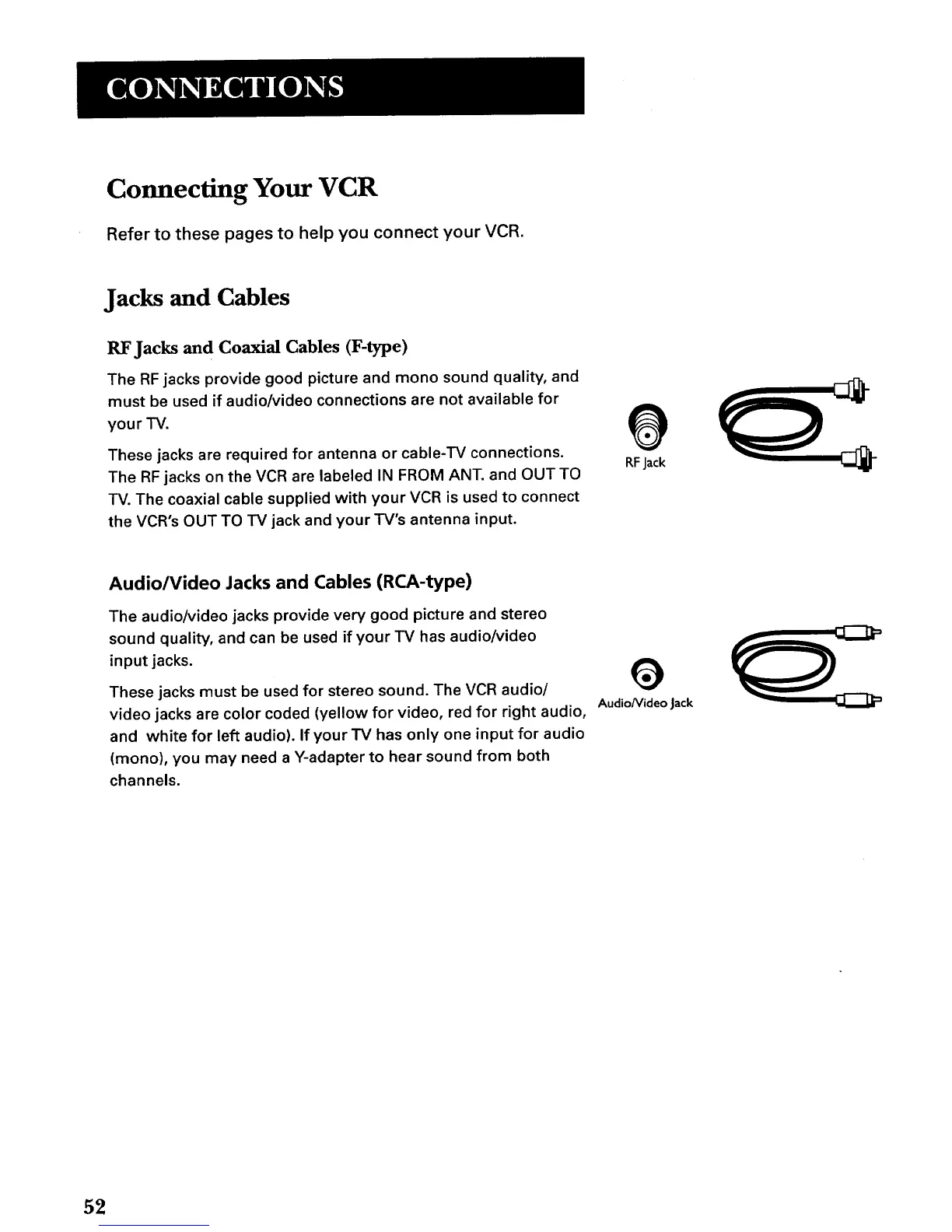
RF Jacks and Coaxial Cables (F-type)
The RF jacks provide good picture and mono sound quality, and
must be used if audio/video connections are not available for
your TV.
These jacks are required for antenna or cable-TV connections.
The RF jacks on the VCR are labeled IN FROM ANT. and OUT TO
TV. The coaxial cable supplied with your VCR is used to connect
the VCR's OUT TO TV jack and your TV's antenna input.
@
RF Jack
Audio/Video Jacks and Cables (RCA-type)
The audio/video jacks provide very good picture and stereo
sound quality, and can be used if your TV has audio/video
input jacks.
These jacks must be used for stereo sound. The VCR audio/
video jacks are color coded (yellow for video, red for right audio,
and white for left audio). If your TV has only one input for audio
(mono), you may need a Y-adapter to hear sound from both
channels.
AudioNideo Jack
52



 To Next Page