GO BACK Switches between two channels. Select one channel
and then select another using the number buttons. Press GO
BACK to switch between the two channels.
INFO Shows the TV's status displays on the TV screen.
MUTE Reduces volume to minimum level.
Numbers (O through 9) Select a channel up to 99 by pressing
two numbers. Select a cable channel over 99 by pressing and
holding 1 until 1 -- appears on the screen. Then press the other
two numbers.
POWER Turns the IV on and off.
VOL Up and Down Raises and lowers sound of TV.
Playing a Tape
1. Tune the TV to your VCR viewing channel
(3, 4, or TV's video input).
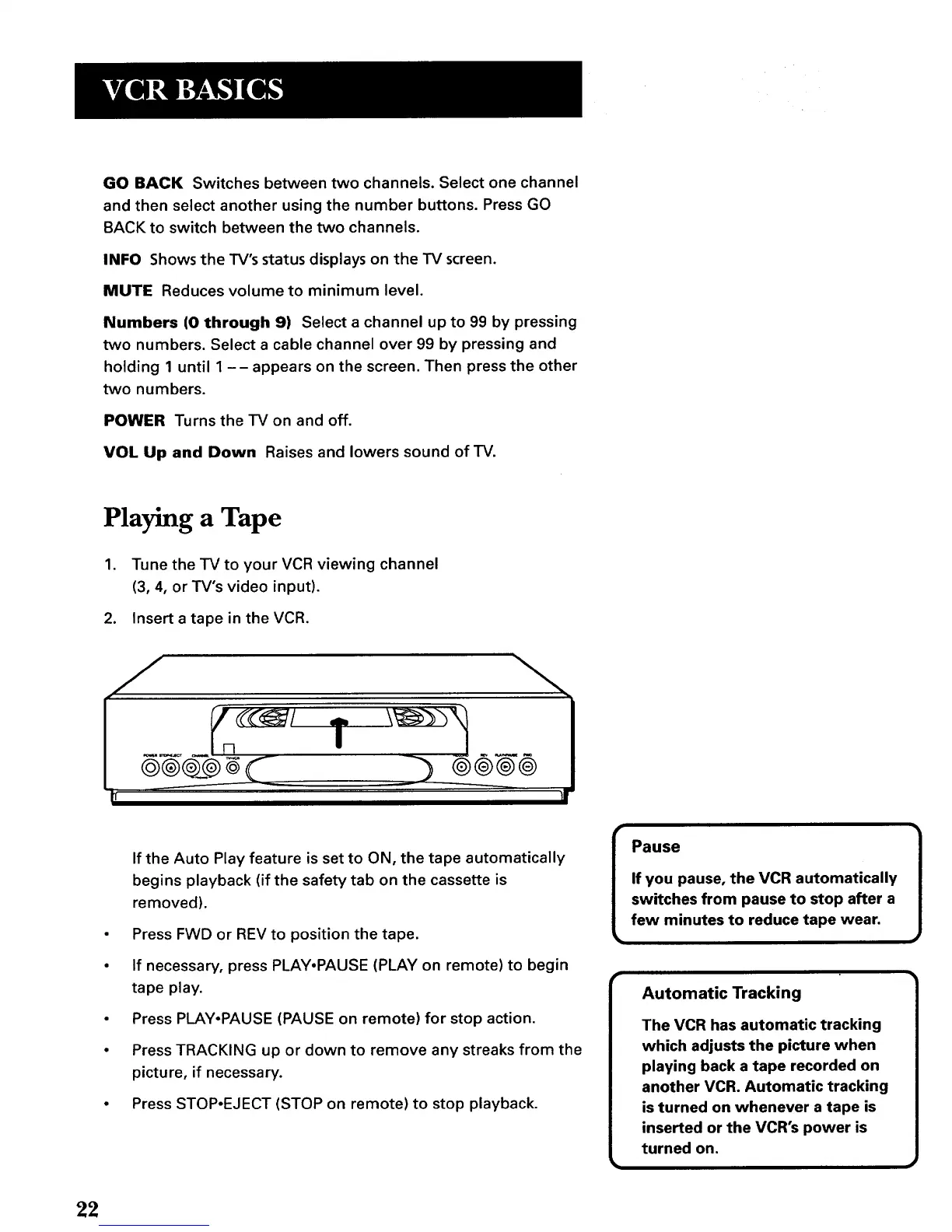
2. Insert a tape in the VCR.
e®¢__¢_
I
If the Auto Play feature is set to ON, the tape automatically
begins playback (if the safety tab on the cassette is
removed).
• Press FWD or REV to position the tape.
• If necessary, press PLAY.PAUSE (PLAY on remote) to begin
tape play.
• Press PLAY-PAUSE (PAUSE on remote) for stop action.
• Press TRACKING up or down to remove any streaks from the
picture, if necessary.
• Press STOP-EJECT (STOP on remote) to stop playback.
r
Pause
If you pause, the VCR automatically
switches from pause to stop after a
few minutes to reduce tape wear.
Automatic Tracking
The VCR has automatic tracking
which adjusts the picture when
playing back a tape recorded on
another VCR. Automatic tracking
is turned on whenever a tape is
inserted or the VCR's power is
turned on.
22



 To Next Page