Audio Set-Up Features
The audio set-up features enhance your tape playback and
recordings. The features in this section are accessed through the
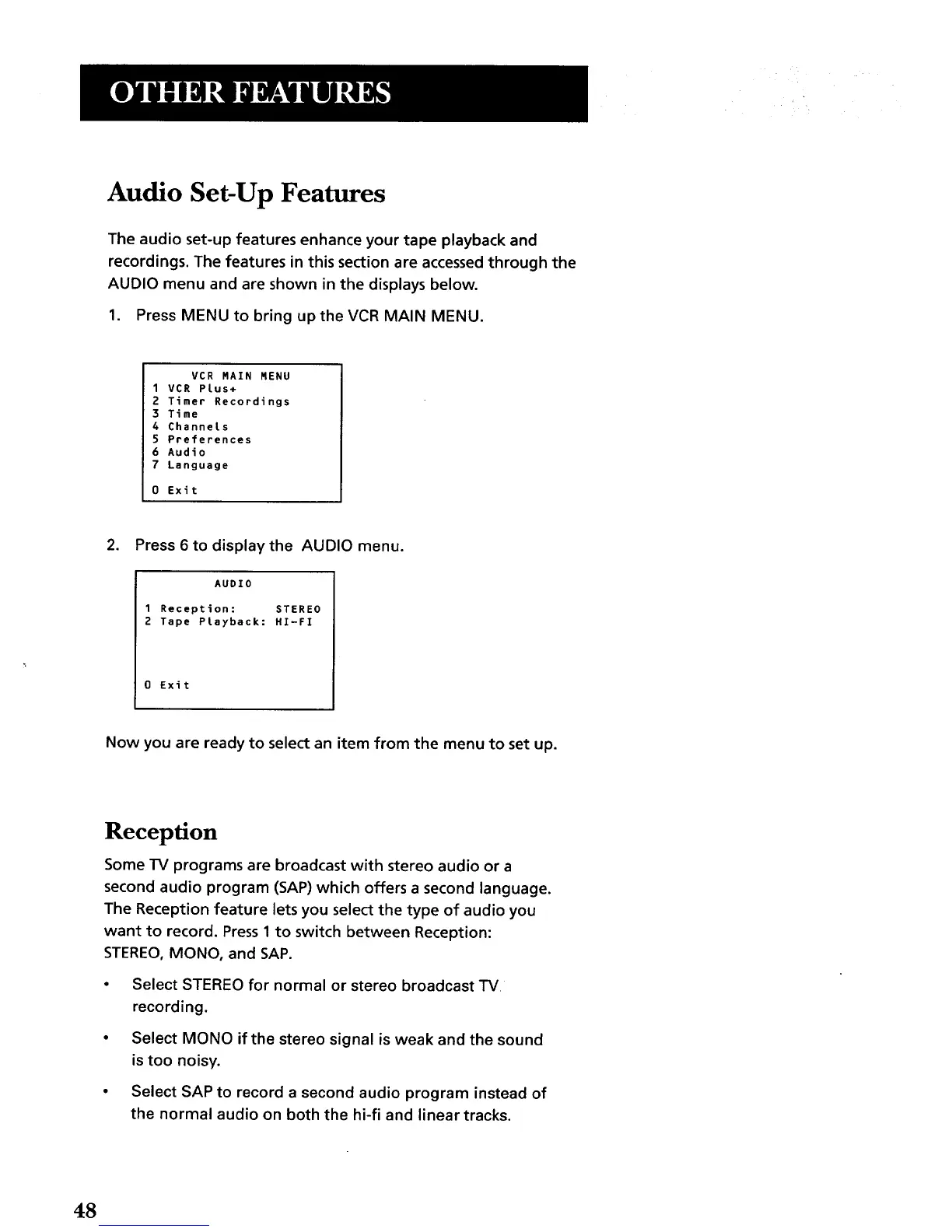
AUDIO menu and are shown in the displays below.
1. Press MENU to bring up the VCR MAIN MENU.
VCR MAIN MENU
1 VCR Plus+
2 Timer Recordings
3 Time
4 Channels
5 Preferences
6 Audio
7 Language
0 Exit
,
Press 6 to display the AUDIO menu.
AUDIO
1 Reception: STEREO
2 Tape Playback: HI-FI
0 Exit
Now you are ready to select an item from the menu to set up.
Reception
Some TV programs are broadcast with stereo audio or a
second audio program (SAP) which offers a second language.
The Reception feature lets you select the type of audio you
want to record. Press 1 to switch between Reception:
STEREO, MONO, and SAP.
• Select STEREO for normal or stereo broadcast TV
recording.
• Select MONO if the stereo signal is weak and the sound
is too noisy.
• Select SAP to record a second audio program instead of
the normal audio on both the hi-fi and linear tracks.
48



 To Next Page