Timer Recording
You can set up as many as eight timer recording programs.
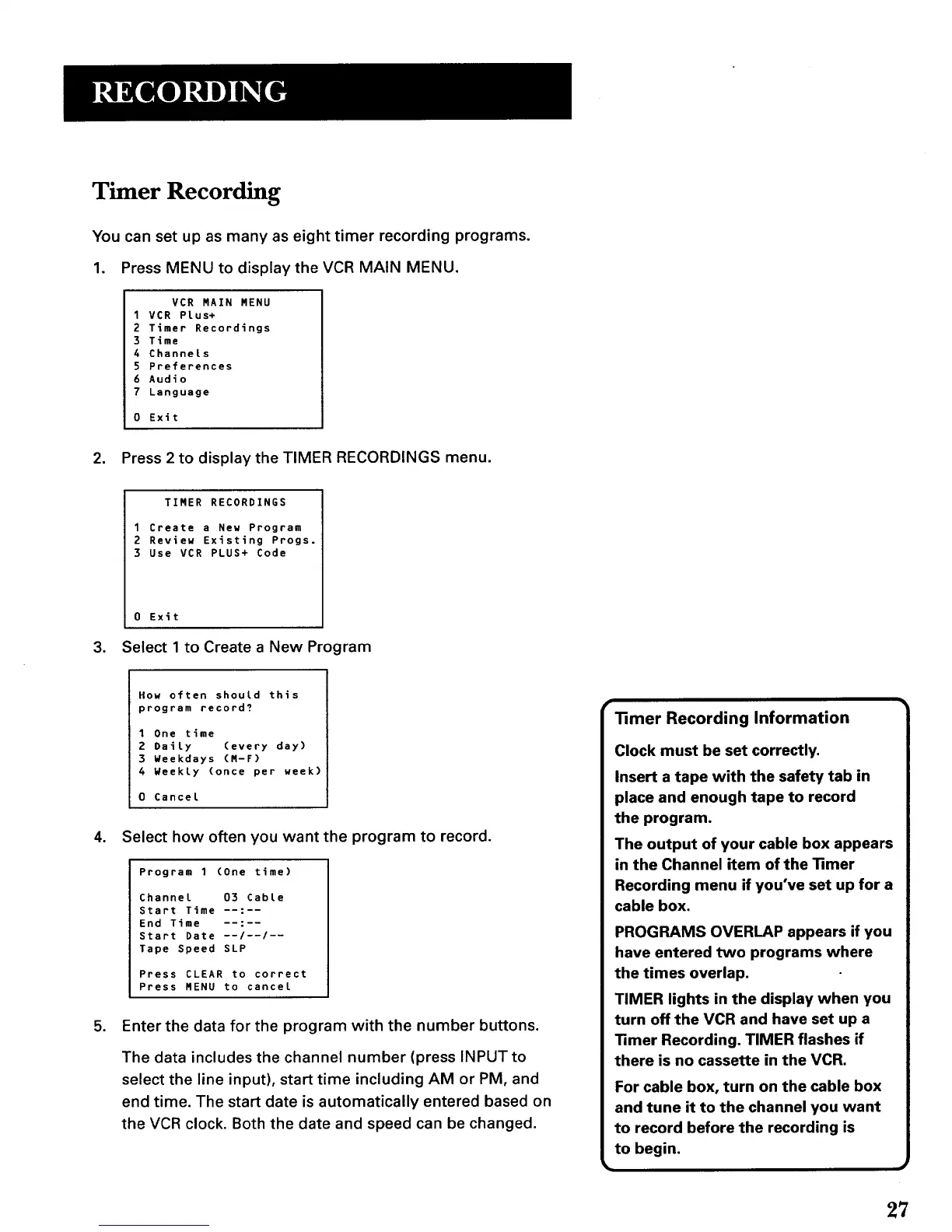
1. Press MENU to display the VCR MAIN MENU.
VCR MAIN MENU
I VCR PLus+
2 Timer Recordings
3 Time
4 Channels
5 Preferences
6 Audio
7 Language
0 Exit
2. Press 2 to display the TIMER RECORDINGS menu.
TIMER RECORDINGS
1 Create a New Program
2 Review Existing Progs.
3 Use VCR PLUS+ Code
0 Exit
3. Select 1 to Create a New Program
How often should this
program record?
1 One time
2 Daily (every day)
3 Weekdays (M-F)
4 Weekly (once per week)
0 Cancel
4. Select how often you want the program to record.
Program 1 (One time)
Channel 03 Cable
Start Time .....
End Time
Start Date --/--/--
Tape Speed SLP
Press CLEAR to correct
Press MENU to cancel
5. Enter the data for the program with the number buttons.
The data includes the channel number (press INPUT to
select the line input), start time including AM or PM, and
end time. The start date is automatically entered based on
the VCR clock. Both the date and speed can be changed.
Timer Recording Information
Clock must be set correctly.
Insert a tape with the safety tab in
place and enough tape to record
the program.
The output of your cable box appears
in the Channel item of the 11mer
Recording menu if you've set up for a
cable box.
PROGRAMS OVERLAP appears if you
have entered two programs where
the times overlap.
TIMER lights in the display when you
turn off the VCR and have set up a
Timer Recording. TIMER flashes if
there is no cassette in the VCR.
For cable box, turn on the cable box
and tune it to the channel you want
to record before the recording is
to begin.
27



 To Next Page