I •
Zero Search
The Zero Search feature enables the VCR to quickly return to a
counter reading of 0:00:00 anywhere on the tape. This is
especially convenient when you want to repeat a segment of
the tape several times.
1. Go to the beginning of the program you wish to return to.
2. Press CLEAR to reset the counter to 0:00:00.
3. Continue playing the tape.
4. Press STOP.
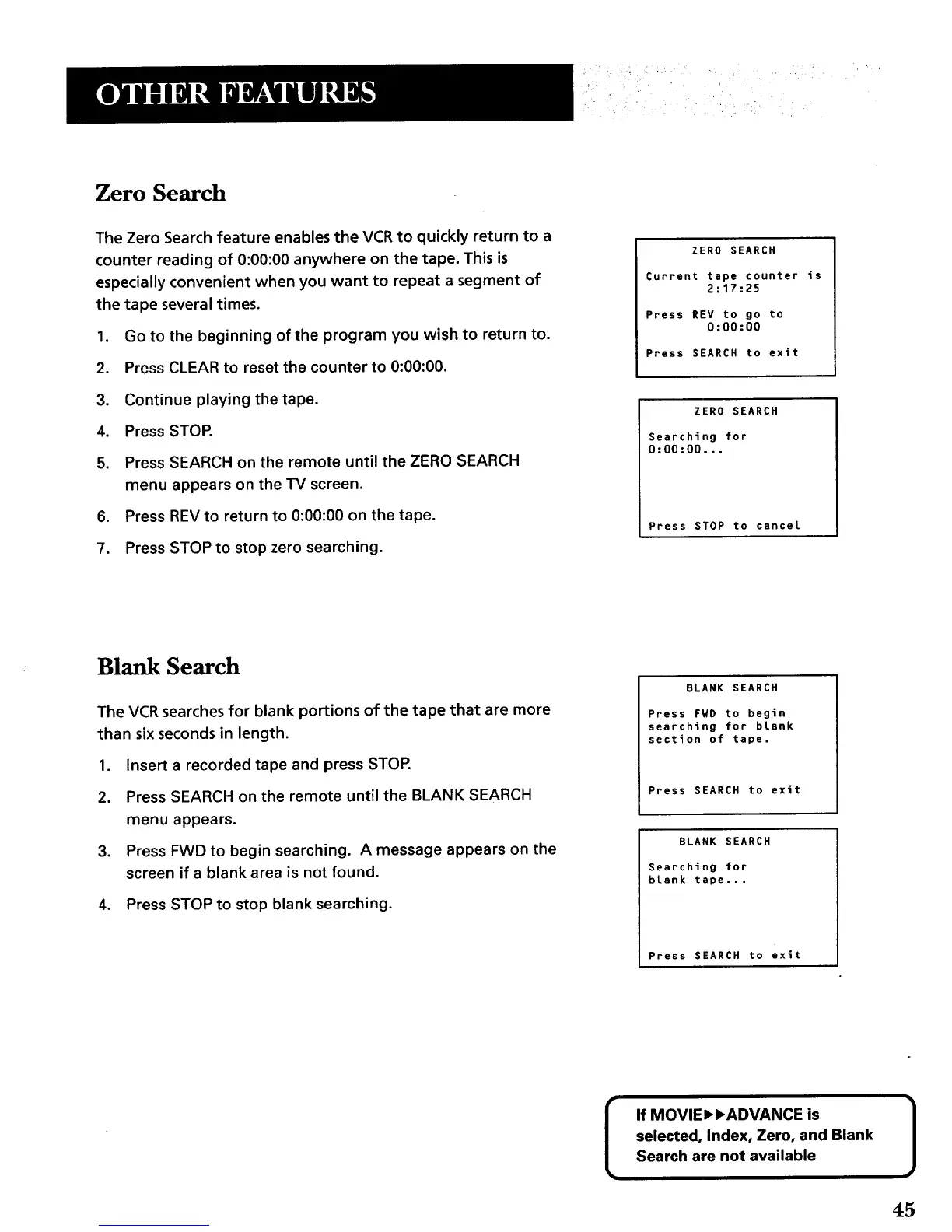
5. Press SEARCH on the remote until the ZERO SEARCH
menu appears on the TV screen.
6. Press REV to return to 0:00:00 on the tape.
7. Press STOP to stop zero searching.
ZERO SEARCH
Current tape counter is
2:17:25
Press REV to go to
0:00:00
Press SEARCH to exit
ZERO SEARCH
Searching for
0:00:00...
Press STOP to cancel
Blank Search
The VCR searches for blank portions of the tape that are more
than six seconds in length.
1. Insert a recorded tape and press STOR
2. Press SEARCH on the remote until the BLANK SEARCH
menu appears.
3. Press FWD to begin searching. A message appears on the
screen if a blank area is not found.
4. Press STOP to stop blank searching.
BLANK SEARCH
Press FWD to begin
searching for blank
section of tape.
Press SEARCH to exit
BLANK SEARCH
Searching for
blank tape...
Press SEARCH to exit
If MOVIEI_,ADVANCE is
selected, Index, Zero, and Blank
Search are not available
J
45



 To Next Page