COMMERCIALt, •ADVANCE
COMMERCIAL_,ADVANCE is a patented technology that detects
and marks most commercials on your tape for any recording that
is more than 15 minutes long. After recording, the VCR rewinds
the tape to the beginning of the recording and determines
where the commercials are located. It then marks the beginning
and end of the detected commercial segments and when finished
returns the tape to the end of the recording. It does not erase
the commercials from the tape.
During playback, the VCR automatically skips the detected
commercial segments, or you can choose to manually skip them.
This feature reduces three minutes of commercials to
approximately 8-12 seconds of fast forwarding in the SLPspeed.
You can select a background display of blue or see the video as
the commercials are skipped.
Because television signals do not indicate where commercials are
located, this feature finds and marks them through a set of
formulas based on how television is broadcast today. Since
television stations broadcast differently and insert their own
commercials, you may experience some variations in this feature's
effectiveness. Station promotions, identifications, and
announcements are not considered commercials--but might be
skipped. For more information--see Questions and Answers
about COMMERCIAL_ADVANCE in the References section. All
of the COMMERCIAL,_ADVANCE features are accessed through
the COMMERCIAL ADVANCE menu.
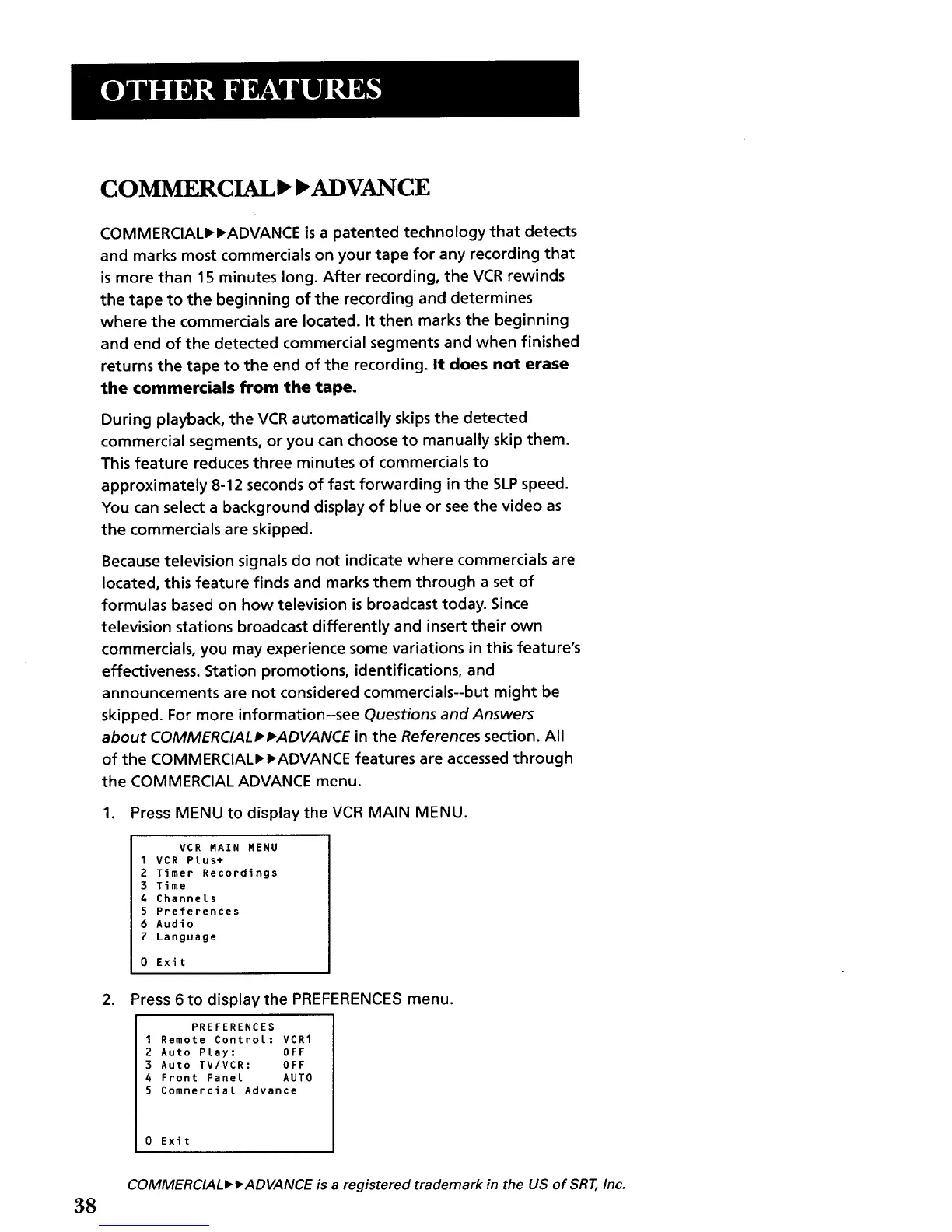
1. Press MENU to display the VCR MAIN MENU.
VCR RAIN MENU
1 VCR Plus+
2 Timer Recordings
3 Time
4 Channels
5 Preferences
6 Audio
7 Language
0 Exit
2. Press 6 to display the PREFERENCES menu.
PREFERENCES
1 Remote ControL: VCR1
2 Auto Play: OFF
3 Auto TV/VCR: OFF
4 Front Panel AUTO
5 Commercial Advance
0 Exit
38
COMMERCIALP, D,ADVANCE is a registered trademark in the US of SRT, Inc.



 To Next Page