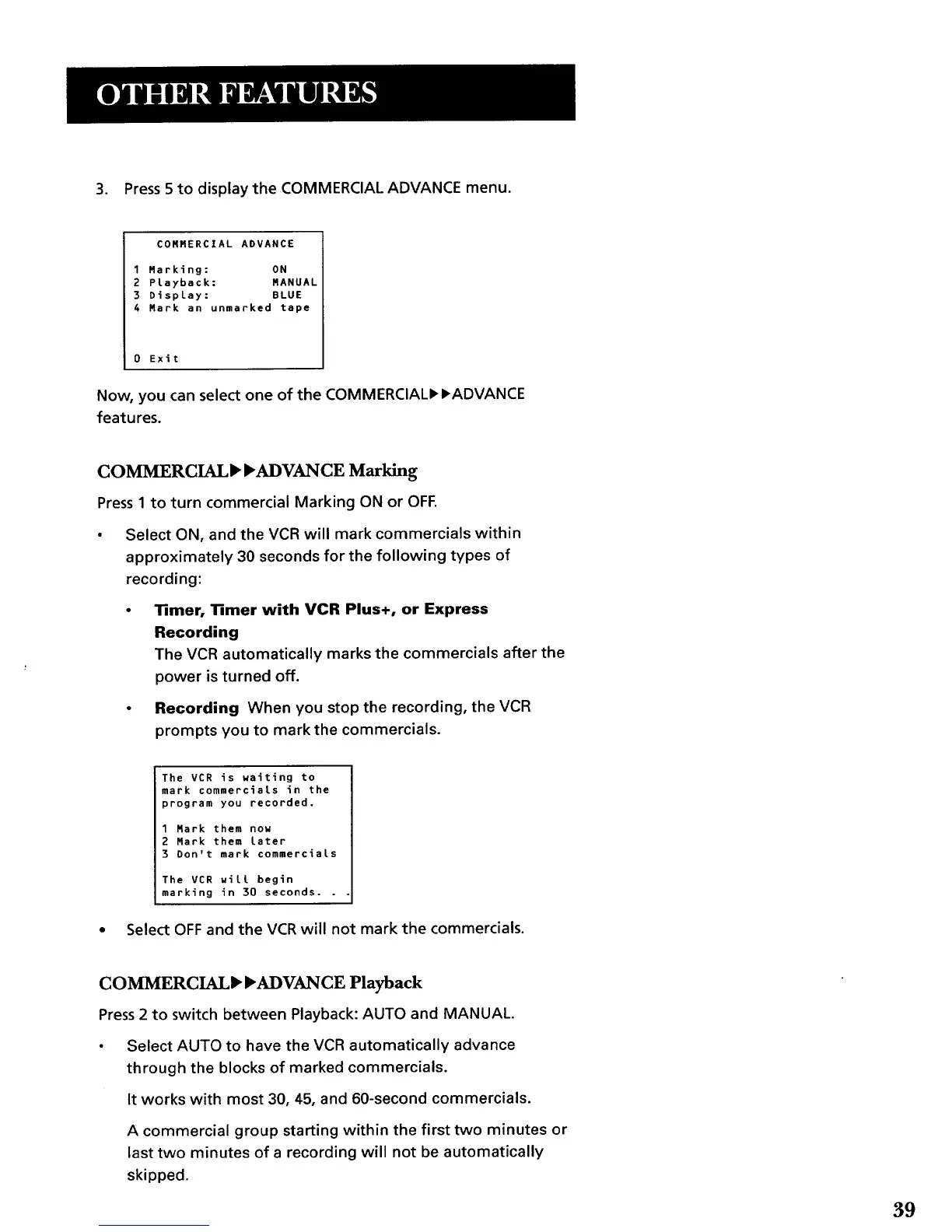
3. Press 5 to display the COMMERCIAL ADVANCE menu.
COMMERCIAL ADVANCE
1 Marking: ON
2 Playback: MANUAL
3 Display: BLUE
4 Mark an unmarked tape
0 Exit
Now, you can select one of the COMMERCIALI_I, ADVANCE
features.
COMMERCIAL_ _ADVANCE Marking
Press1 to turn commercial Marking ON or OFF.
Select ON, and the VCR will mark commercials within
approximately 30 seconds for the following types of
recording:
13mer, 1Rmer with VCR Plus+, or Express
Recording
The VCR automatically marks the commercials after the
power is turned off.
Recording When you stop the recording, the VCR
prompts you to mark the commercials.
i The VCR is waiting to
mark commercials in the
program you recorded.
1 Hark them now
2 Hark them Later
3 Don't mark commercials
The VCR wilt begin
marking in 30 seconds. . .
Select OFF and the VCR will not mark the commercials.
COMMERCIAL_'_'ADVANCE Playback
Press 2 to switch between Playback: AUTO and MANUAL.
• Select AUTO to have the VCR automatically advance
through the blocks of marked commercials.
It works with most 30, 45, and 60-second commercials.
A commercial group starting within the first two minutes or
last two minutes of a recording will not be automatically
skipped.
39



 To Next Page