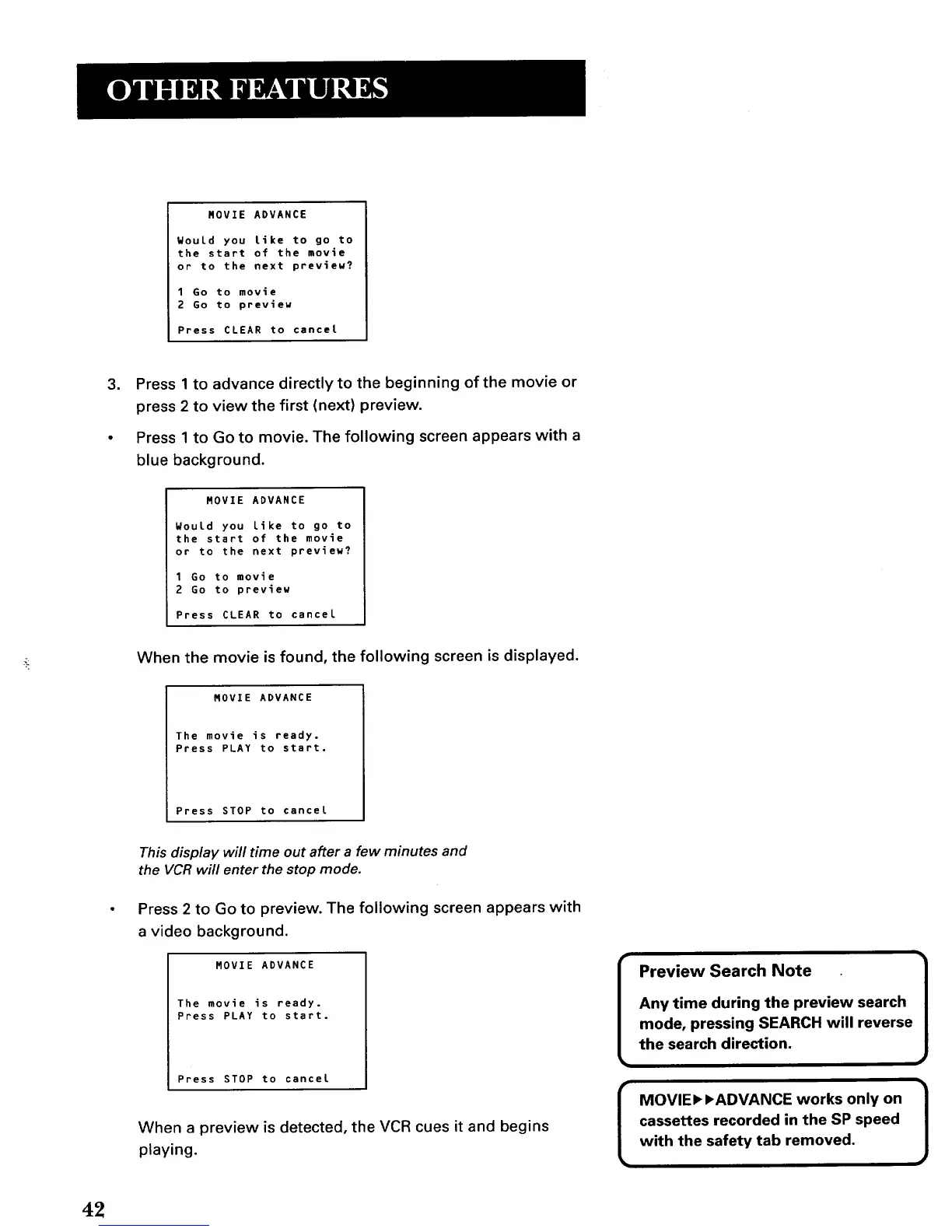
MOVIE ADVANCE
WouLd you like to go to
the start of the movie
or to the next preview?
1 Go to movie
2 Go to preview
Press CLEAR to cancel
3. Press 1 to advance directly to the beginning of the movie or
press 2 to view the first (next) preview.
• Press 1 to Go to movie. The following screen appears with a
blue background.
MOVIE ADVANCE
Would you Like to go to
the start of the movie
or to the next preview?
1 Go to movie
2 Go to preview
Press CLEAR to cancel
When the movie is found, the following screen is displayed.
MOVIE ADVANCE
The movie is ready.
Press PLAY to start.
Press STOP to cancel
This display will time out after a few minutes and
the VCR will enter the stop mode.
Press 2 to Go to preview. The following screen appears with
a video background.
MOVIE ADVANCE
The movie is ready.
Press PLAY to start.
Press STOP to cancel
When a preview is detected, the VCR cues it and begins
playing.
[
Preview Search Note
Any time during the preview search
mode, pressing SEARCH will reverse
the search direction.
MOVIE, ,ADVANCE works only on
cassettes recorded in the SP speed
with the safety tab removed.
42



 To Next Page