Commissioning
Commissioning the control unit
7160-9001-560
01. December 2020
45 / 74
- The entry window appears
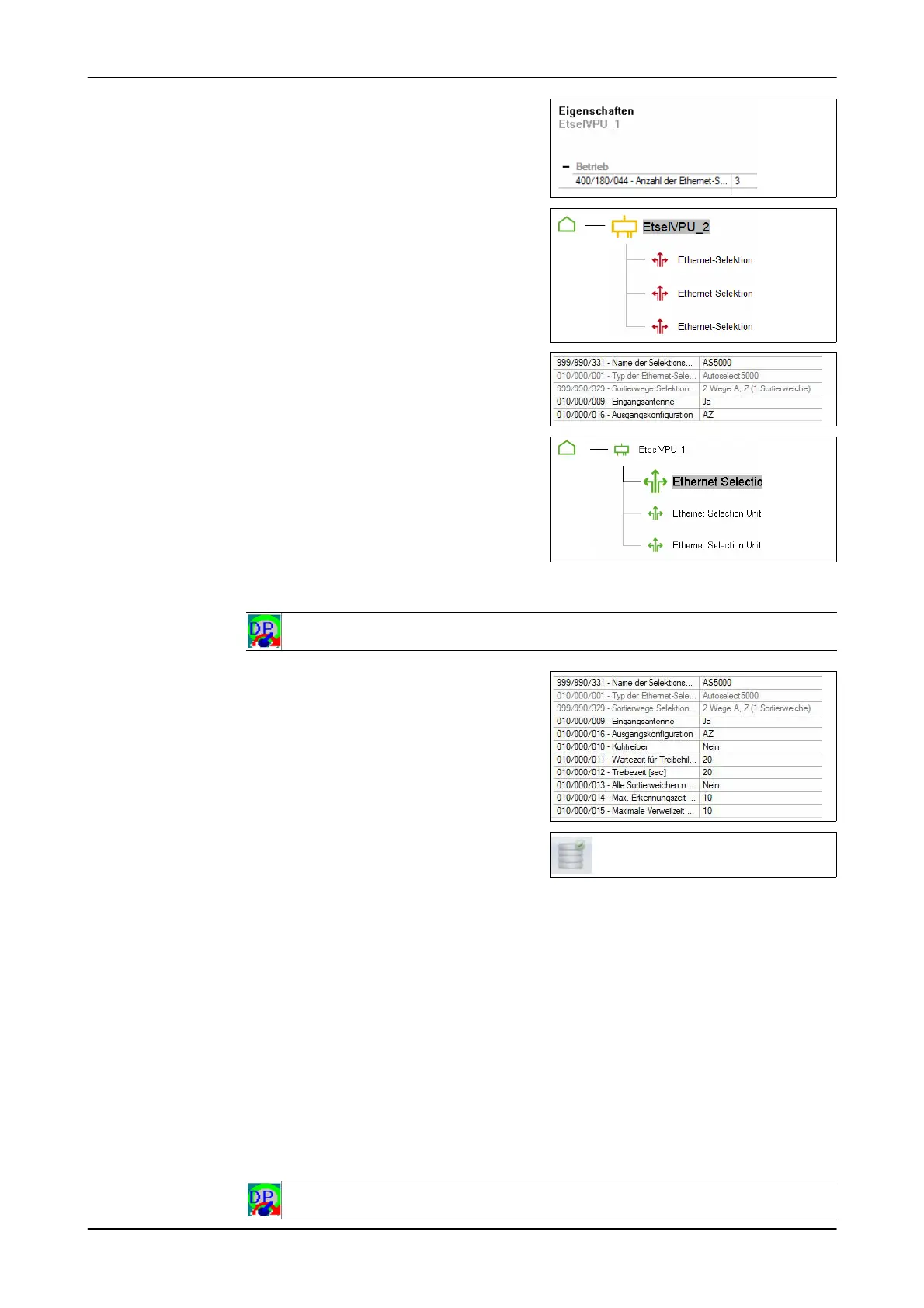
5. Set the number of connected
systems(400/180/044)
Example: 3 x Ethernet Selection
- Animal segregation appears
Configuring the connected system
1. Select animal segregation
- The entry window appears
2. Enter the basic settings for each
system
Aufforderun erscheint
- System configured
Symbol colour: green
Set the system
1. Change mode
-DPService: General Information->Basic Setup
- The entry window appears
2. Enter additional system settings.
- System is set
3. Store and transfer the settings
- The settings are transferred when the control unit is installed (see
appropriate section)
Installing a control unit with service PIN
1. Save the installation configuration
(if not yet done)
2. End process control
3. Change mode
-DPService: General Information-> Installation













 To Next Page