:
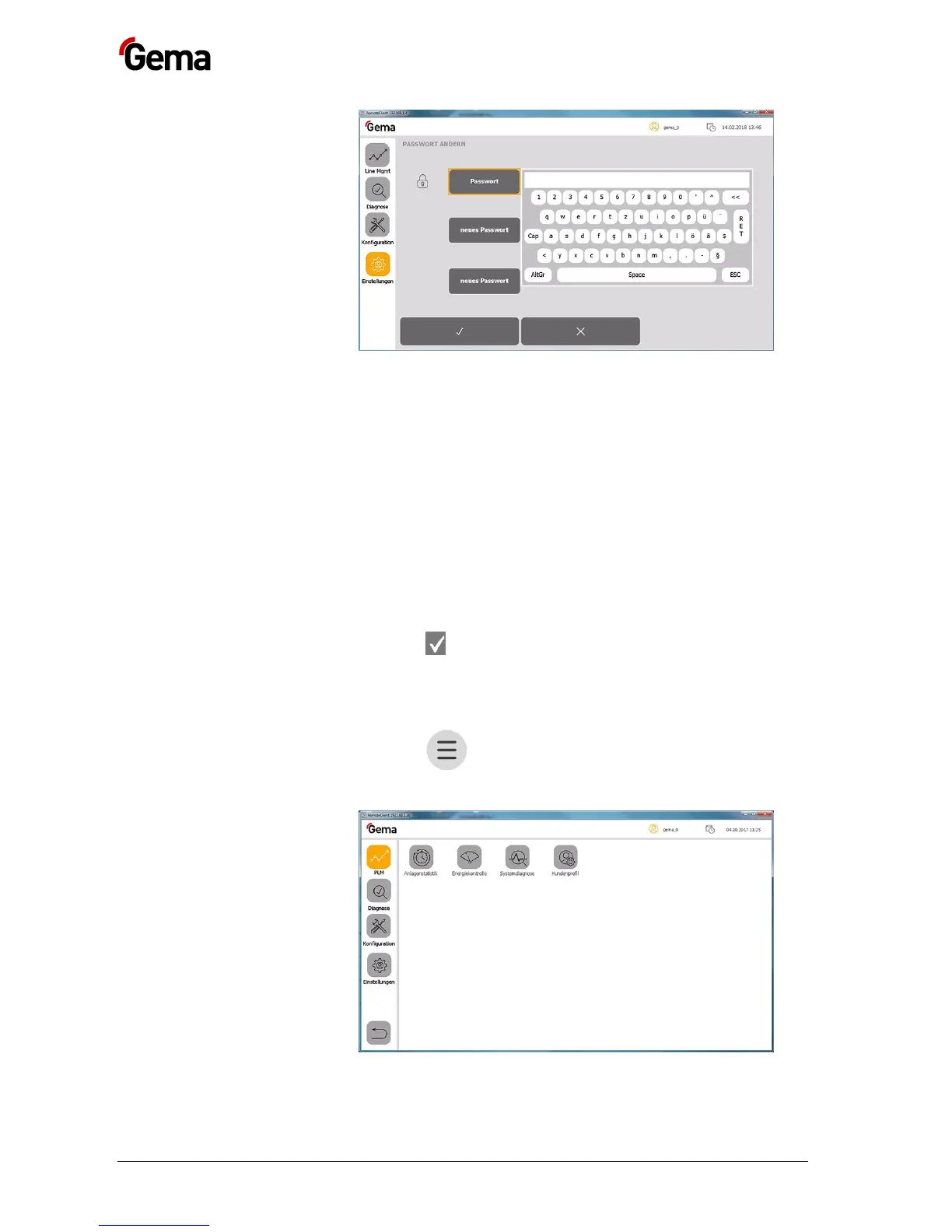
3. Enter the last password used
4. Press the RET key to confirm
5. Press the “New password” key
– A keyboard opens.
6. Enter the new password
7. Press the RET key to confirm
8. Press the “Confirm password” key
– A keyboard opens and the new password must be entered
again.
9. Press the RET key to confirm
10. Press the key
Search users
This function is used to display all created and active users.
1. Press the key
The following page is displayed:


 To Next Page
 Loading...




