English
-11-
● Stretch the strap tightly.
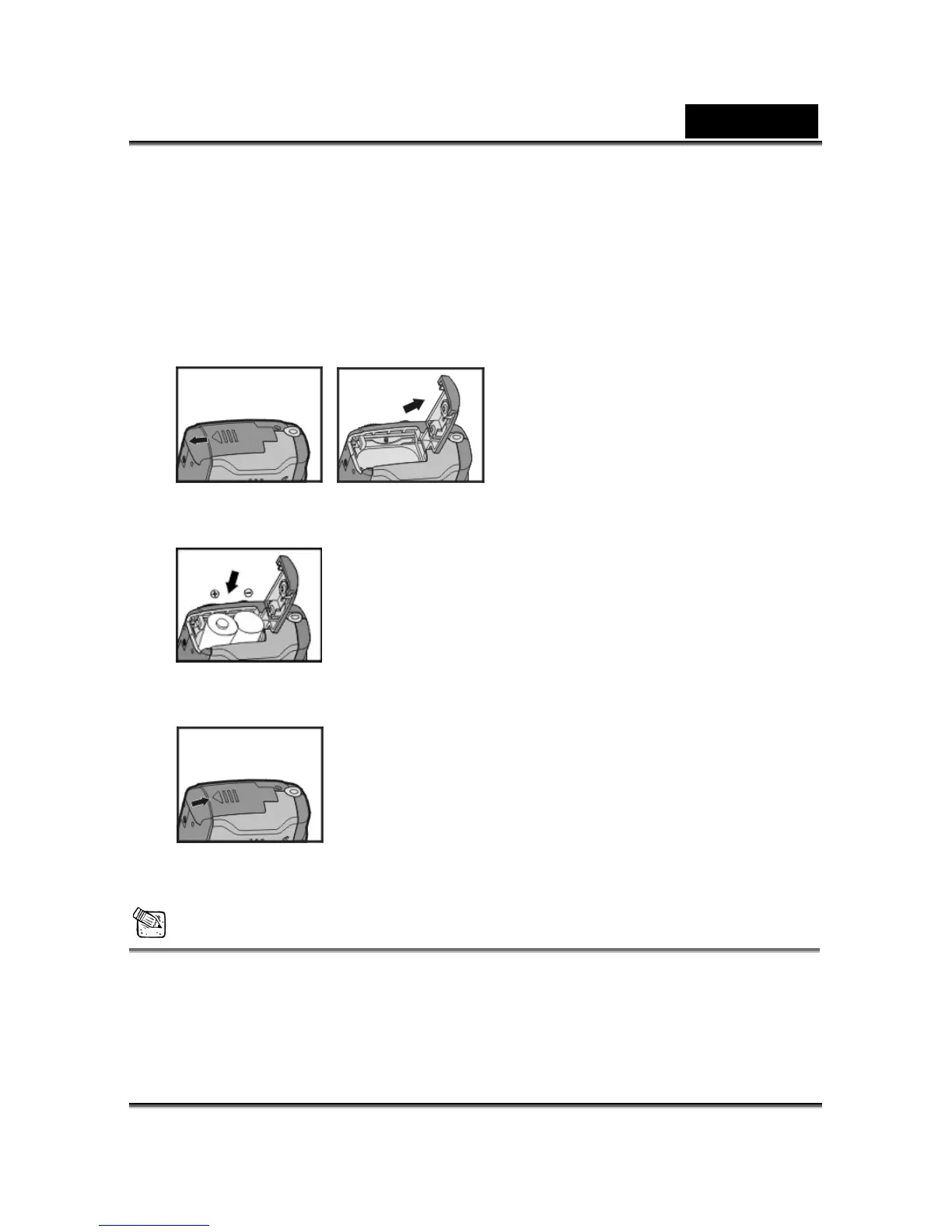
3-2 Loading Batteries
● Turn off the power of camera.
Insert 2 x AA alkaline batteries or a rechargeable battery. Please make sure the
batteries are full of power. If the batteries are low, please change new batteries as soon
as possible to keep the camera operating normally.
● Slide the switch on the battery cover in the direction indicated by the arrow.
● Insert the batteries as indicated on the inner side of the cover.
● Close and lock the battery cover.
NOTE
Do not open the cover roughly to avoid damaging the battery compartment cover.
If the battery power indicator shows only one black block that means that power is
available, and you can continue to use the flash.



 To Next Page