English
-17-
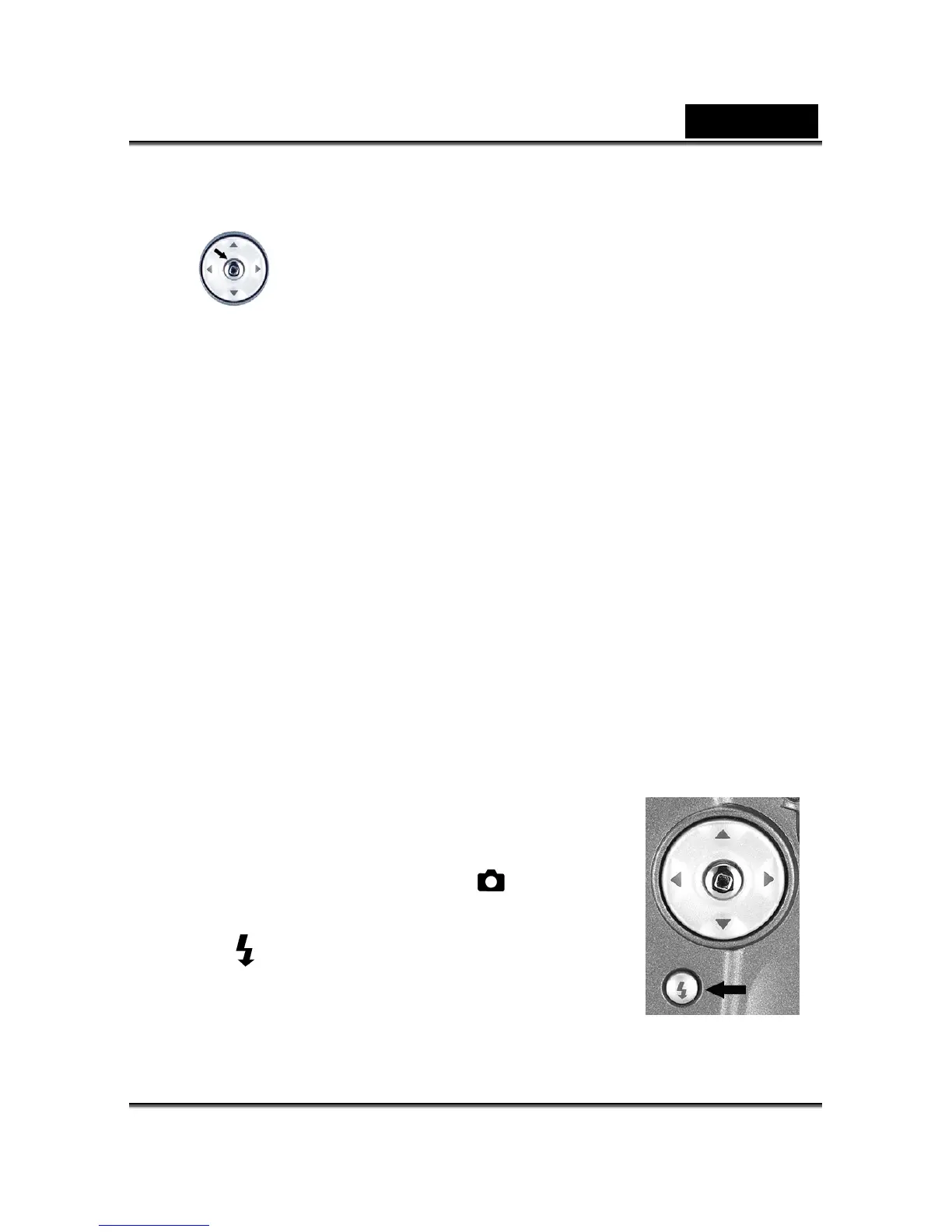
4-6 MENU/ENTER Button
You can perform different operations in the different mode by using the MENU/ENTER
button, e.g. select, confirm, go forward and backward.
4-7 Deleting Still Image /Video Clip
There are two ways to erase images:
Delete One and Delete All
1. Recorded images in the memory card cannot be deleted when it is write-protected.
2. To delete the pictures recorded in the memory card, make sure to insert the card before
deletion.
3. To delete the pictures recorded in the camera (internal memory), do not insert any
memory card or the camera will not be able to read the internal data with an external
memory card attached.
4. External memory (memory card) always has priority over internal memory – whenever a
memory card is inserted into the camera, the camera will use the memory card for both
capture and playback.
4-8 Flash Button
The flash is designed to function automatically when lighting conditions warrant the use of
flash. You can take an image using a flash mode suitable to
your circumstances. If you change the flash mode, the camera
will retain that setting even if the camera is turned off.
1. Open the lens cover; turn the mode dial to
mode, and
power on the camera.
2. Press the
button located on the rear side of the camera
repeatedly until your desired flash mode appears on the LCD



 To Next Page