English
-22-
2. Press the MENU/ENTER button, then select image resolution by using the or
button.
3. Use the
or buttons to select the setting that you desire, and press the
MENU/ENTER
button to confirm the selection.
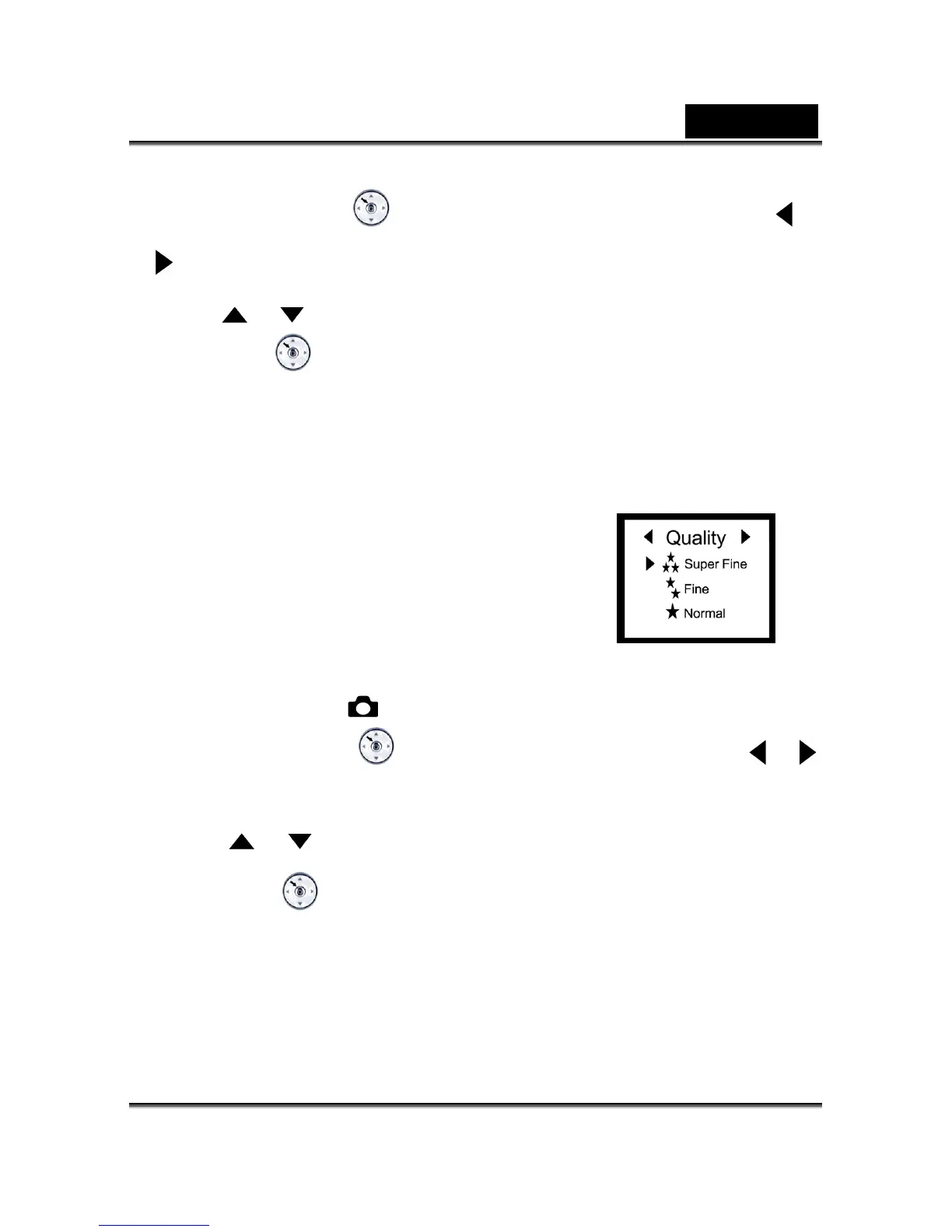
Image Quality
The image quality determines the compression ratio of your image and how many images
can be stored in the internal memory or on the memory
card.
The higher quality produces a less compressed image but
takes up more memory space. Lower quality takes up less
memory space, suitable for sharing images via email or the
Internet.
1. Click the Power button on the camera, and toggle the
MODE dial to select the mode.
2. Press the MENU/ENTER
button, then select image quality by using the or
button.
3. Use the
or buttons to select the setting that you desire, and press the
MENU/ENTER
button to confirm the selection.



 To Next Page