English
-23-
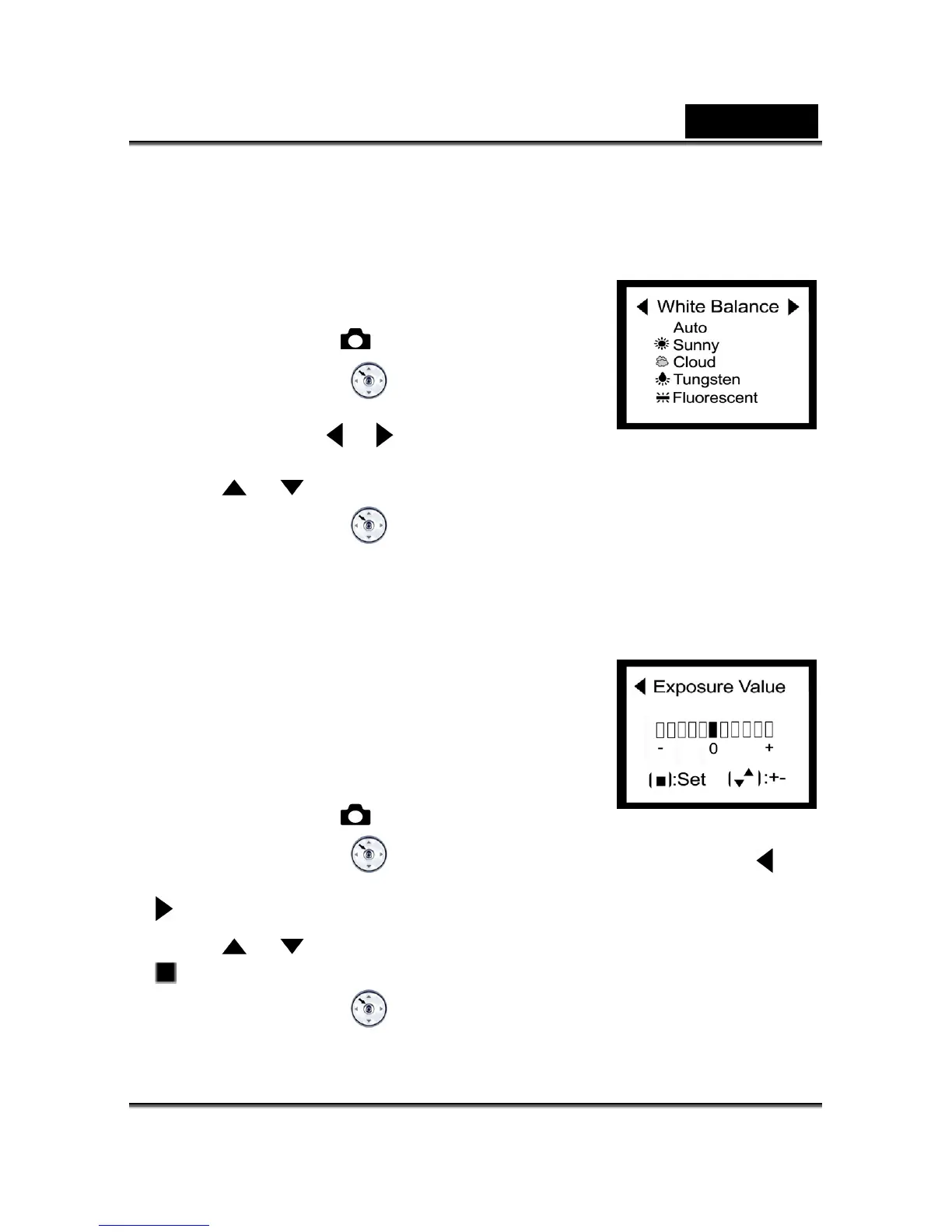
WHITE BALANCE
Automatic white balance is recommended for most cases. For particular circumstances, you
according ng con s.
1. and toggle the
may manually select another white balance preset
to the ambient lighti dition
Click the Power button on camera, the
MODE dial to select the
2. R
mode.
Press the MENU/ENTE
button, then select white
y thbalance b using e
or button.
3. Use the
or button ain to select the desired white balance ag .
Press the MENU/ENTER4.
button to confirm the selection.
1. th and toggle the
Exposure Value
The camera will automatically adjust the camera shutter
speed for the proper exposure of each scene. Occasionally,
it is desirable to manually override the automatic exposure
value (EV) to accommodate special scene circumstances.
Click the Power button on e camera,
MODE dial to select the
2. P NU/ENTER
mode.
ress the ME
button, then select exposure value by using the or
button.
3. Use the
or button again to specify the desired EV.
The EV range is from 5 to +1.5 in steps of 0.3 EV. -1.
4. Press the MENU/ENTER
button to confirm the selection.



 To Next Page