English
-12-
When the battery indicator turns red, you cannot take still pictures or movies any more.
Any pre-setting date/time value will be retained in the camera's memory for about 3
minutes when replacing the batteries. We still suggest you to double check the
date/time setting after changing new batteries.
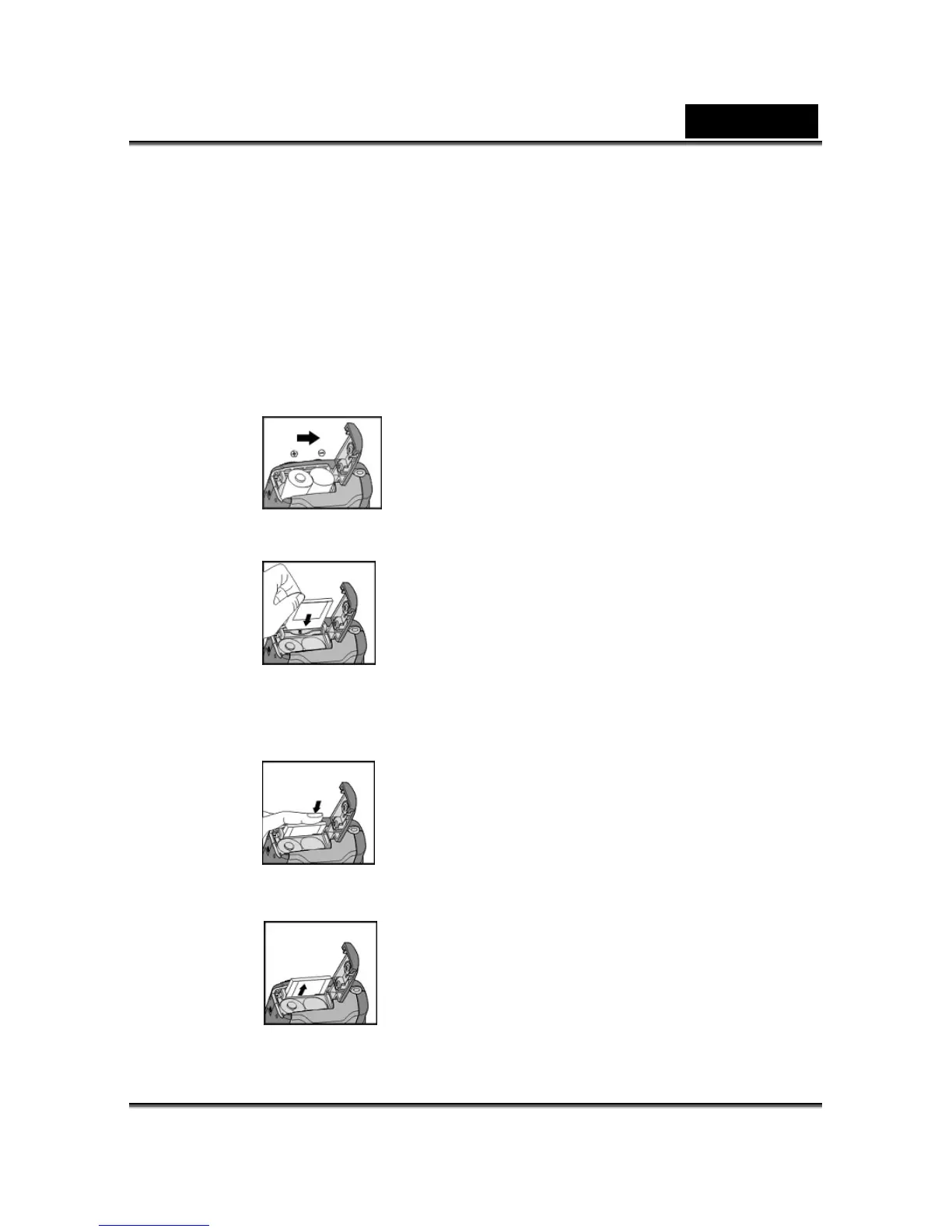
3-3 Loading and Removing the Memory Card
1. Loading the memory card.
● Make sure to turn off the camera.
● Slide the switch on the battery cover in the direction indicated by the arrow.
● Insert the memory card in the direction of the arrow.
2. Removing the memory card
● Press the memory card down gently.



 To Next Page