English
-19-
2. Toggle the MODE button to select the mode.
3. Press the
or button to activate 4X digital zoom function.
4. Press the shutter button to capture a “zoomed” image.
4-10 Mode Display Button
1. This button is only working in the Record Mode. Press this button and you can change the
LCD monitor to several displays.
Full Display Æ Standard Æ LCD Monitor Off Æ Full Display
2. Press the "Mode Display Button" to enter the "Play Mode" to view the images when the
camera is powered off.
3. In the Record Mode, the camera will be auto power off because of the power saving
function. You can press the "Mode Display Button" to turn on the camera again.
4-11 Macro Button
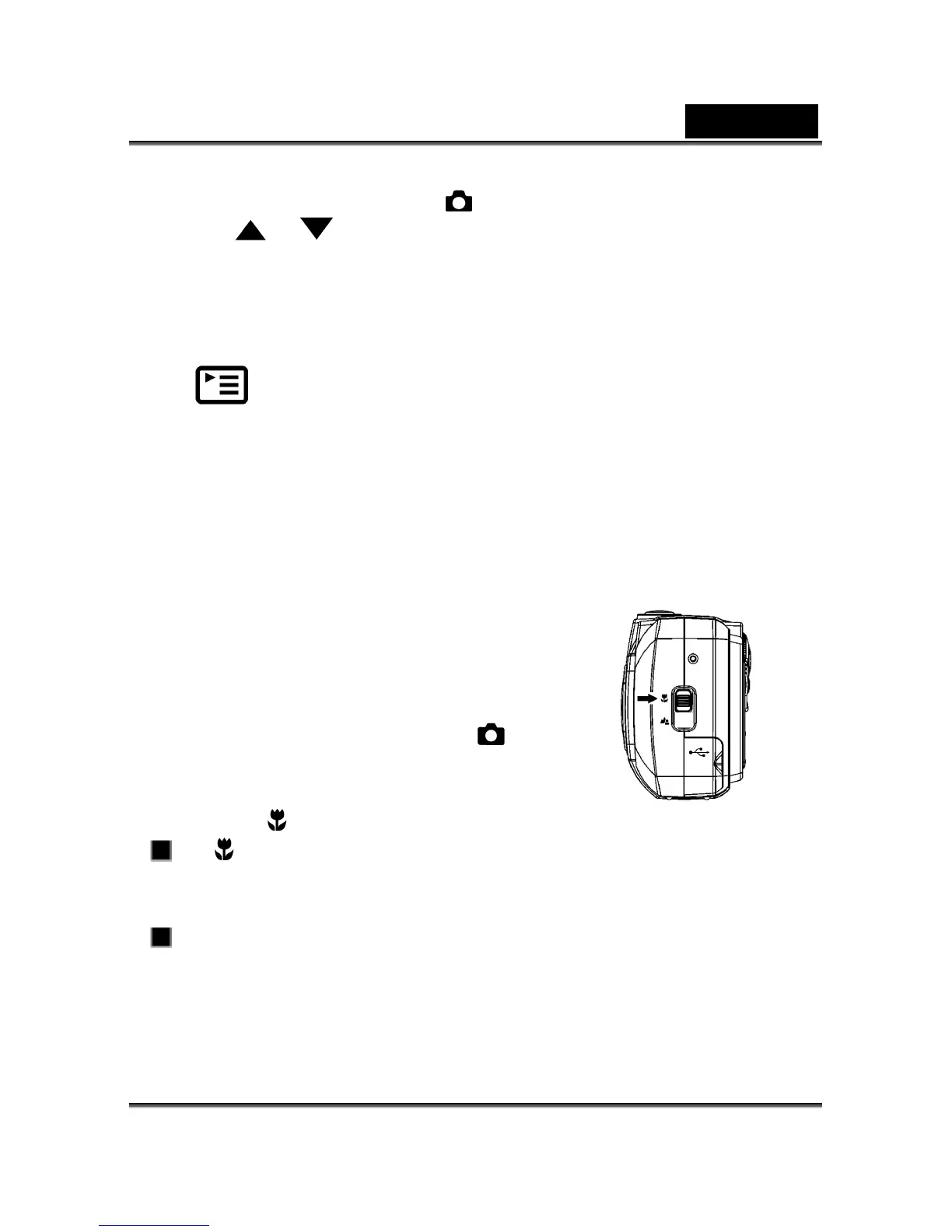
Use the macro mode to shoot a close-up of the subject,
such as flowers or insects. The effective range is between
15cm and 18cm.
1. Open the lens cover, turn the mode dial to
mode,
and power on the camera.
2. Move the focus switch located on the front side of the
camera to the
position.
The icon appears on the LCD monitor.
3. Compose the picture.
4. Press the shutter button.
To disable macro photography, slide the focus switch back to portrait mode or
landscape mode.



 To Next Page