English
-7-
2-4 Power Supply
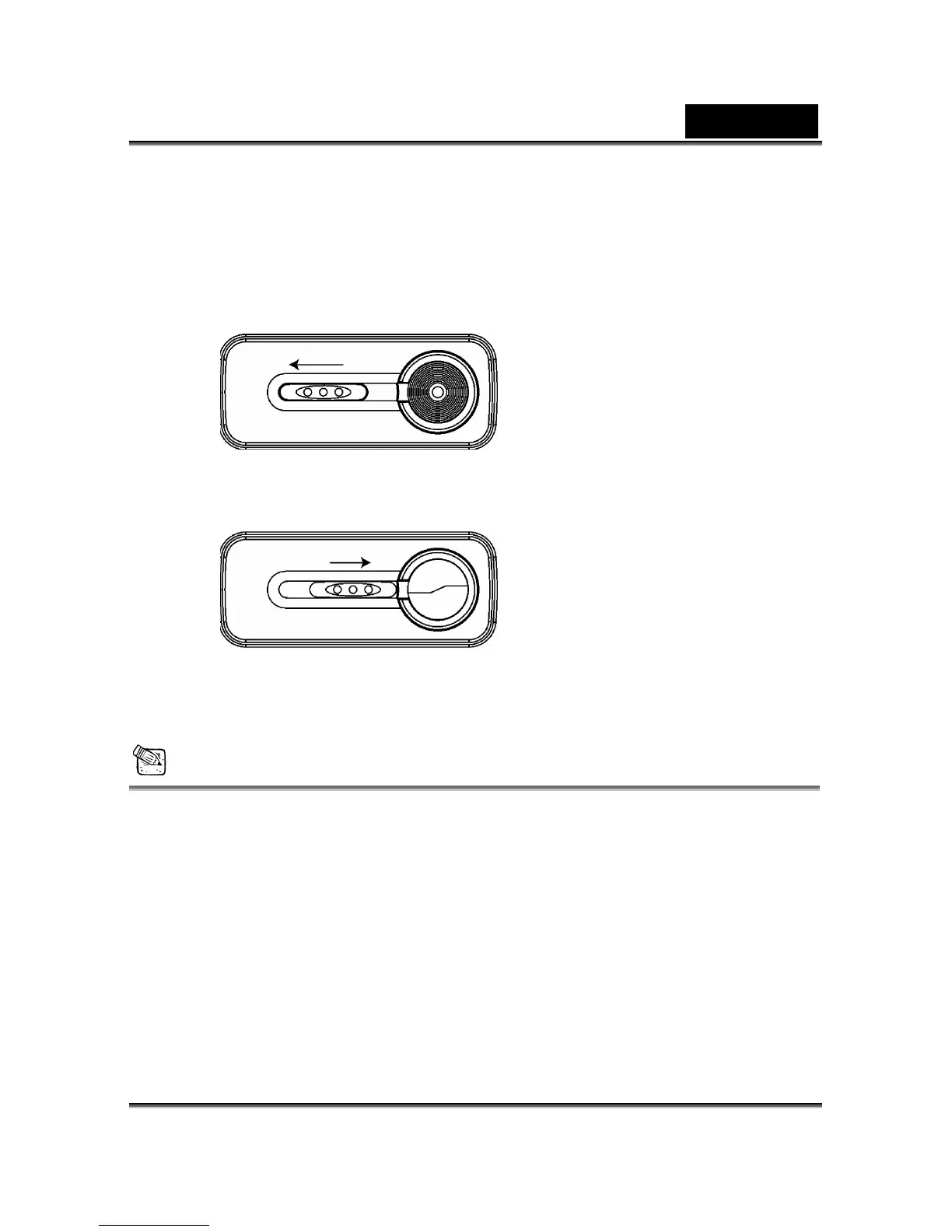
● Slide the lens cover toward the left gently, the camera will turn on after you hear
two beeps.
● Slide the lens cover toward the right gently to turn off the camera.
● Use the lens cover located on the front of the camera to turn on/off camera. After
you turn on the camera, the red LED will be blinking, and then the last image
recorded appears on the LCD monitor.
NOTE
x If no operation is carried out for a fixed amount of time (default: about 3 minute), the
power is turned OFF to prevent battery wear. This is called "Auto Power OFF". You can
press the “Mode Display Button” to restart the camera.
x The following features will automatically save the configuration before you turn off the
camera unless you selected "Reset Default" to restore the camera to its factory
settings.



 To Next Page