English
-25-
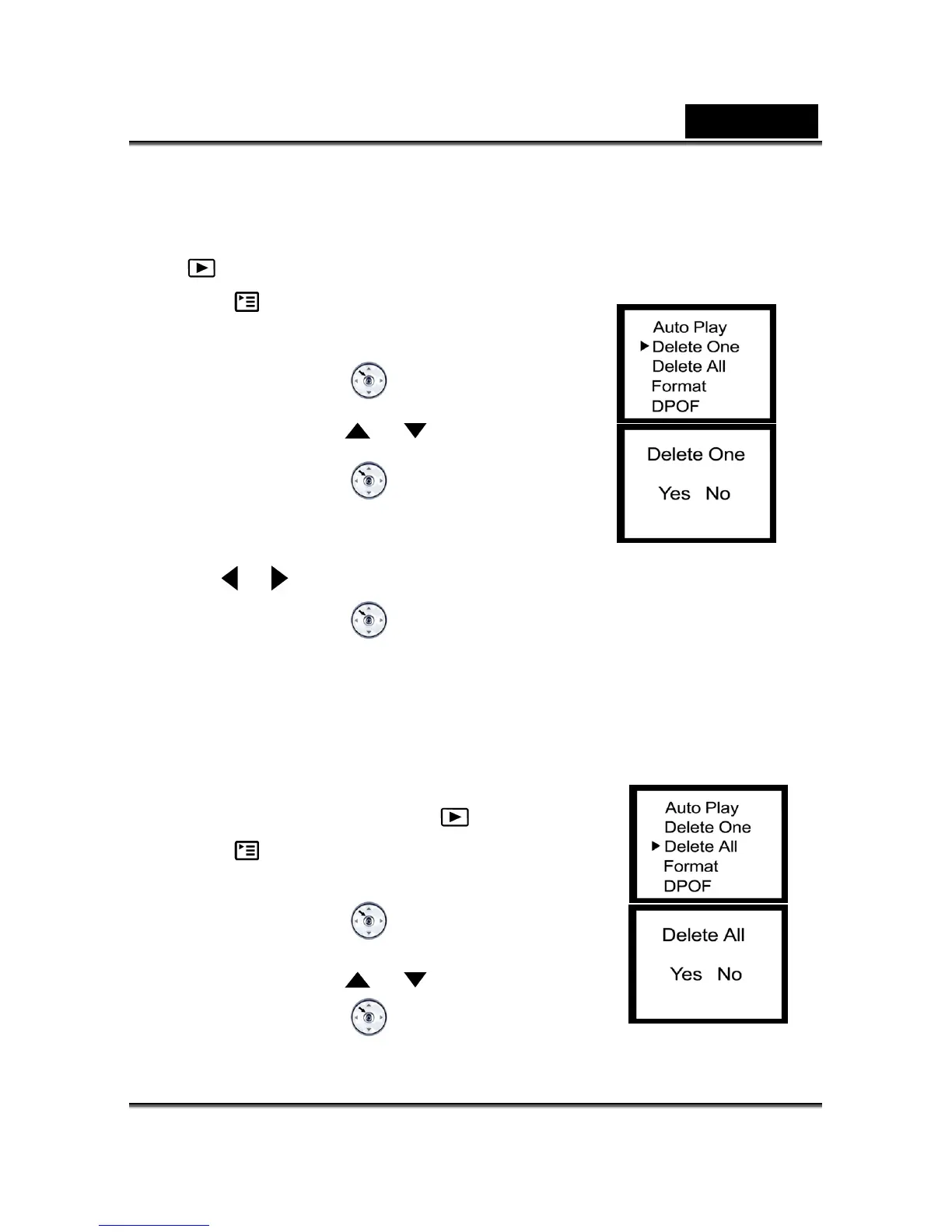
Delete One
Click the Powe1. on r button to turn on the camera, and toggle the MODE button to select
the
mode.
Press the 2. button until thumbnail screen appears on
the display screen.
3. Press the MENU/ENTER
bu on, then sett lect
or
Delete One by using the
button.
Press the MENU/ENT4. ER
button, then the Delete
One
menu appears.
5. Use the
or button to ect Yes or No. sel
6. Press the MENU/ENTER
button to confirm the selection.
1. e came
MOD
Delete All
Click on the Power button to turn on th ra, and
toggle the E button to select the
mode.
the 2. Press
button until thumbnail screen appears on
3.
the display screen.
Press the MENU/ENTER
bu on, then sett lect
Delete One by using the
or button.
Press the MENU/EN4. TER
button, then the Delete



 To Next Page