English
-26-
a r
All
menu ppea s.
5. Use the
or button to ect Yes or No. sel
ENU/ENTER
6. Press the M
button to confirm the selection.
rd.
1. e c d
O
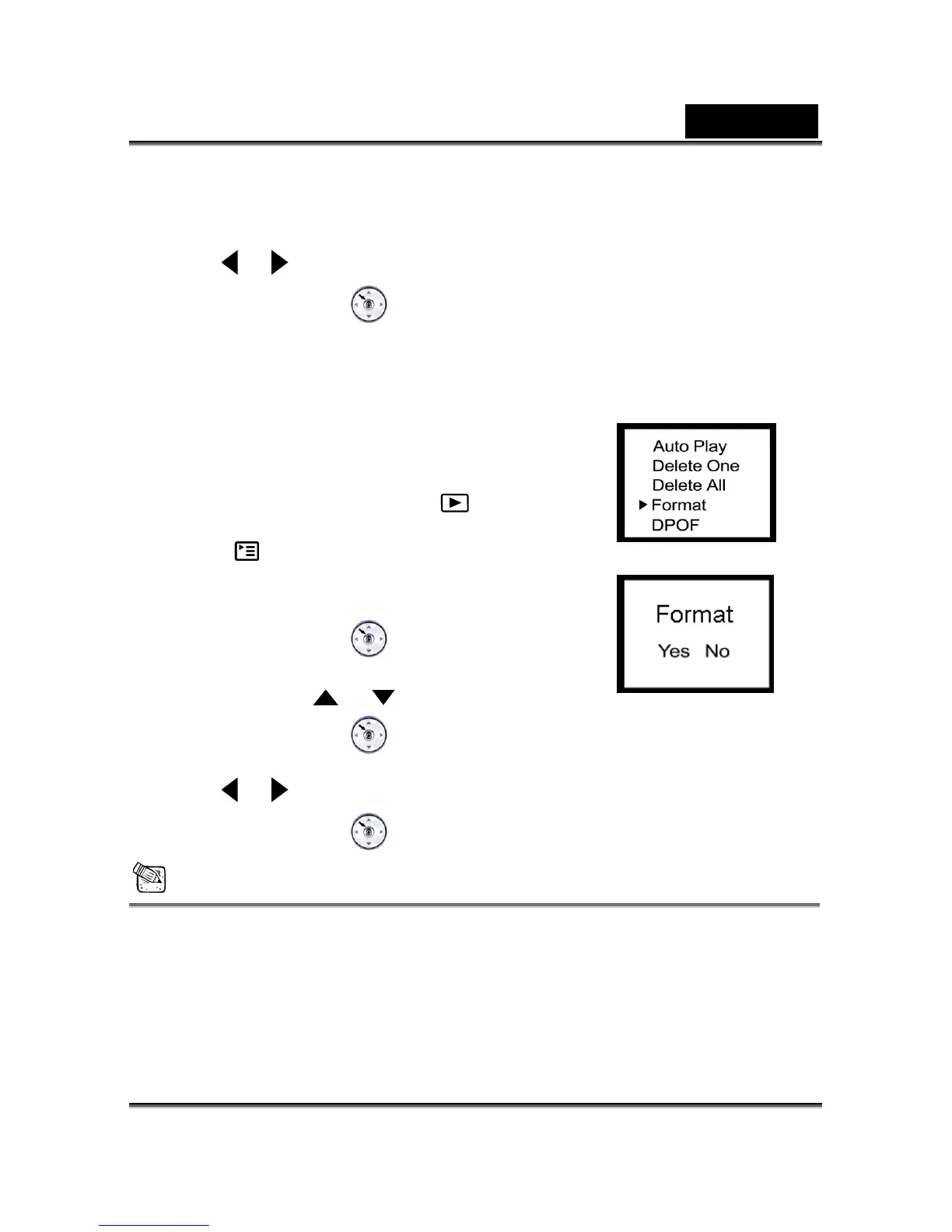
FORMAT
Formats the memory card and erases all data from the ca
Click on the Power button to turn on th amera, an
toggle the M DE button to select the
mode.
Press the 2.
button until thumbnail screen appears on
3.
the display screen.
Press the MENU/ENTER
button, then select
Format by using the
or button.
4. Press the MENU ENTER /
button, then the Format menu appears.
5. Use the
or button to ect Yes or No. sel
6. P ENTER
ress the MENU/
button to confirm the selection.
NOTE
A memory card cannot be formatted if it is write-protected.
DPOF (Digital Print Order Format)
DPOF allows you to embed printing information on your memory card.
Using DPOF you can select an image to be printed and then specify how many prints you



 To Next Page