English
-39-
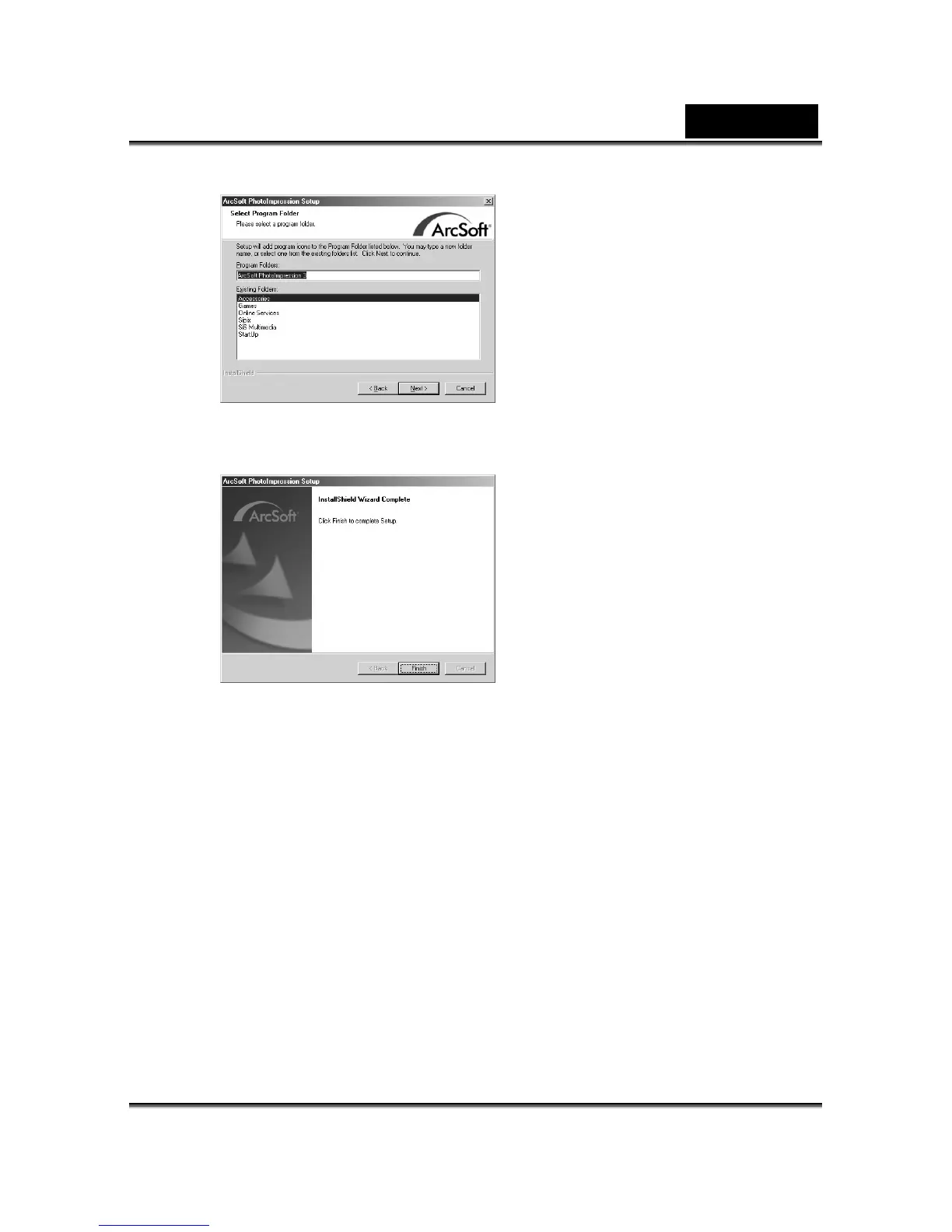
9. When the installation is completed, the window below will appear. Click Finish to end
the installation.
6-3 Transferring Recorded Images to Your Computer
ages/video clips with your family or friends via e-mail or post
mera to your
transfer
er, follow these steps:
Step 2 ng the camera to your computer
Step 1: Installing the USB Driver
XP/Me/2000/98SE/98.
1. I ith the camera into the CD-ROM drive.
on.
3.
You can share recorded im
them on the Web. Before doing those things, you need to connect the ca
computer by using the USB cable and then transfer the images/video clips. To
images/video clips from the camera to your comput
Step 1: Installing the USB driver
: Connecti
Step 3: Downloading images/video clips
The USB driver on the supplied CD-ROM is for Windows
nsert the CD-ROM packaged w
2. Follow the on-screen instructions to complete the installati
Restart your computer.



 To Next Page