English
-24-
5-2 Play Mode
In Play Mode, users can review the recorded still and movie pictures. To review the pictures,
perform the following:
to Play Mode
1. Turn the Mode Dial
.
2. Use the lens
turn on the c
cover located on the front of the camera to turn on the camera. After you
amera, the last image recorded appears on the LCD monitor.
very useful and entertaining feature for reviewing
1. c d
O
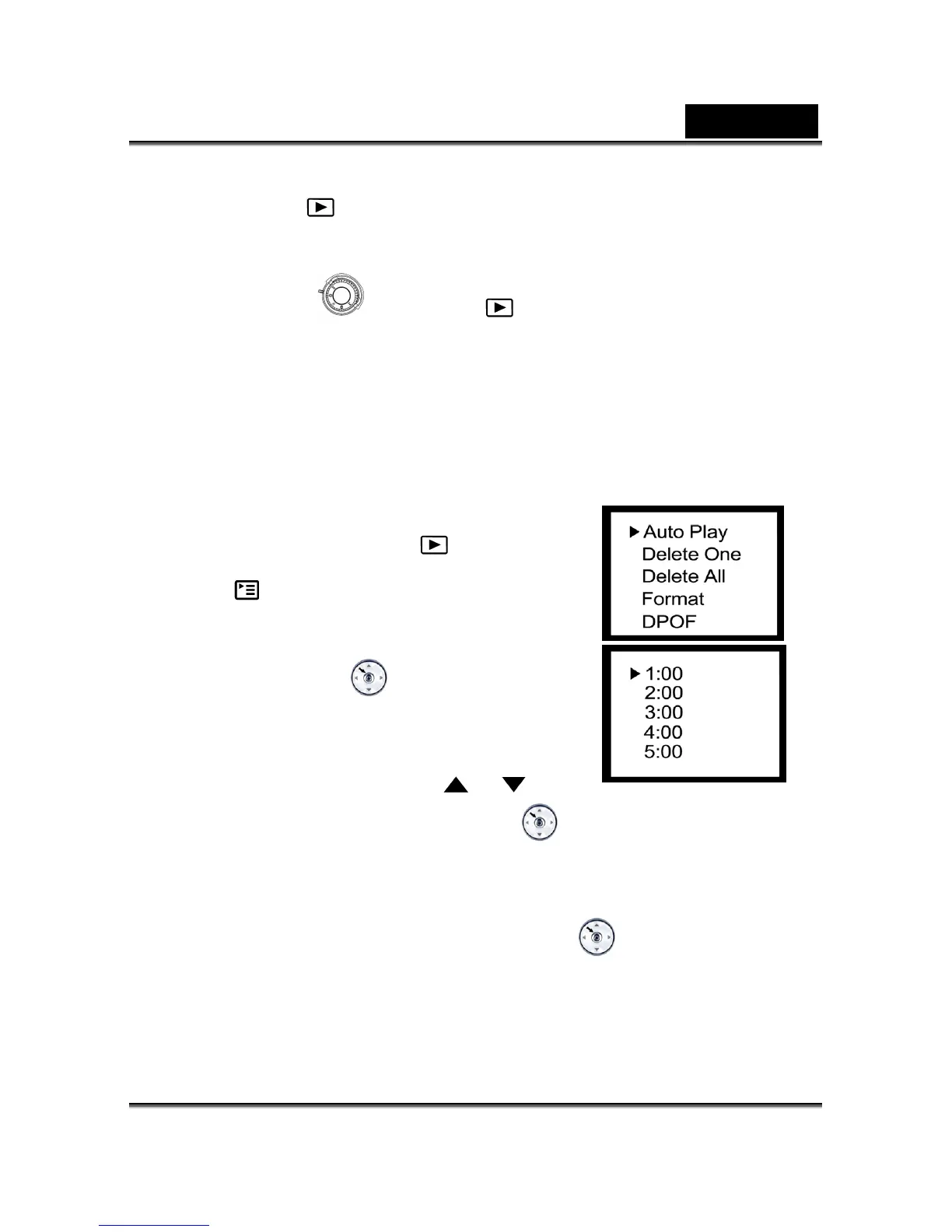
Auto Play
The auto play function enables you to playback your images back automatically in
sequential order as a slide show. This is a
recorded images and for presentations.
Click the Power button to turn on the amera, an
toggle the M DE dial to select the
mode.
Press the 2.
button until thumbnail screen appears
3. e MENU/ENTER
on the display screen.
Press th
button into auto play
4.
option.
Set the playback interval by using the
or
button again, and then press the MENU/ENTER
button to confirm the selection.
The slideshow starts, displaying your images on the image LCD display, one by one, at
To stop the slideshow display, press the MENU/ENTER
the set interval.
button.



 To Next Page