English
-36-
NOTE
The recording file will be retained in C:\WINDOWS\Album.
Chapter 6 Driver Installation
6-
You
M drive.
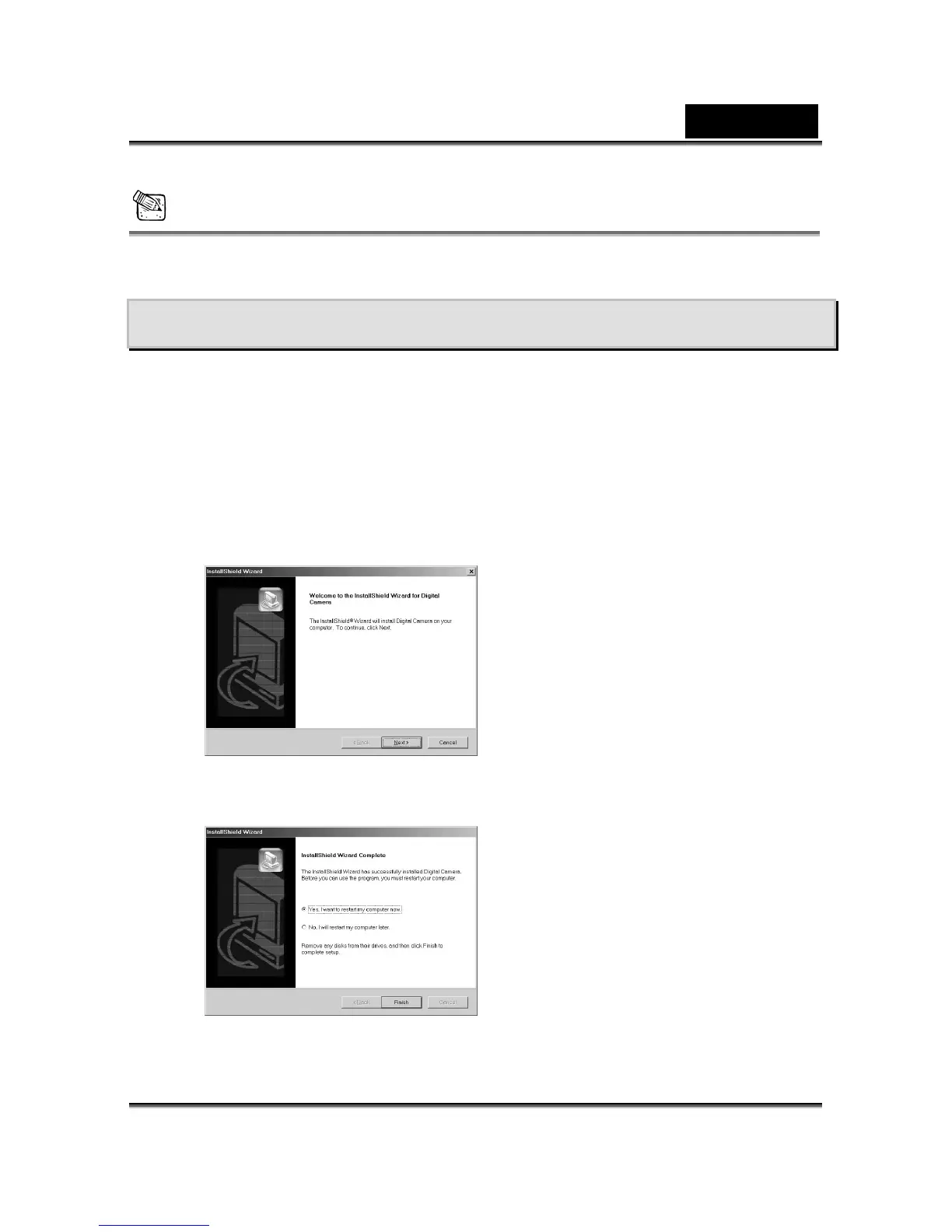
2. The Auto-run program will be executed and the welcome screen appears:
(If your CD-ROM drive doesn't support the auto-run function, then double click on the
"My Computer" icon on the pc. Double click on the CD-ROM drive icon and click the
Setup. file in the root directory.
3. Click , and this screen will appear:
1 Installing the Camera Driver to the PC
can use the PC Camera and Mass Storage functions of the camera via PC. To install
proper camera driver, just follow thisthe :
1. Insert the software CD-ROM supplied with the package into the CD-RO
exe
the Install driver to install the driver
4. Click After you installed the camera driver
succe screen:
on Next to continue the setup program.
ssfully, this message appears on the
5. Click Finish to restart the computer and finish the camera driver installation.



 To Next Page