English
-14-
3-6 Date/Time
Before using the camera, please turn the Mode Dial to Setup Mode and then select
"Date/Time" to set the date and time.
Chapter 4 Basic Operation
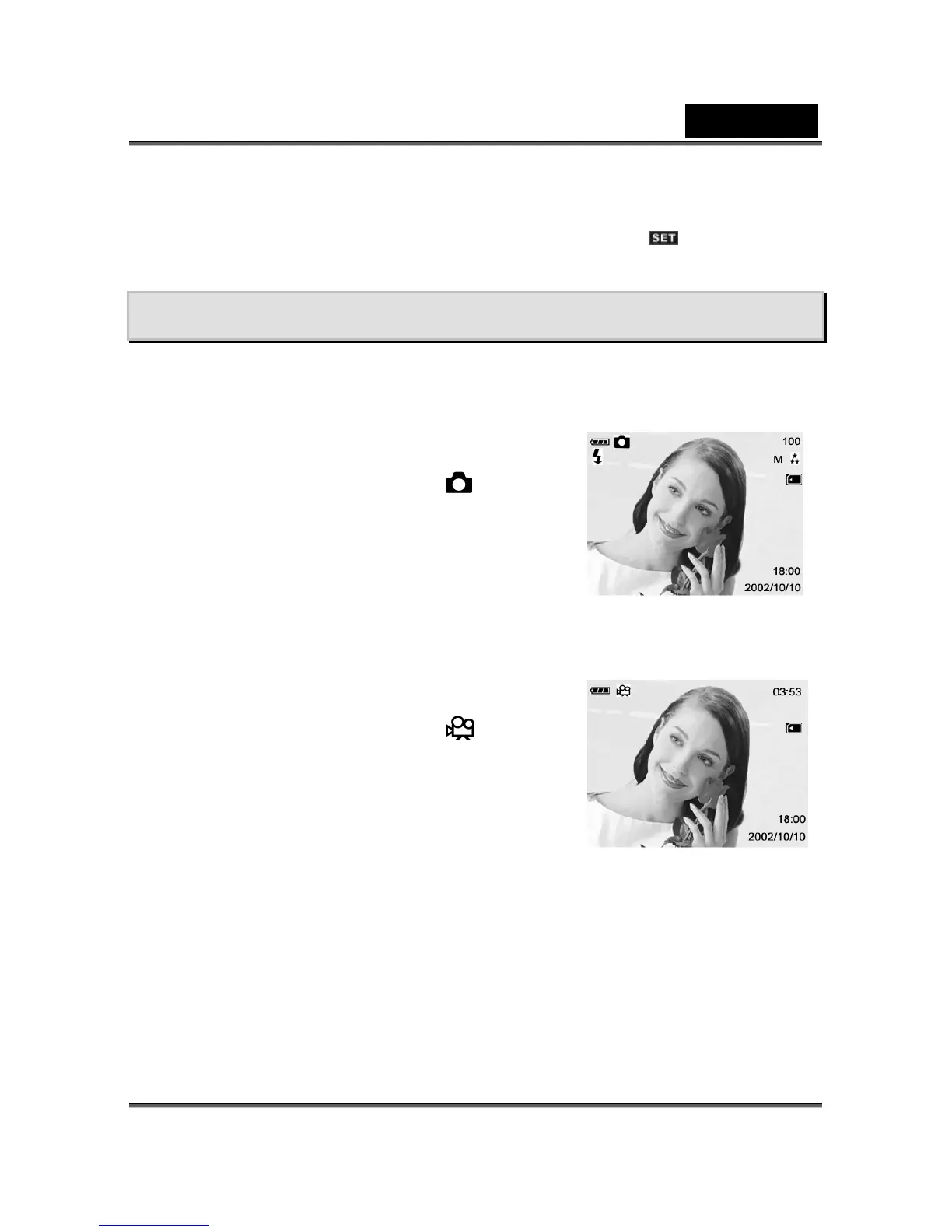
4-1 Recording a Still Image
To record a still image, perform the following:
1. Click the Power button to turn on the camera.
2. Toggle the MODE button to select the
mode.
3. Look at the image on the image LCD display or
viewfinder to compose your shot.
4. Press the shutter button.
4-2 Recording a Video Clip
To record a video clip:
1. Click the Power button to turn on the camera.
2. Toggle the MODE button to select the
mode.
3. Start recording a video clip by pressing the shutter
button.
The elapsed time is displayed on the image LCD
display.
To stop recording, press the shutter button.
4-3 Imaging Tips
For a successful image, please follow these suggestions.



 To Next Page