English
-20-
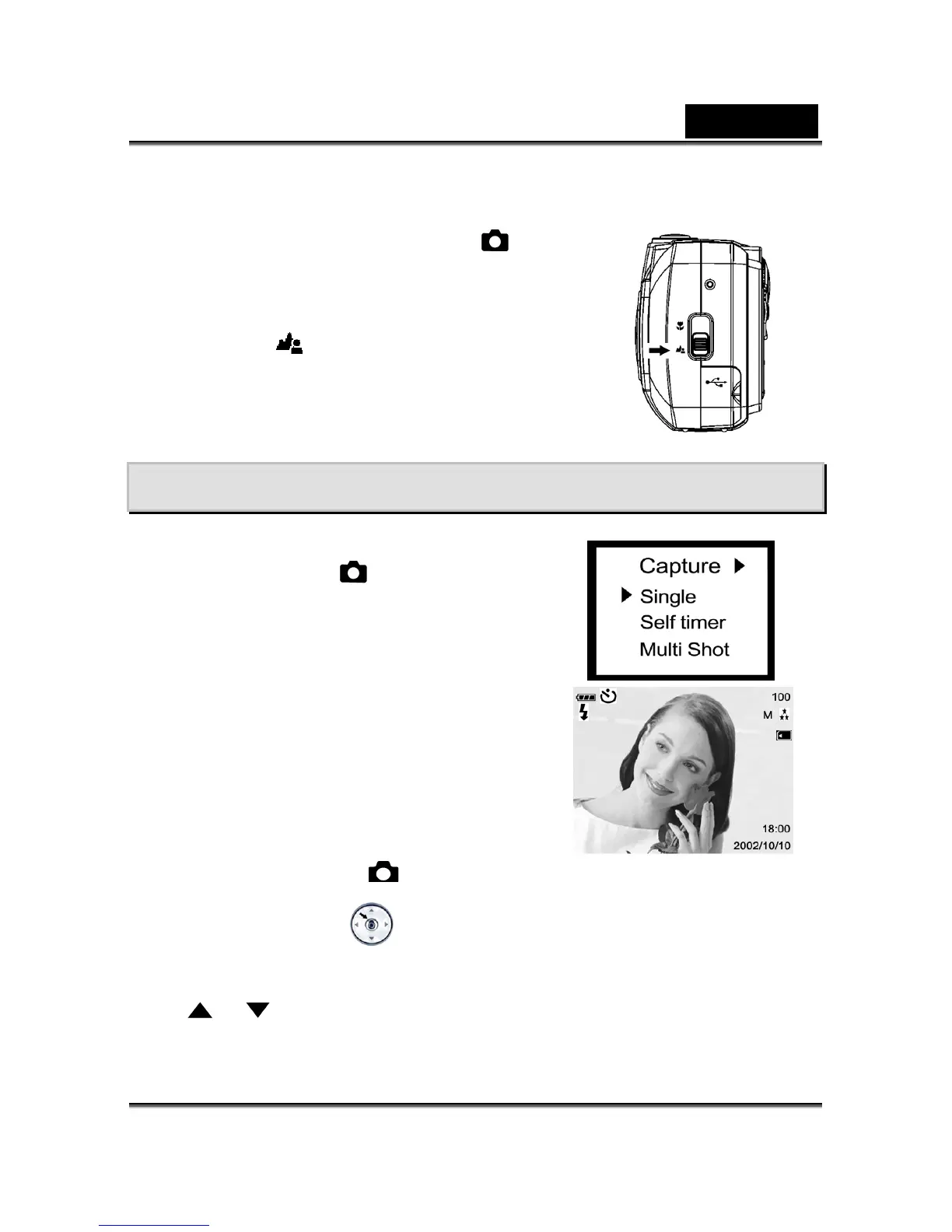
4-12 Portrait and Landscape Button
1. Open the lens cover, then the mode dial to mode,
and power on the camera.
2. Move the focus switch located on the front side of the
camera to the
position.
3. Compose the picture.
4. Press the shutter button.
Chapter 5 Camera Menus
5-1 Record Mode
Single
To record a still image, please refer to section 4-1.
Self-Timer
This feature allows you to get into the scene when
taking group images.
1. Secure the camera to a tripod or place it on a
stable surface.
2. Click the Power button on the camera, and toggle
the MODE dial to select the
mode.
3. Press the MENU/ENTER
button into Capture menu, and select self-timer by using
the
or button.



 To Next Page