English
-29-
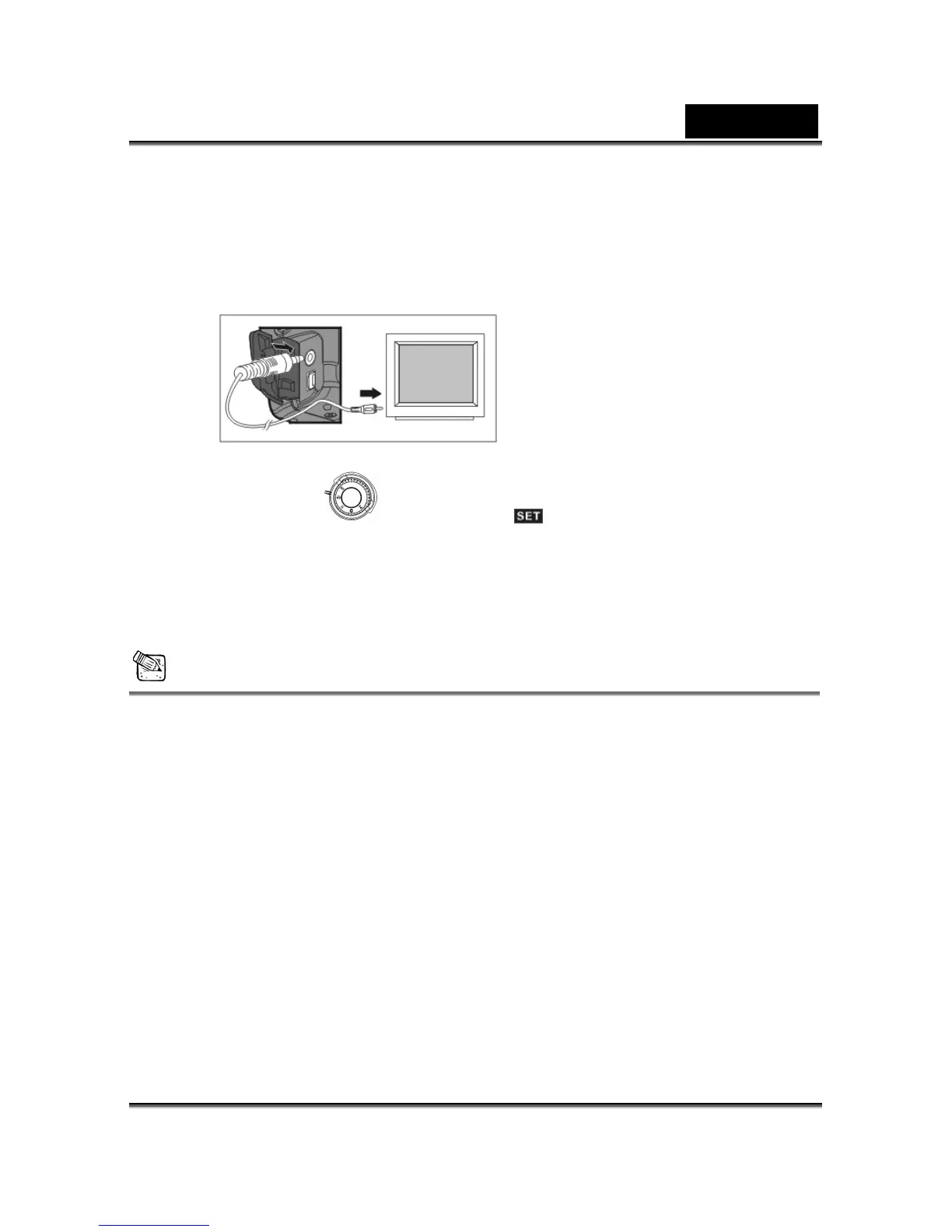
Using the TV-Out function offered by the camera, you can transfer images to other display
devices, e.g ages, follow this method:
TV-Out Operation
. a TV or computer. To transfer the im
1. Please select the pe for the co device before transferring images. correct video ty nnected
Turn the Mode Dial
to Setup Mode and select the correct video output
type for your selection: NTSC or PAL.
2. When you use this function; please use the video cable provided with the camera to
connect the camera and output device.
You can3. turn on the camera. There will no images shown on the LCD Monitor. All the
formation will be shown on the output device's display via the video output images and in
cable.
NOTE
display status on the
LCD Monitor, please disconnect the video cable from the camera.
e , select "disable" for this setting.
The camera will perform normally when you enable the TV-Out function. The only
difference is the location to show the images, and the image information will be from the
LCD Monitor to the video output device's display.
While using the camera, after you connect the video cable to the camera, the images will
be no longer shown on the LCD Monitor. If you want to restore the
Frequency
The camera supports different lighting frequencies: 50Hz and 60Hz. When photography
nder fluorescent lighting, select the correct frequency setting depending on your local u
area's voltage. How ver, under other lighting situation



 To Next Page