English
-32-
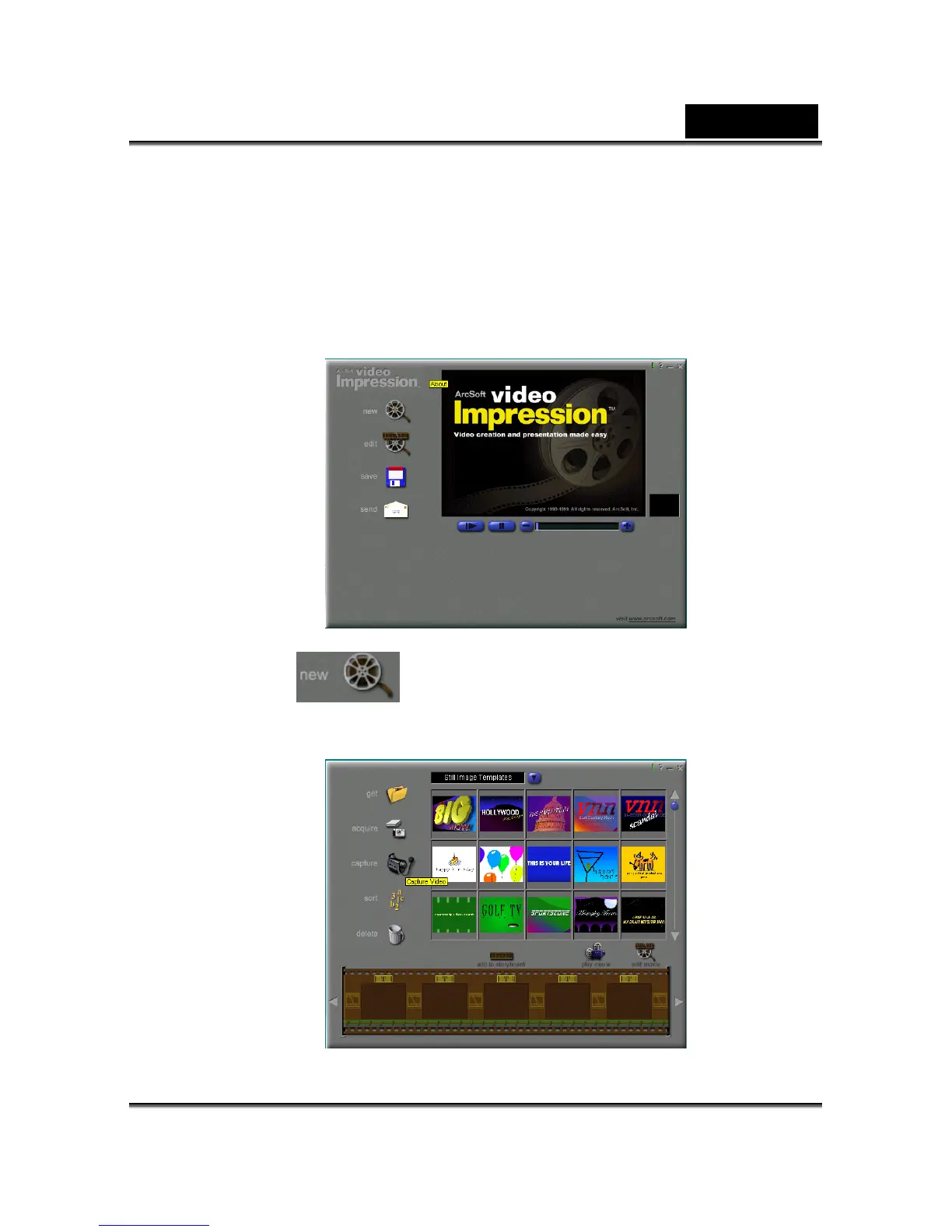
urn your PC on if it isn’t already on. Click the Start button in the Windows Taskbar, and
elect Programs > ArcSoft VideoImpression > VideoImpression. The following
ideoImpression main screen will appear.
ick the New button
Step 3:Running software application (for example: ArcSoft
ideoImpression) V
T
s
V
Cl
and the following Album screen will appear.



 To Next Page