1.5.8
SURVEYING METHODS CHAPTER 5
GEODIMETER SYSTEM 600
How to work with remote surveying
First turn on your instrument and make the necessary setup;
activate compensator, enter PPM-parameters, etc. Then select
radio channel in MNU1.5. In the following examples we will
use a larger display appearance for the RPU.
Remote
Surveying
Note-Station Establishment
Station Establishment is described in chapter 1.3.
If you don’t want to use the station coordinates according to
2 Known station, 3 Free station or 4 Known Station+ you
can choose 1 OK. In this case the horizontal angle (HAref)
that was set in the station unit will be used.
Note !
☛
Station
Establish-
ment, see
chapter 1.3
for more
informa-
tion.
1
4
RPU RPU
3
STD P0 16:12
HA: 72.0000
VA: 90.0000
or
Remote 16:12
1 OK
2 Known station
3 Free station
RPU 16:12
1 Autolock
2 Manual
3 Remote <–
See next page
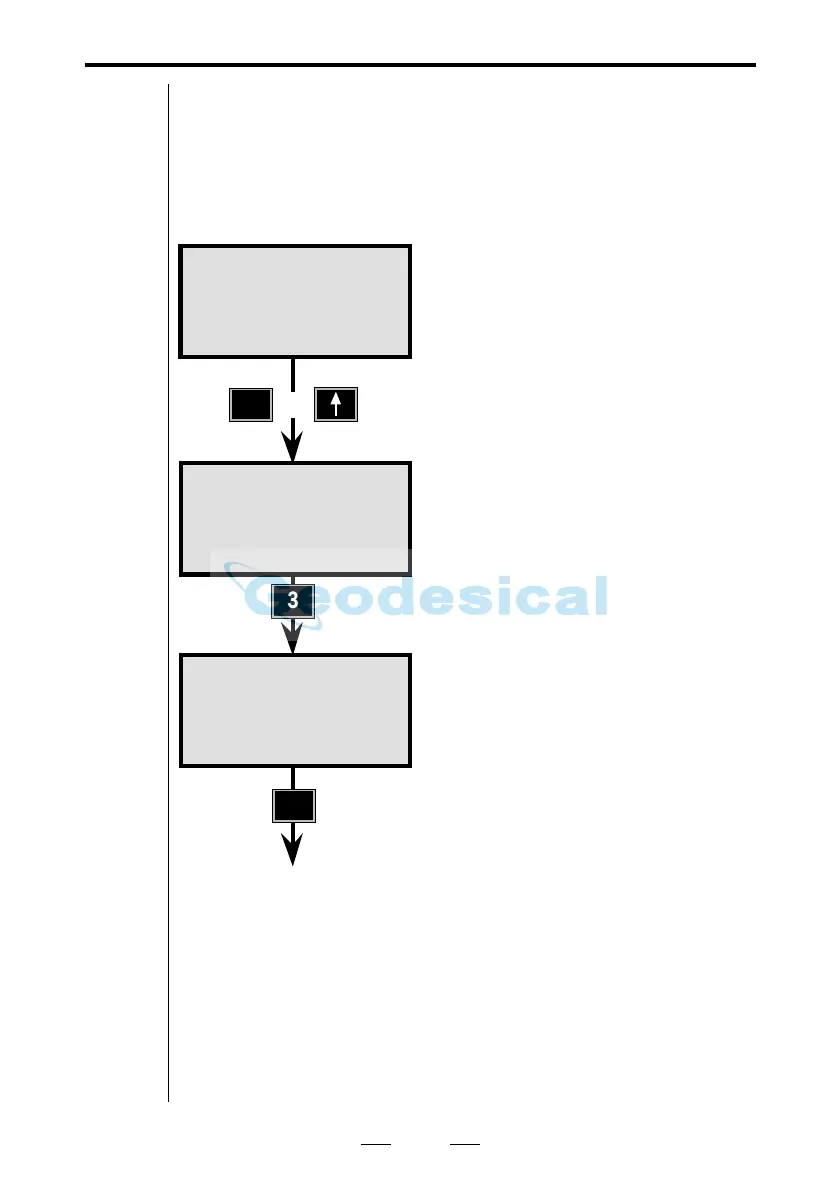
First press the "RPU"-button on
the instrument.
To be able to work with robotic
surveying, press 3 Remote.
Now choose method of station
establishment: 1 OK, 2 Known
Station, 3 Free Station or 4 Known
Station+. In this case we choose 1
OK.



 To Next Page