1.2.5
PRE-MEASUREMENT CHAPTER 2
GEODIMETER SYSTEM 600
ENT
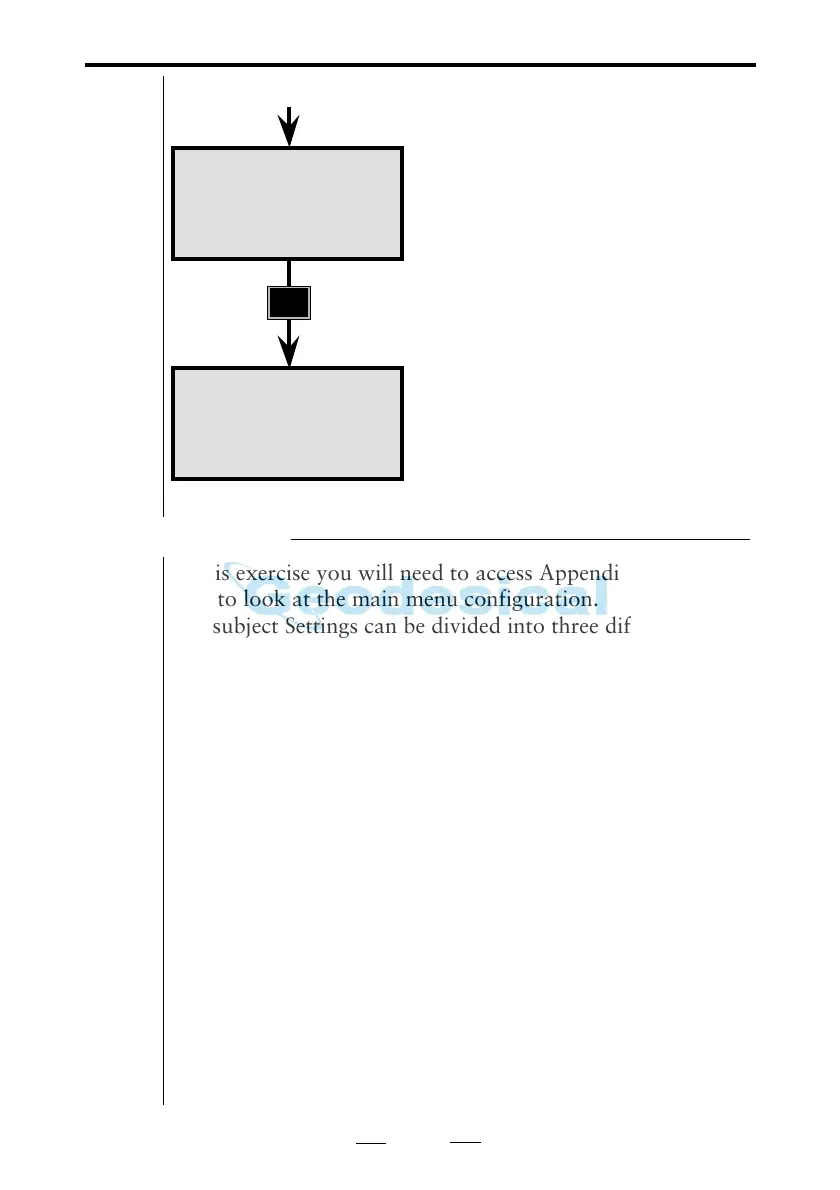
P0 18:20
HA: 192.8225
HAref=
STD P0 18:20
HA: 192.8230
VA: 91.7880
As no measurements are to be made,
press only ENT.
Here you come automatically to the
Standard Measurement mode. As no
measurements are going to be made at
the moment, we will continue with the
Pre-Setting routine.
From previous page
Pre-Settings
In this exercise you will need to access Appendix B at time to
time to look at the main menu configuration.
The subject Settings can be divided into three different
categories:
Measurement settings – settings of PPM, Offset, HAref
and Station data. These settings will be dealt with in the
section "Start Procedure" on page 1.3.2.
Special measurement settings – these range from the
setting of decimal place and defining display tables to
setting different switches. These settings will be dealt
with on page 1.2.12 "Special Settings".
Pre-Setting – settings which can be decided and executed
in advance are the following: MNU 65 = Unit (i.e metres,
feet, grads, degrees, etc) and MNU 14 = Time & Date.
Note - Coordinate System
Start with checking your coordinate system setting with
menu 67, see page 1.3.9.
❑
❑
❑



 To Next Page