2.7.15
DATA LOGGING CHAPTER 7 GEODIMETER SYSTEM 600
Geodimeter System 600 can be connected to an external
device via a built in serial interface (RS-232) as described on
the previous pages. This part of the manual will describe how
to transfer data from and to the Geodimeter instruments.
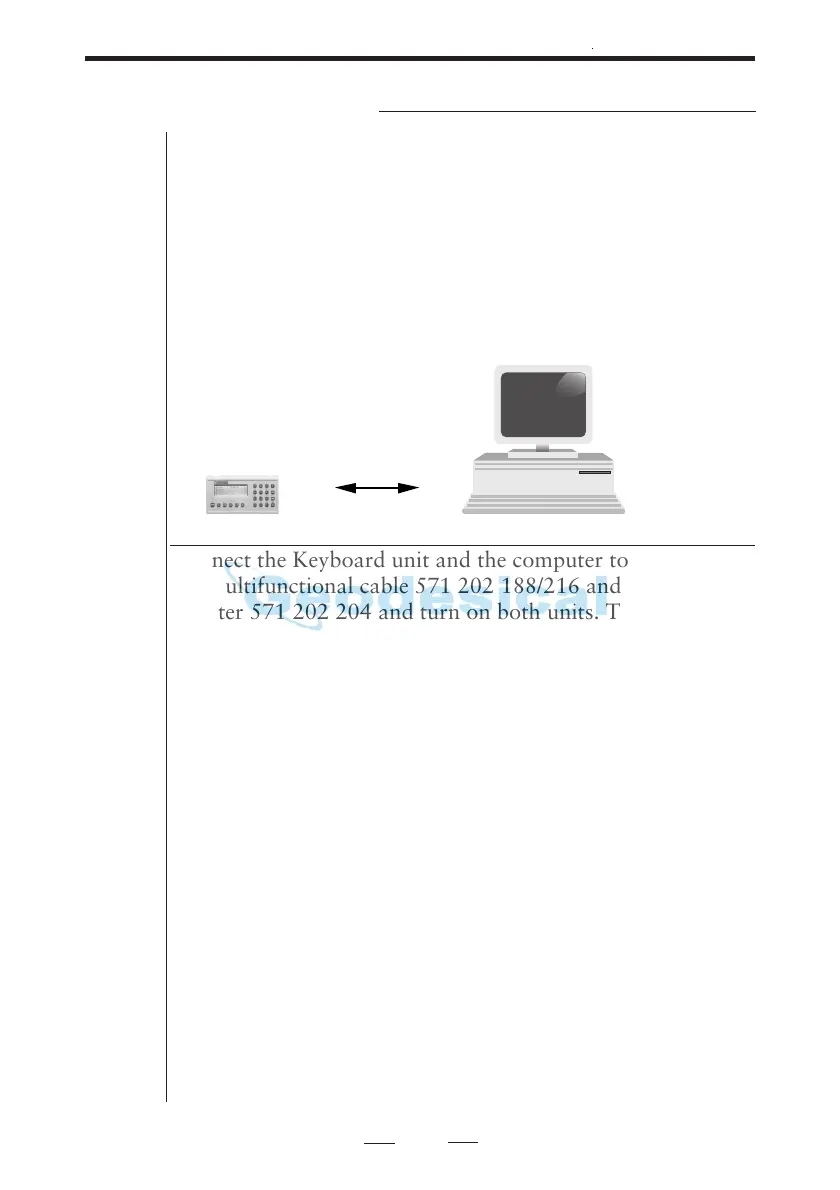
Keyboard unit Personal Computer
Connect the Keyboard unit and the computer to a battery via
the multifunctional cable 571 202 188/216 and the computer
adapter 571 202 204 and turn on both units. There are two
ways to transfer data between these units:
1. Program 54 (not for Card Memory-PC)
Enter program 54 at the Keyboard unit and choose (From
Imem, To Serial) to transfer files from the Keyboard unit to
the computer or choose (From Serial, To Imem) to transfer
files in the other direction. In the second case the transfer is
initiated by copying the file from the computer to the com-
munication port. See more about program 54 on page 2.7.18.
2. RS-232 commands
By sending the appropriate commands from the computer
you can transfer data between the Keyboard unit and com-
puter. Look at page 2.7.10 for a list of serial commands or
see the Geodimeter Software & Data communication manual
for further information.
Data Communication



 To Next Page