1.2.12
PRE-MEASUREMENT CHAPTER 2
GEODIMETER SYSTEM 600
ENT
ENT
Special Settings
The special measurement settings range from defining display
tables, setting decimal place and setting different switches
such as: Targ. test, Pcode and Info ack.
Various display combinations can be created by the operator.
However, we consider the following 3 tables as standards
and we have chosen them to be the default.
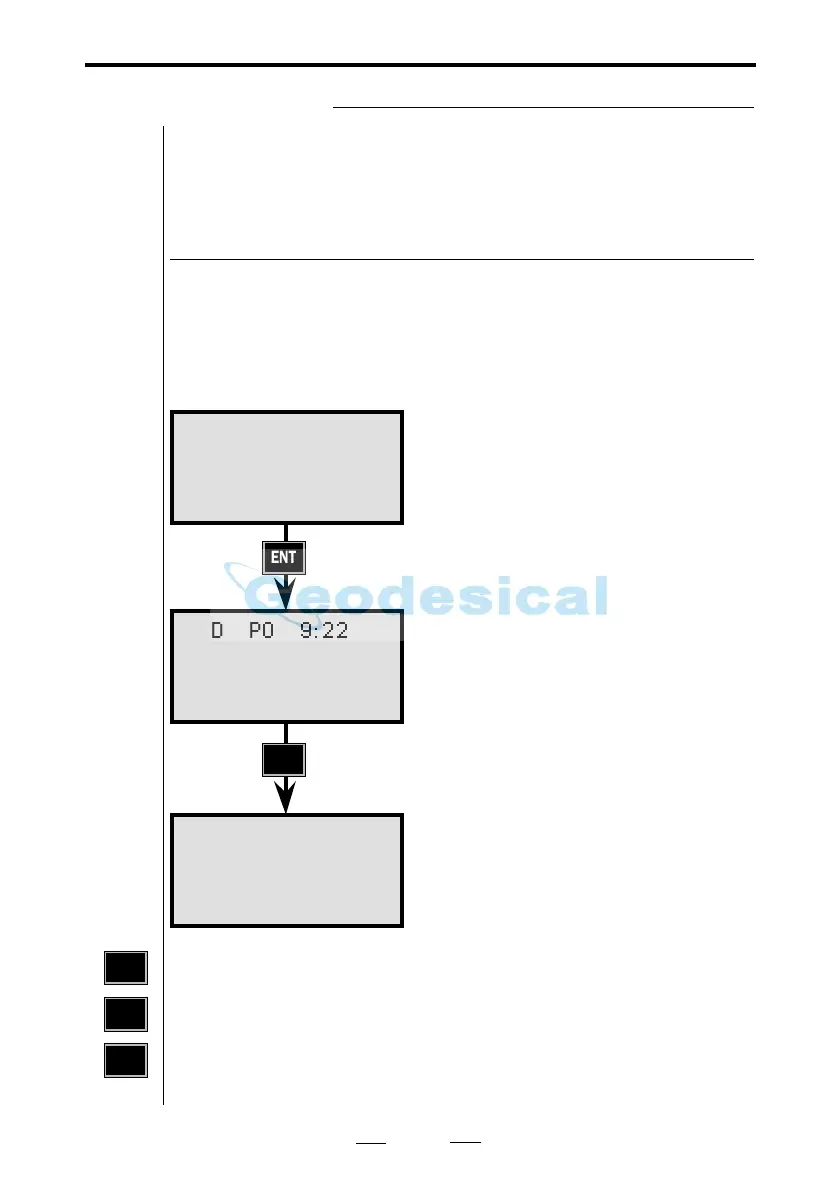
Table 0 (Standard)
Other settings can be made with the help of the main menu
using MNU 64 and option No. 2, Create Display e.g MNU
642.
There are 5 tables available (Tables 1–5). Table 0 is standard
and cannot be changed (see above). 16 different pages can be
defined in each table or 48 using only one table. 3 rows can
be specified on each page.
STD P0 9:22
HA:
HD:
VD:
STD P0 9:22
N:
E:
ELE:
Create & Select display tables
STD P0 9:22
HA:
VA:
SD:
MNU
6
4
Horizontal Angle
Vertical Angle
Slope Distance
Horizontal Angle
Horizontal Distance
Vertical Distance
Northing
Easting
Elevation



 To Next Page