1.2.13
PRE-MEASUREMENT CHAPTER 2
GEODIMETER SYSTEM 600
ENT
ENT
MNU
6 4
2
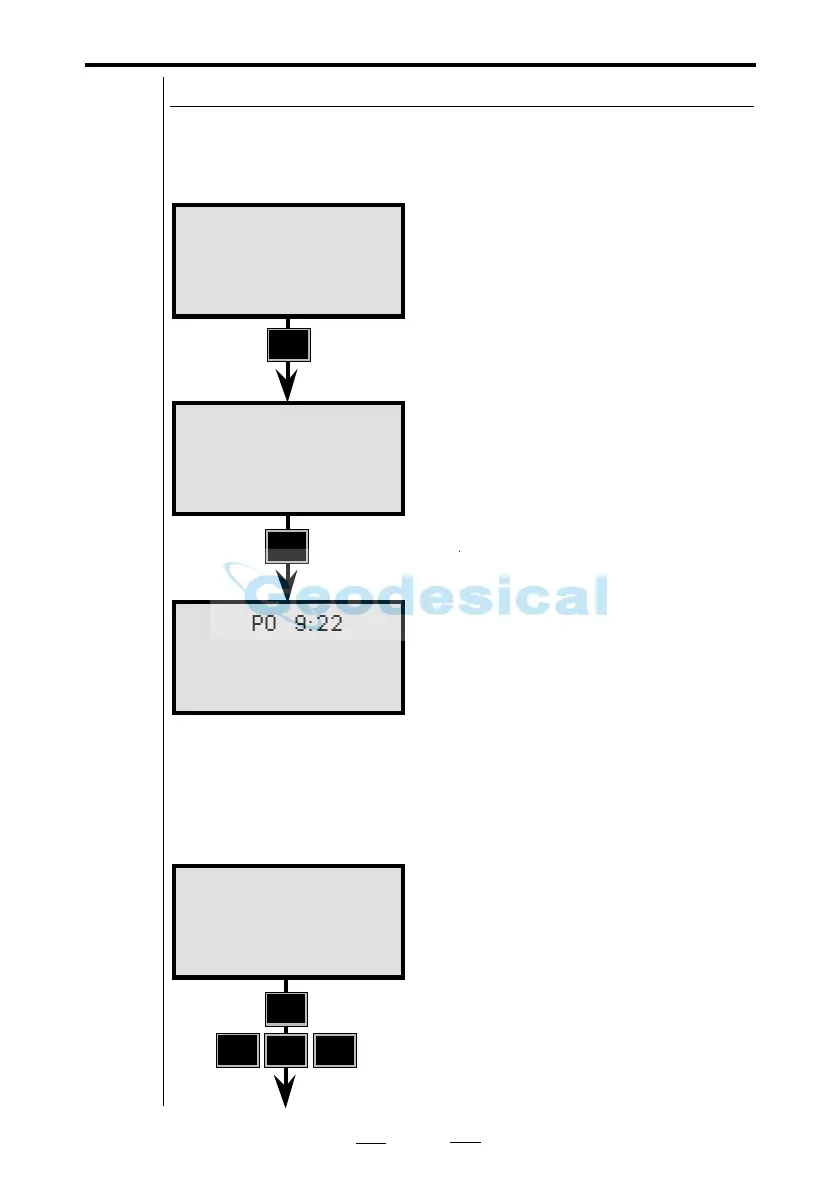
To give you an idea as to how this works, let us take a look
at our standard table 0. After measuring the distance the
following will be displayed:
STD P0 9:22
N:
E:
ELE:
Page 1
Page 2
Page 3
If for example you would like to display eastings before
northings, you can change the display table according to the
following example: (page 1 and 2 unchanged)
Create Display
To be able to set your own display
tables you have to access the main
menu.
Press MNU 642.....
Create & Select a new display
STD P0 9:22
HA:
VA:
SD:
STD P0 9:22
HA:
HD:
VD:
See next page
STD P0 9:23
HA: 123.4565
VA: 99.8755



 To Next Page