2.7.2
DATA LOGGING CHAPTER 7 GEODIMETER SYSTEM 600
Data Recording
* Only in D-bar. Normally C1 angles is read in label 7 and 8. But in
D- bar label 7 and 8 is the allover mean value.
HA
VA
HA II
VA II
HAI
VAI
dH
dV
SD
HD
dHT
VD
N (X)
E (Y)
Ele (Z)
Xr
Yr
Horiz. Angle
Vert. Angle
Horiz. Angle C2
Vert. Angle C2
Horiz.Angle C1
Vert. Angle C1
Horiz. Diff.
Vert. Diff.
Slope Dist.
Horiz. Dist.
Diff. in Height
Vert. Dist
North. Coord.
East. Coord.
Elev. Coord.
Rel. Coord. North.
Rel. Coord. East.
Instrument Data
Tab 7:1
Data for
recording.
7
8
17
18
24*
25*
16*
19*
9
11
10
49
37
38
39
47
48
Label
Prompt
The recording of data when using Geodimeter System 600 is
based on the general system of labels and label numbers
which describe the different data items. The system has 109
different labels, which all can be registered as separate items
directly from the keyboard of the instrument, or they can be
recorded using the User Definable Sequences available in the
additional software (UDS).
Angle registration can be carried out during both single and
double face measurements.
The angle values are measured in face II by pressing the A/M-
key and can then be displayed and recorded in the face I
position. In this case angle recording is carried out under
separate labels for face I and face II. Instrument data can be
recorded according to tab 7.1 (see below).
Data is always stored in the keyboard unit attached at the
back, even if two keyboard units are attached.
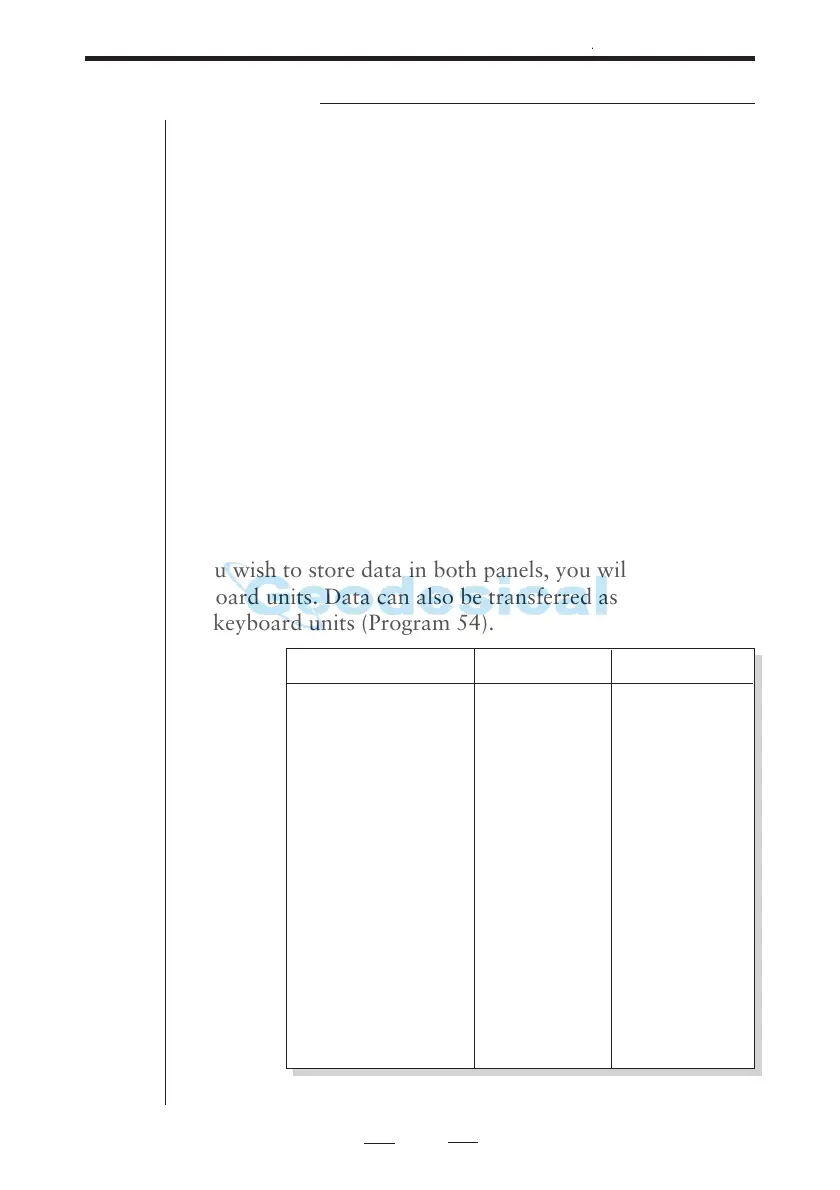
If you wish to store data in both panels, you will have switch
keyboard units. Data can also be transferred as a file between
two keyboard units (Program 54).



 To Next Page