1.2.11
PRE-MEASUREMENT CHAPTER 2
GEODIMETER SYSTEM 600
ENT
STD P0 18:20
HA: 192.8230
VA: 91.7880
Time 18:20
Numerical ?
Here you are able to select which type
of date system you want – e.g
Numerical?,
12h mm-dd-yyyy or 24h mm-dd-yyyy
and also if you want to change to dd-
mm-yyyy. Let's press YES or ENT for
Numerical.
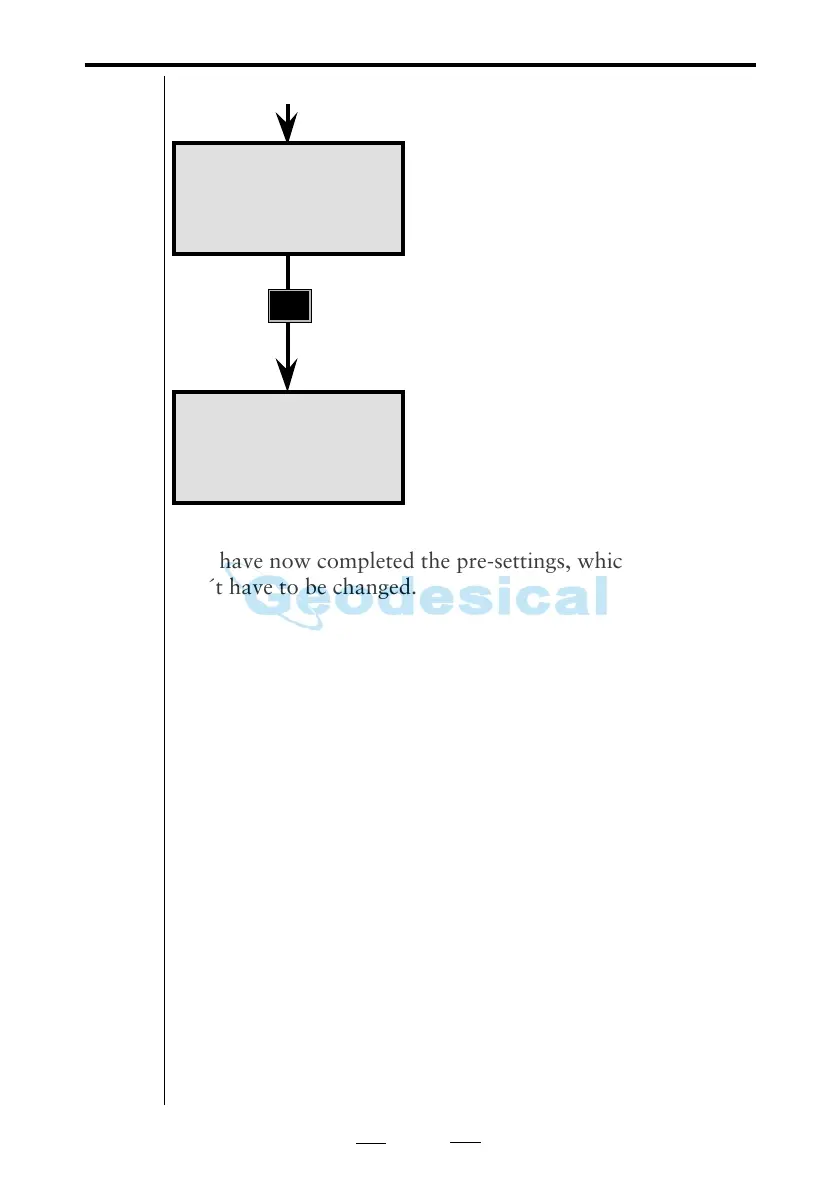
You are returned to the Standard
mode program 0 (P0).
You have now completed the pre-settings, which normally
don´t have to be changed.
If the instrument has been delivered for service you should
check time & date as these parameters might have been
changed.
As from program version 632-04.03 the change from year
1999 to 2000 will be handeled automatically by the system.
In earlier program versions you have to change the year
manually using F52 and F51.
From previous page
Note!
☛
Check after
service
Note!
☛



 To Next Page