2.7.16
DATA LOGGING CHAPTER 7 GEODIMETER SYSTEM 600
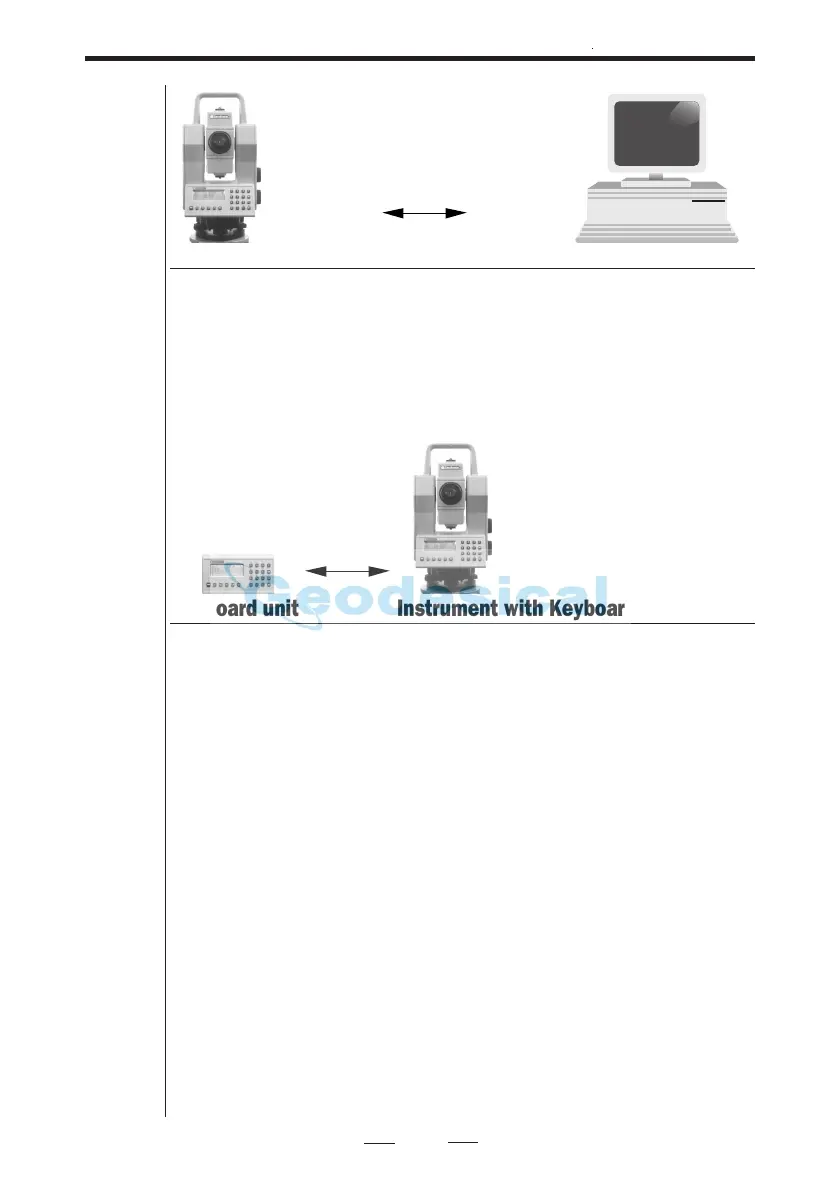
Instrument with Keyboard unit Personal Computer
Connect the instruments tribrach contact and the computer
to a battery via the multifunctional cable 571 202 188/216
and the computer adapter 571 202 204 and turn on both
units. Then follow the Keyboard unit-Personal Computer
instructions for file transfer between the two units.
Keyboard unit Instrument with Keyboard unit
Connect the instruments tribrach contact and the Keyboard
unit via the cable 571 202 188/216. Turn on both units and
enter program 54. First choose (From Serial, To Imem) at the
unit that are to receive data then choose (From Imem, To
Serial) at the unit that are to send data. See more information
about program 54 at page 2.7.18.
Note !
Do not connect the Keyboard unit to the External Radio
(571 180 810) through the T-connector (571 202 312) when
an external battery is already connected to the T-connector,
as this will destroy the battery. When the Keyboard unit and
the External Radio are to be connected, the internal battery
inside the radio should be the only power source.


 To Next Page
 Loading...