2.7.14
DATA LOGGING CHAPTER 7 GEODIMETER SYSTEM 600
4
MNU
1
3
3 Xmem
Select MNU 413 for output to the Geotronics card memory
if it is attached to the panel on the back of the instrument.
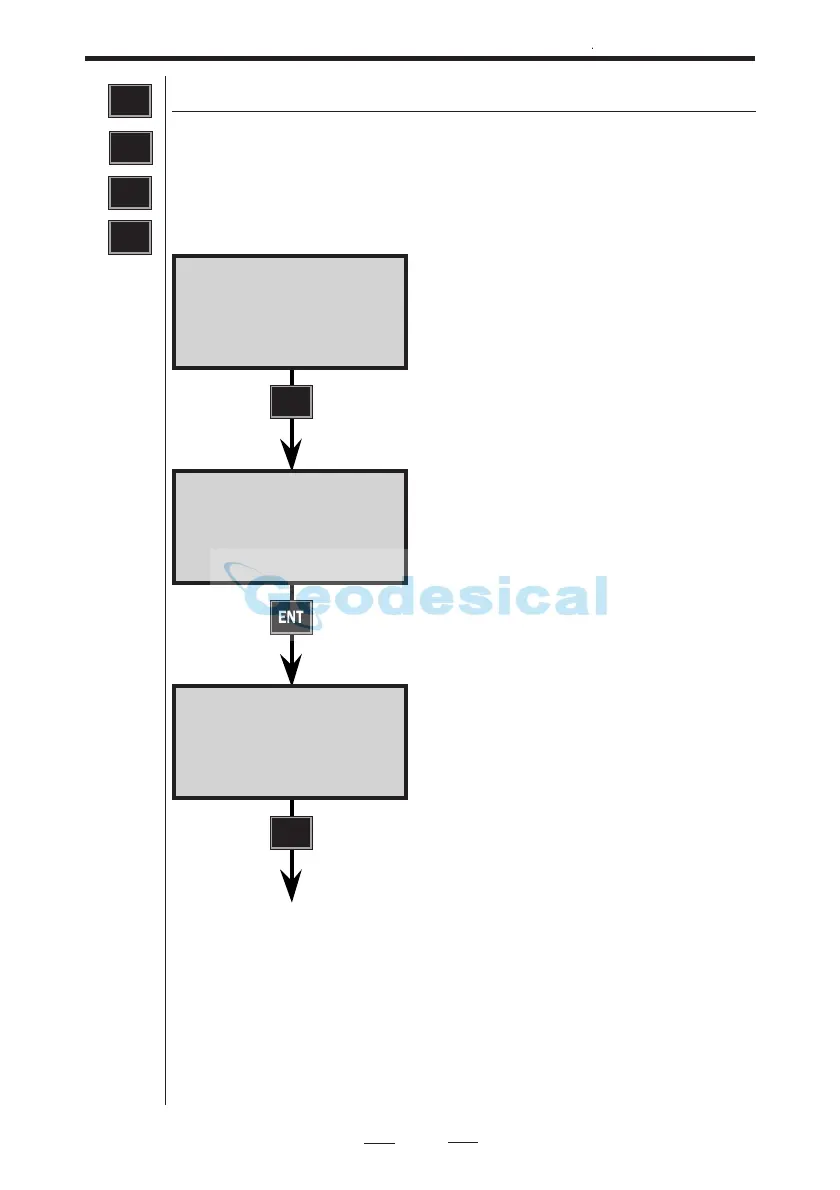
The setup procedure contains the following display
instructions:
Xmem 10:16
Xmem ON?
YES to continue, NO to interrupt.
Press YES or ENT.
Select output table number=0,1,2,3,4
or 5 and then press ENT.
Control of the output can be done by
pressing the REG key of the instru-
ment (REG key?) or continuously
(Slave?). Choice of method is made by
answering YES or ENT to one of the
questions.
ENT
Xmem 10:16
Table no=
ENT
Xmem 10:16
REG key?
ENT



 To Next Page