1.2.6
PRE-MEASUREMENT CHAPTER 2
GEODIMETER SYSTEM 600
MNU
6
5
ENT
Set unit (e.g metres, feet, grads, degrees, etc)
STD P0 18:20
HA: 192.8230
VA: 91.7880
Menu 18:20
1 Set
2 Editor
3 Coord
Config. 18:21
4 Display
5 Unit
6 Language
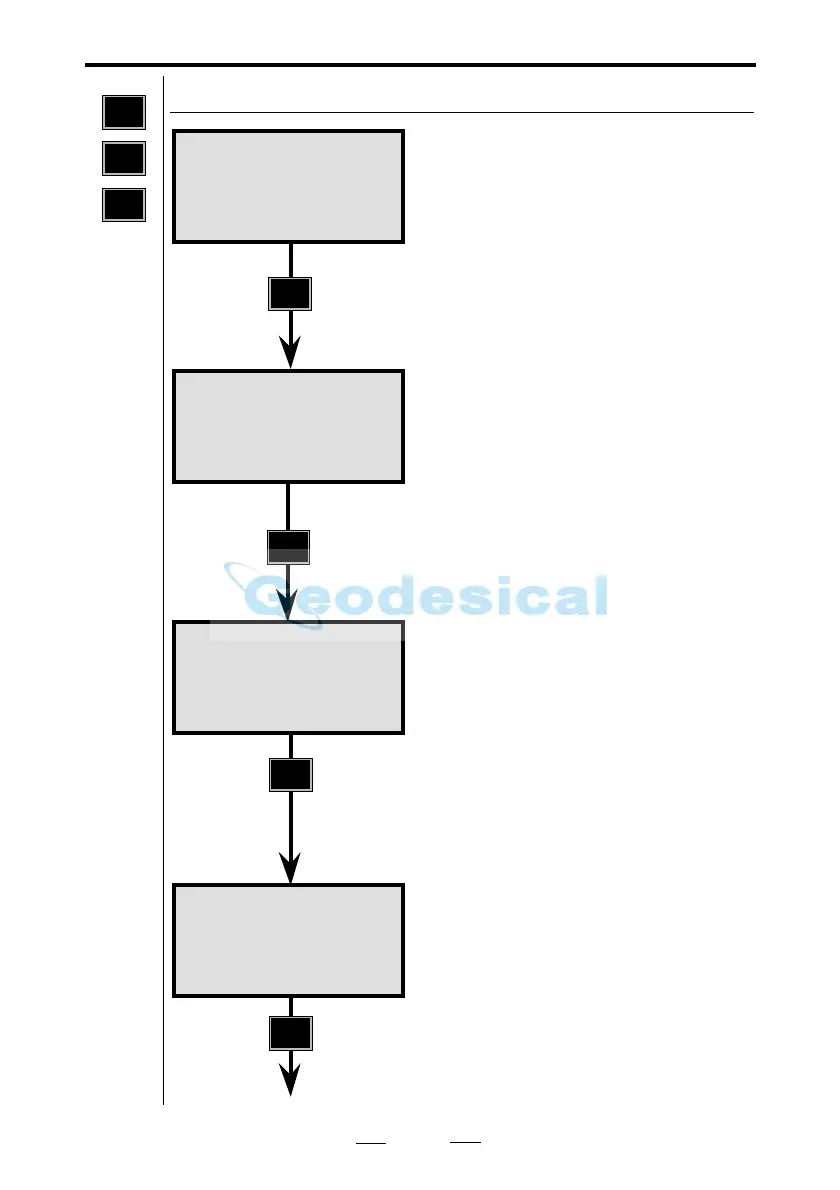
Now it is time to make use of the
menu function. Press the MNU key.
You are going to begin the CONFIG
routine. Press 6.
Step by pressing ENT.
Note!
This is not needed. If you know the
"code" for desired function just key
in the entire code, in this case 65 in
order to save key-strokes.
You are going to set the unit para-
meters – i.e., metres, feet, grads,
degrees, etc.
Press 5.
See next page
MNU
6
5
Note!
☛
Config. 18:21
1 Switches
2 Standard Meas
3 Decimals



 To Next Page