1.2.7
PRE-MEASUREMENT CHAPTER 2
GEODIMETER SYSTEM 600
ENT
ENT
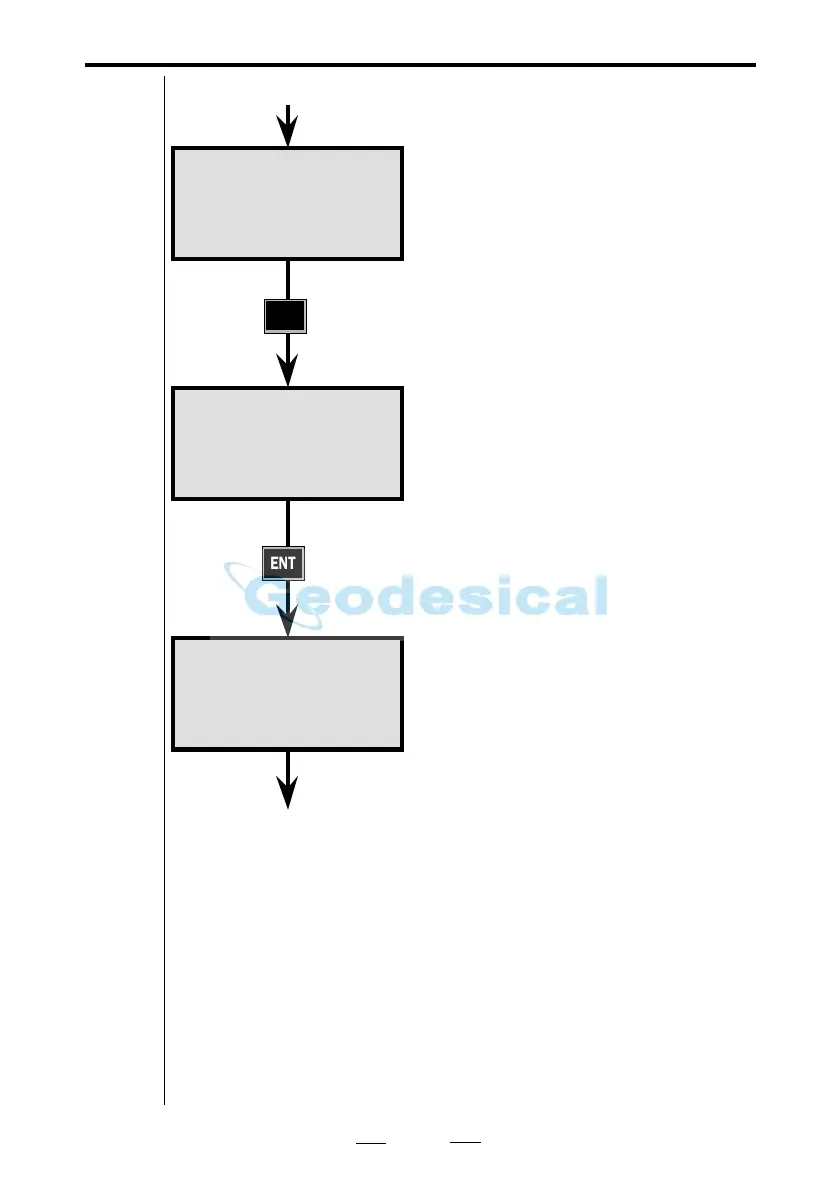
Answer YES or ENT to accept the
displayed unit or NO if you want to
change to feet.
Here press ENT.
Answer YES or ENT to accept, or NO
if you want to change to degrees,
decimal degrees or Mills.
Here press ENT.
After you have answered YES or NO
to the choice of temperature unit, the
air pressure unit and Wet Tempera-
ture/Humidity, the display
automatically changes to Program 0
and MNU1.1.
Note! "Wet Temperature" must
always be a lower figure than "Temp"
otherwise you'll get an error message
in the display.
From previous page
See next page
Config. 18:22
Metre?
Config. 18:22
Metre
Grads?
Config. 18:22
Metre
Grads
Celsius?
By pressing F23 you can see the units you have choosen
according to the following: xxx1= Grads (400), xxx2=
Degrees (360, min, sec), xxx3= Decimal Degrees (360),
xxx4= Mills (6400), xx1x= Meter, xx2x= Feet, x1xx= Cel-
sius, x2xx= Fahrenheit, 1xxx= mbar, 2xxx= mmHg, 3xxx=
inchHg, 4xxx= hPa.
Example: F23 shows '3121' means that inchHg, Celsius, Feet
and Grads have been choosen .
Note!
☛
F23
Note!
☛



 To Next Page