1.5.21
SURVEYING METHODS CHAPTER 5
GEODIMETER SYSTEM 600
Search functions in robotic surveying
When you are surveying with Geodimeter 600 Pro in robotic
mode there is a number of search functions that can be very
useful depending on actual application. These functions are
described below.
4
RPU RPU
1
3
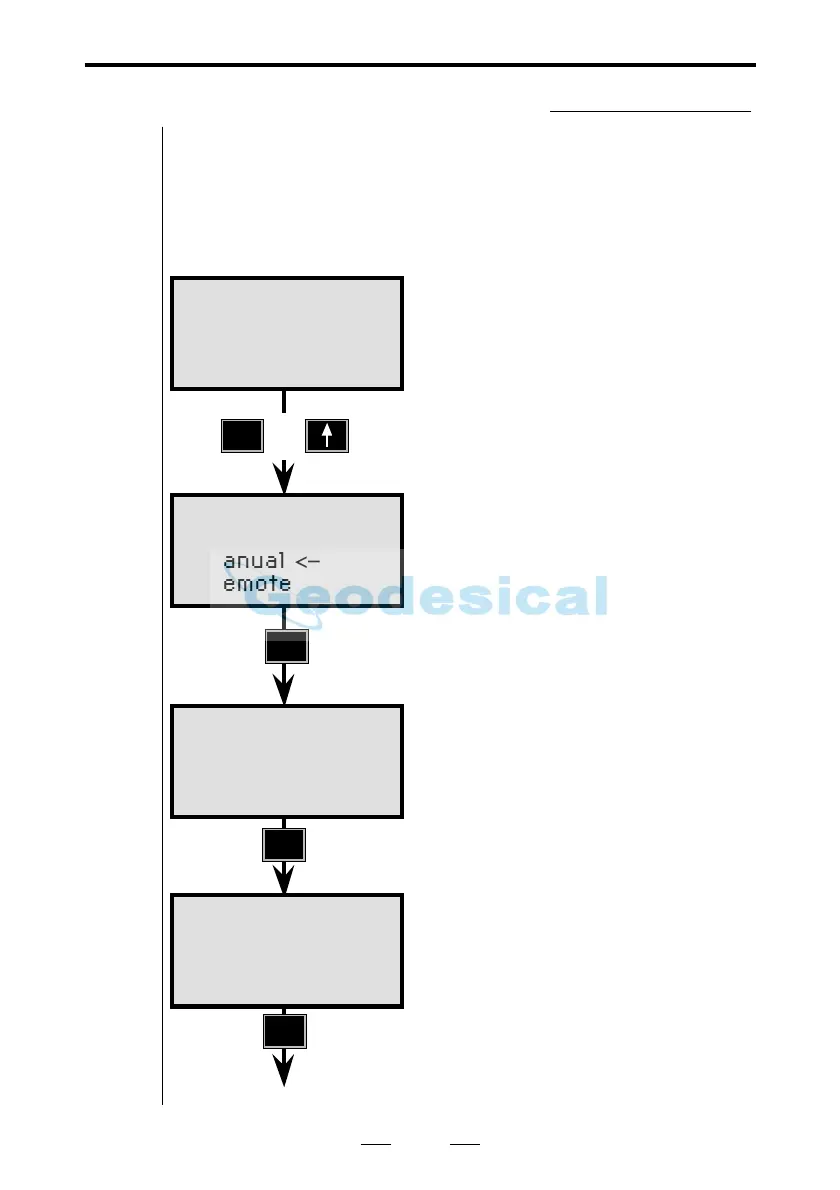
First press the "RPU"-button on the
instrument.
Choose 1. Autolock for robotic
surveying.
Press 3 Search control.
Here you can choose which
function(s) you want to use. Switch
between on and off by pressing the
corresponding numeric key.
Confirm by pressing ENT
STD P0 16:12
HA: 72.0000
VA: 90.0000
RPU 16:12
1 Autolock
2 Manual
<–
3 Remote
or
Remote 16:12
1 OK
2 Window control
3 Search control
See next page
Remote 16:12
1 Automatic: on
2 Adv.lock: off
3 RMT600TS: off
ENT



 To Next Page